

Overview
Bruno supports OAuth 2 authentication at collection, folder and request levels:- Collection Level: Configure once and share across all requests in the collection
- Folder Level: Configure for a specific folder and share across all requests within that folder
- Request Level: Configure for individual requests, providing maximum flexibility
Features & Improvements
- Simplified Configuration: You no longer need to separately configure authorization and resource requests
- Automatic Token Management: No scripting is required to set headers for the resource URL
- Automatic Token Injection: Bruno automatically adds the token to request headers or parameters based on your configuration
- Token Data Access: Access token data using variables:
{{$oauth2.<tokenId>.access_token}}within the collection - Auto-fetch and Auto-refresh: Bruno can automatically fetch new tokens when needed and refresh tokens when they expire, providing a seamless authentication experience
Auto-fetch and Auto-refresh
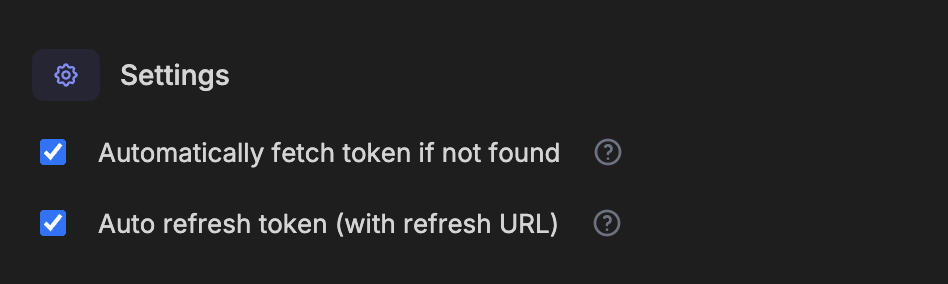
Bruno includes two powerful token management features:- Auto-fetch: Automatically fetches a new token when you try to access a protected resource and don’t have a valid token
- Auto-refresh: Automatically refreshes your token using the refresh URL when it expires
System Browser Support
Bruno now supports OAuth 2.0 authentication using your system browser. This provides:- Familiar UX: Use your default browser with saved passwords and extensions
- Better Compatibility: Enhanced support for OAuth providers that block embedded browsers
- Enhanced Security: Leverage your browser’s security features
Accessing OAuth2 Tokens in Scripts
You can access OAuth2 tokens in your scripts using thebru.getOauth2CredentialVar() function.