

Timeline Structure
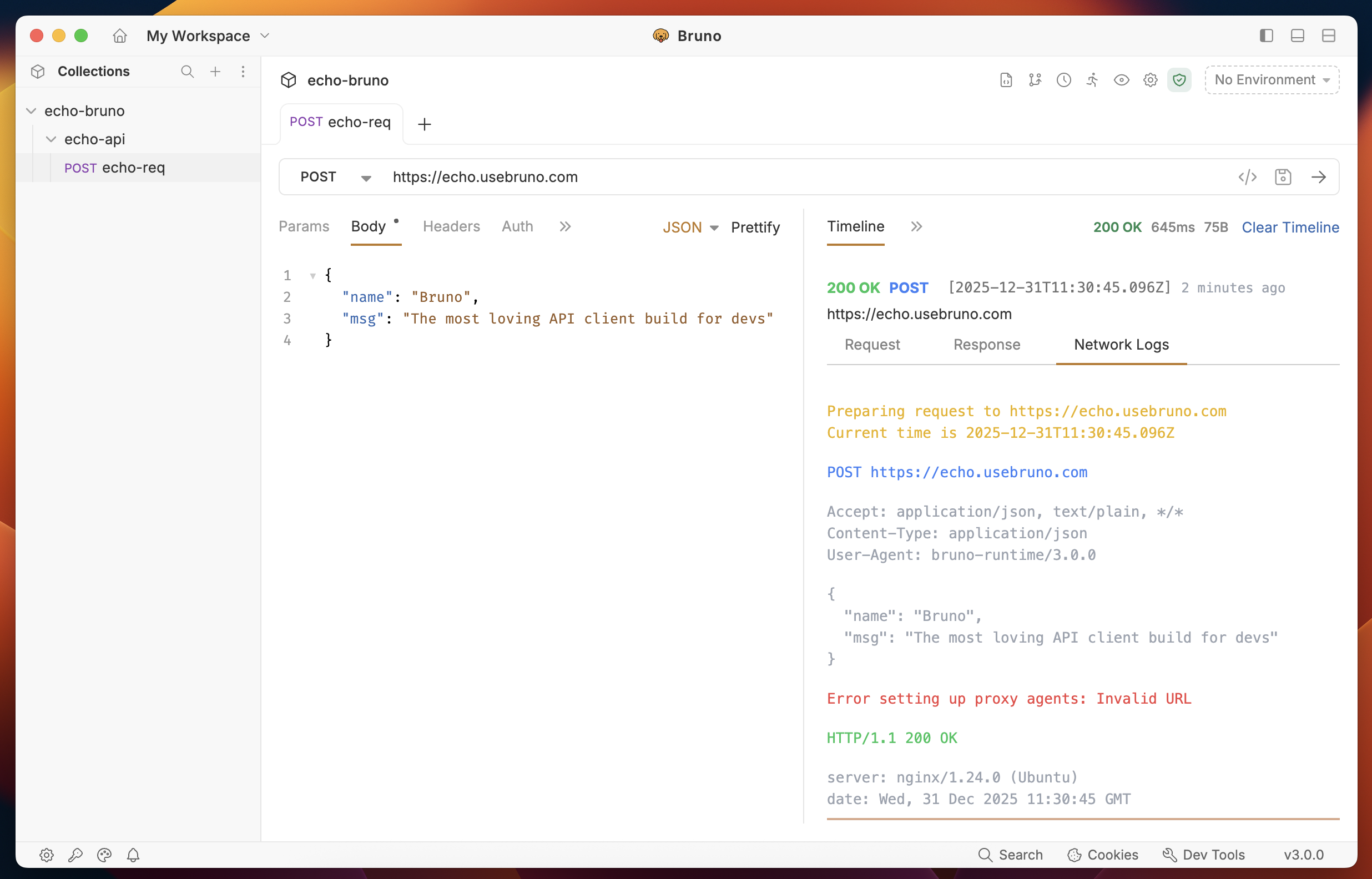
The Timeline tab is organized into three categories:- Request
- Response
- Network Logs
1. Request Tab
The Request tab displays everything that was sent with your API request:- URL - The complete endpoint URL
- Query Parameters - Query strings and path variables
- Request Body - The data payload sent with the request
- Request Headers - All headers included in the request
- Authentication - Authentication details and credentials
- Variables - Variables used in the request
2. Response Tab
The Response tab shows all information received from the server:- Status Code - HTTP status code of the response
- Response Headers - All headers returned by the server
- Response Body - The complete response data
- Response Size - Size of the response payload
- Execution Time - Time taken to complete the request
3. Network Logs Tab
The Network Logs tab provides low-level network insights for advanced debugging:- Request/Response Flow - Detailed timeline of the network transaction
- Network Timing - Breakdown of connection, DNS, SSL, and transfer times
- Protocol Details - HTTP version and connection information
- Debugging Information - Additional network-level diagnostics