

Configuration Steps
- Access Secrets Manager Settings
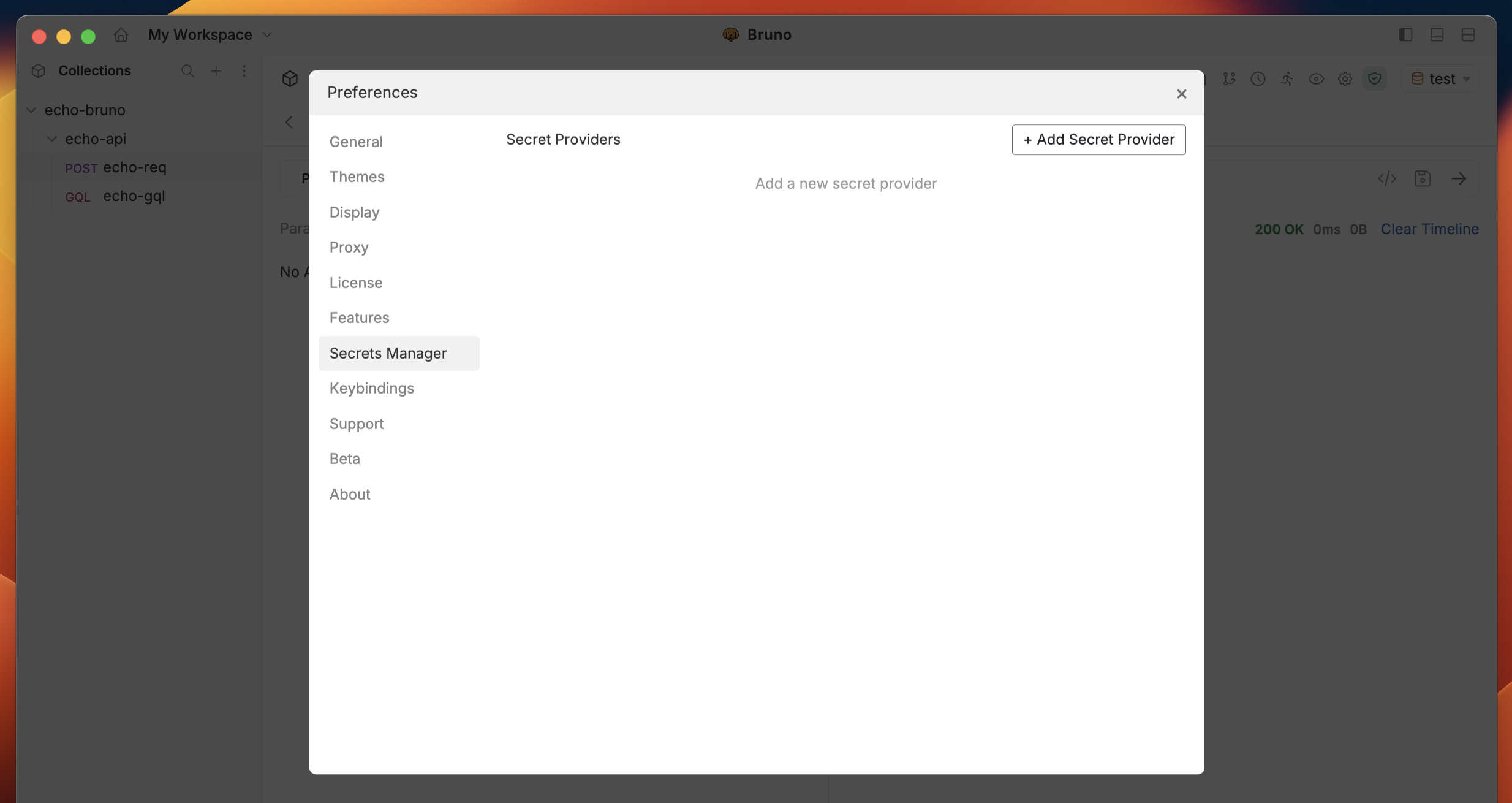
- Navigate to the application settings at the bottom of the left sidebar.
- Go to the Secrets Manager section.
-
Add a New Secret Provider
- Click the
+ Add Secret Providerbutton. - Select AWS Secrets Manager as the provider type.
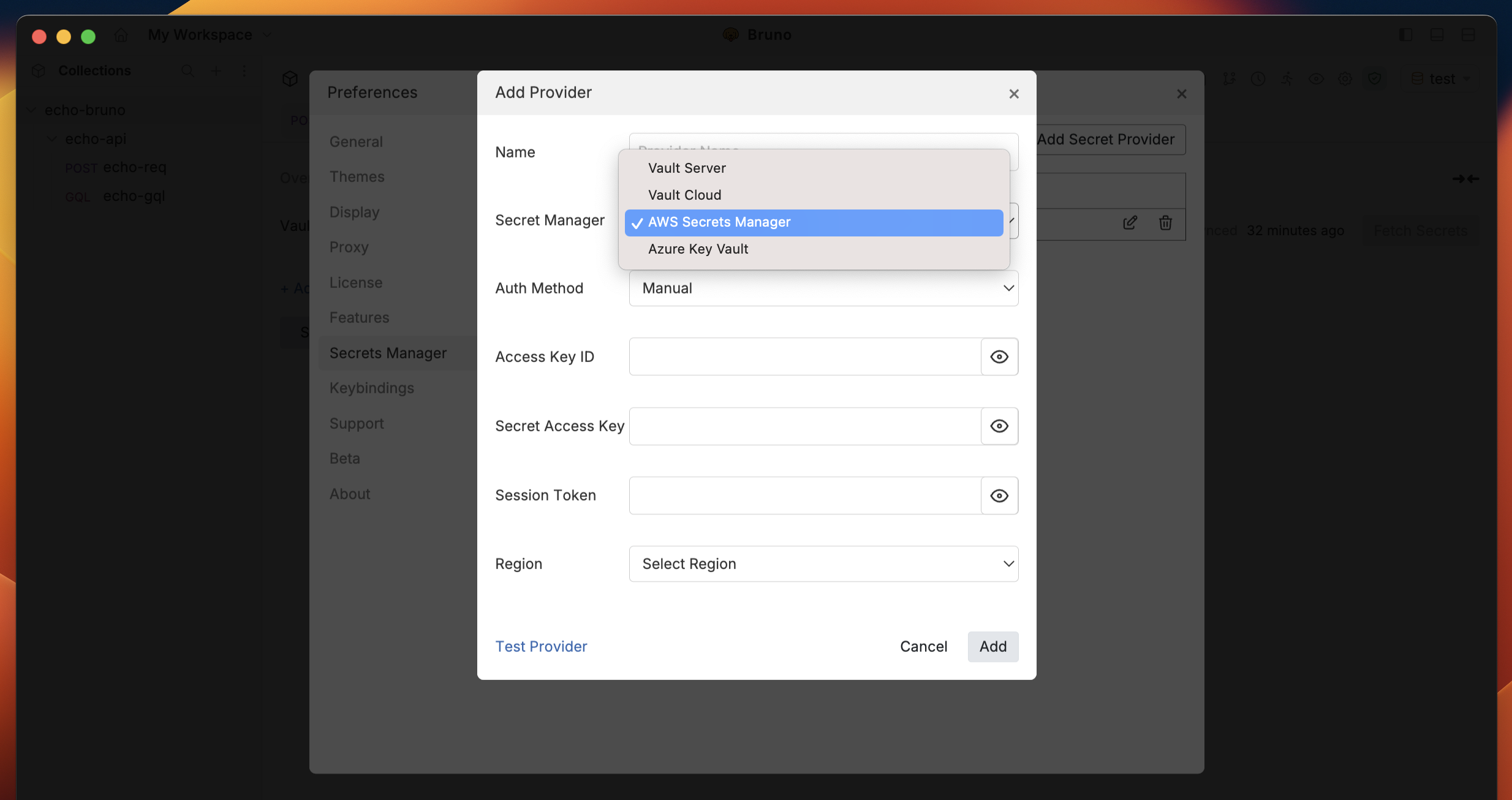
- Click the
-
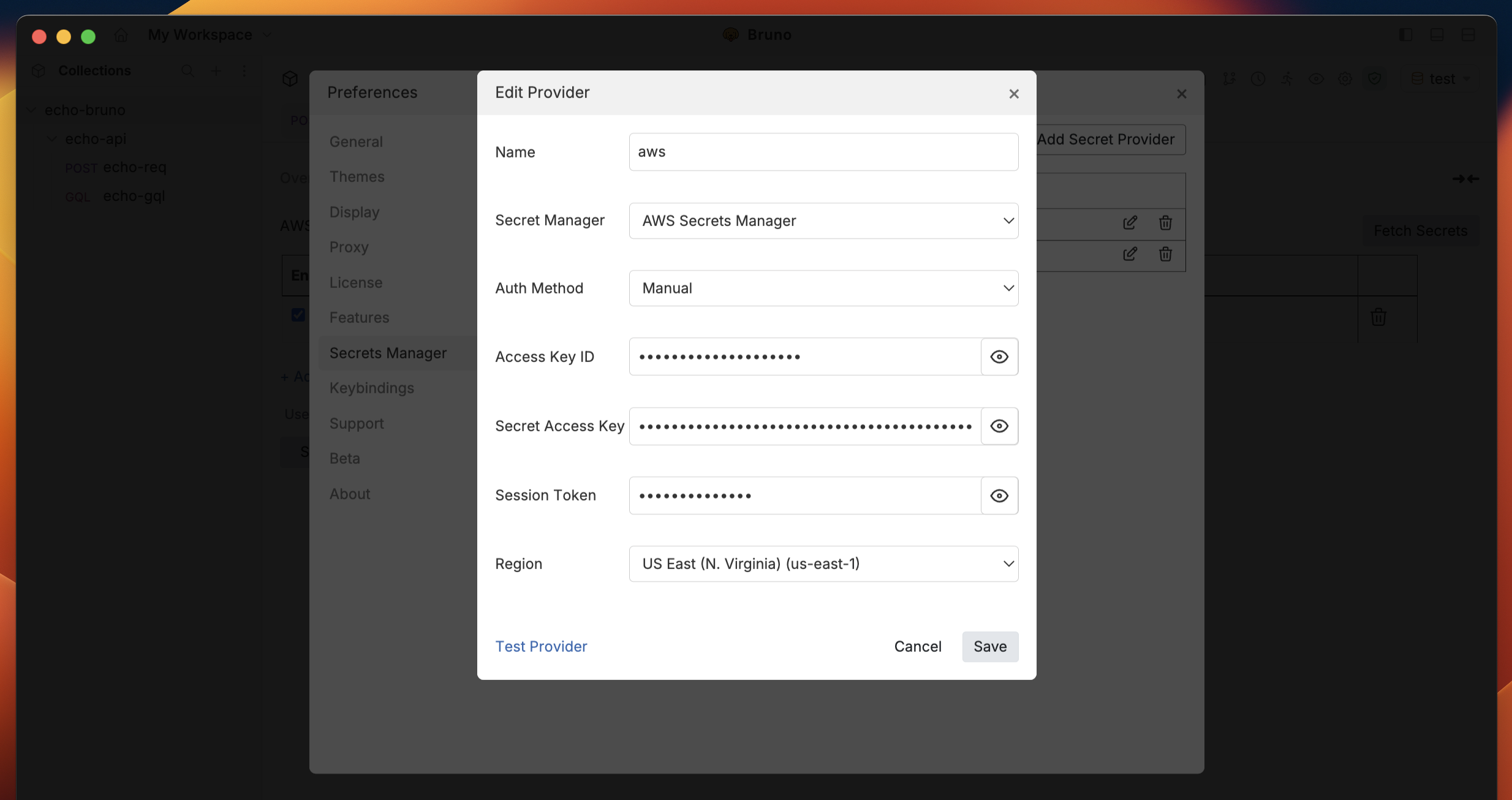
Enter AWS Credentials
-
Fill in the required fields:
- Access Key ID
- Secret Access Key
- Session Token (if applicable)
- Region
-
Fill in the required fields:
-
Test the Provider
- Use the
Test Providerfeature to verify your connection and credentials.
- Use the
-
Save the Configuration
- Click
Addto save your AWS Secrets Manager provider configuration.
- Click
Add to save the secret provider configuration.
Next Steps
Once you have successfully added AWS Secrets Manager as a secret provider, you can:- Configure and fetch secrets - Learn how to set up secret mappings and retrieve secrets from AWS
- Using secrets in Bruno - Learn how to use fetched secrets in your API requests