

Secrets in Bruno are environment-specific, so ensure you have a collection environment selected before proceeding.
- Go to Collection Settings and navigate to the Secrets section.
-
Select
Azure vaultas the provider.
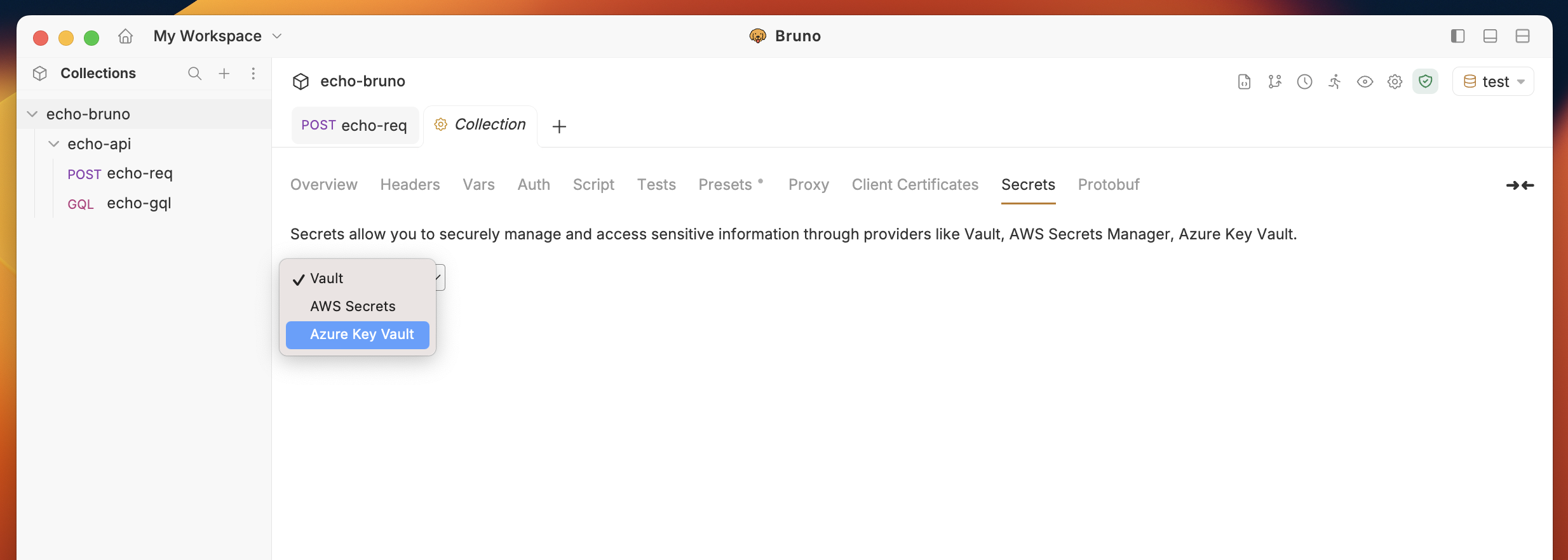
- Choose an environment if not already selected. (Secrets are environment-specific)
-
Add a new secret by clicking on the
+ Add Secretbutton. - Provide a name for the secret and specify the Vault name.
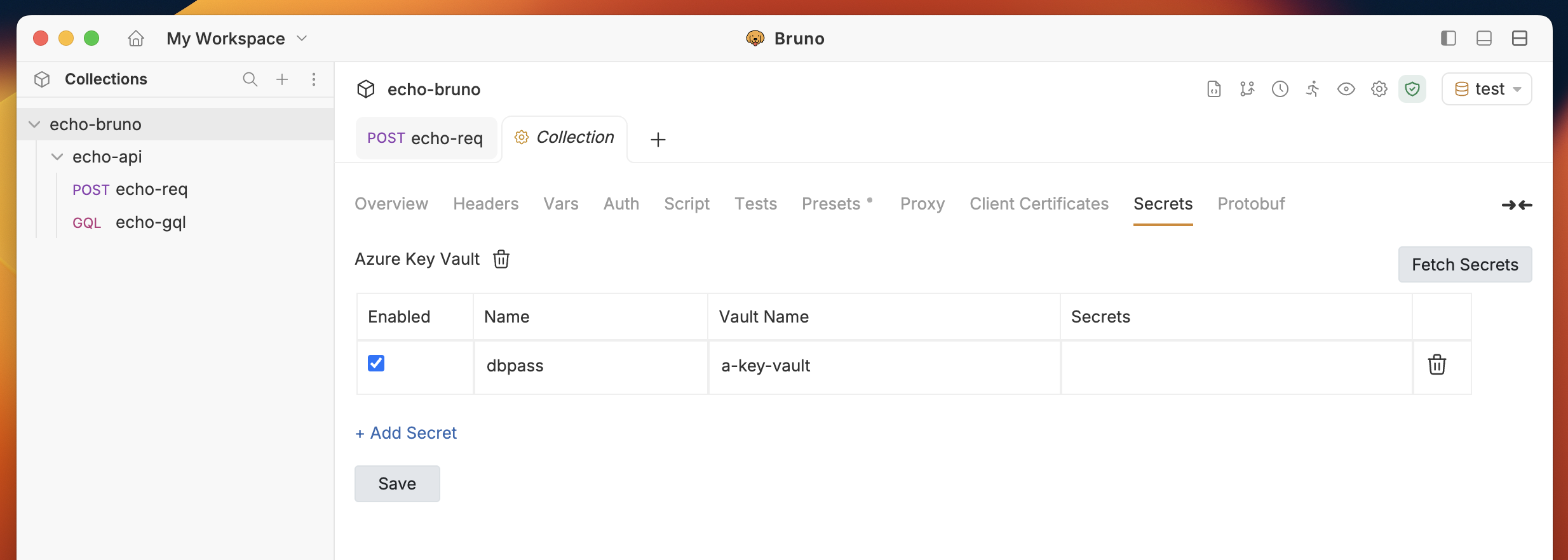
- Click on the
Fetch Secretsbutton on the top right corner, choose one of the accounts, and click on theFetchbutton.
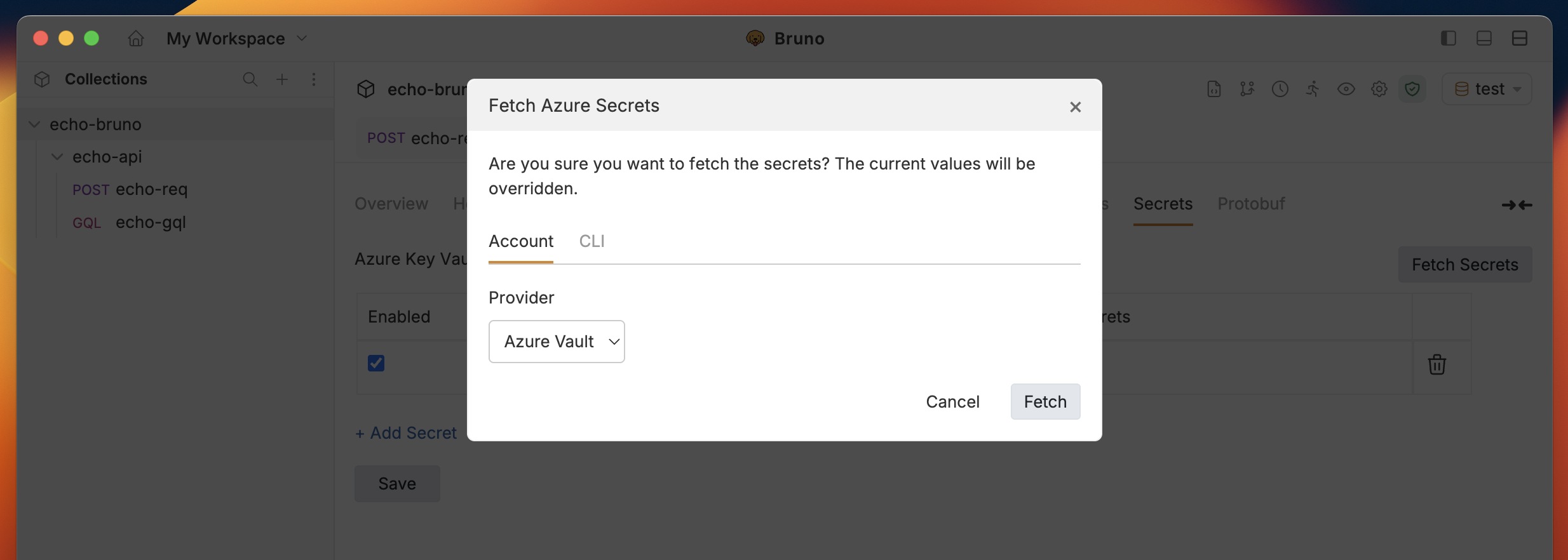
- The fetched secrets will be displayed in the table along with their names.