

Setting Up Vault Server
To configure a Vault server secret provider, you can opt for either Token or AppRole authentication.- Go to the application settings located at the bottom of the left sidebar and navigate to the Secrets Manager section.
-
Click on the
+ Add Secret Providerbutton.
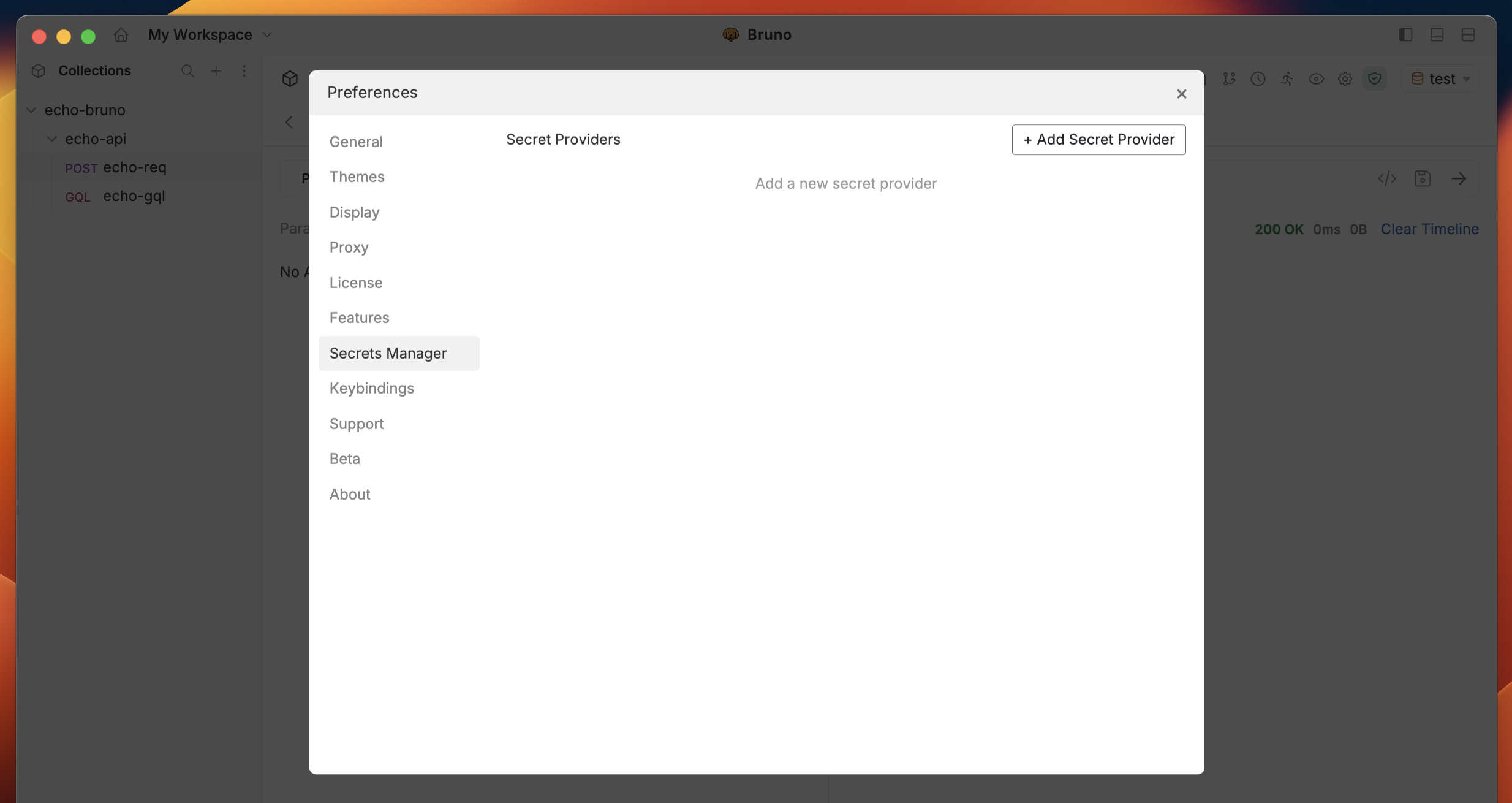
- Choose Vault Server as the provider type and select your preferred authentication method.
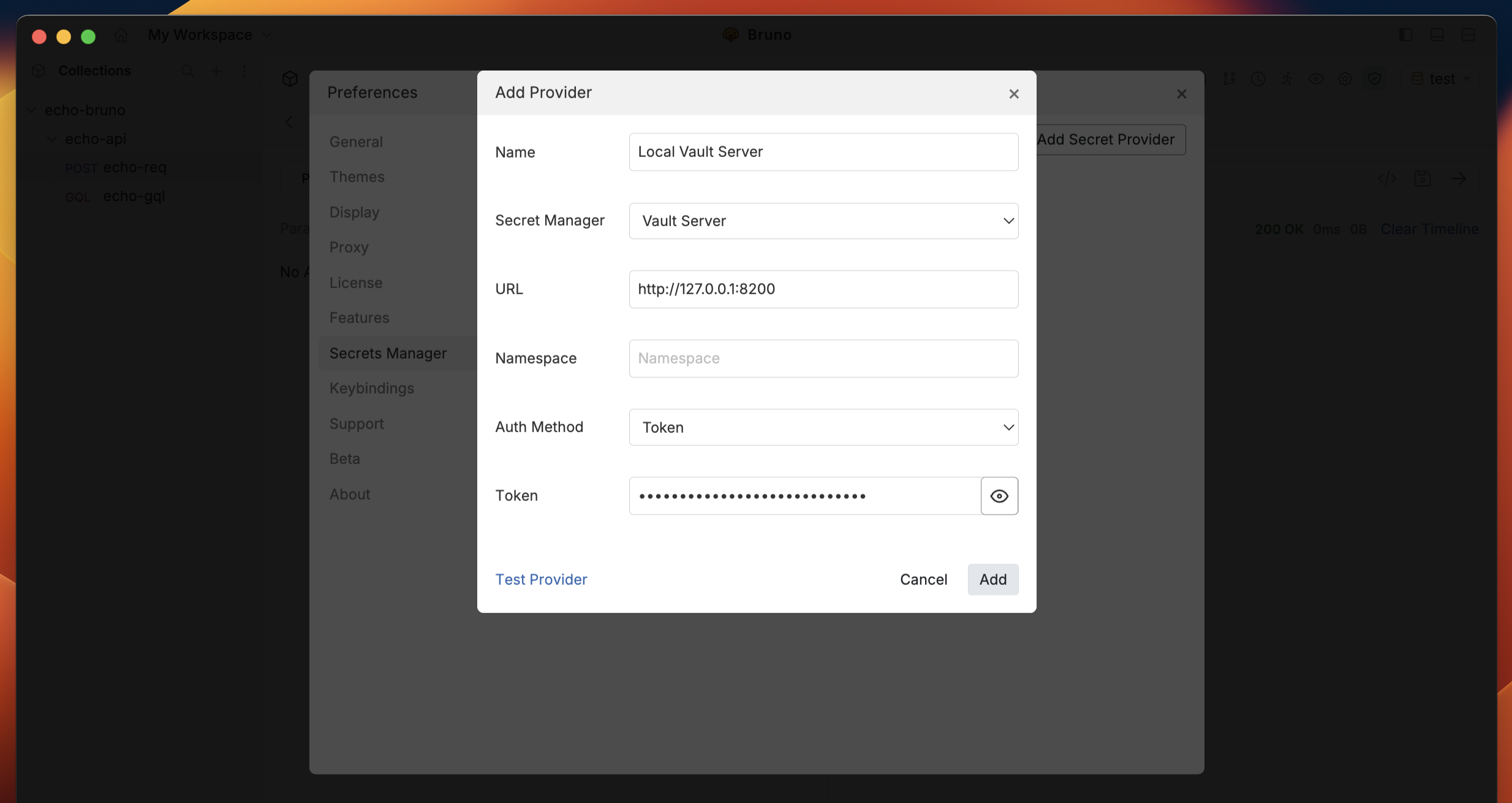
-
Enter
http://localhost:8200if using a local server, or the URL of the hosted server (e.g.,https://vault.example.com). - Provide the necessary Token ↗ or AppRole ↗ credentials.
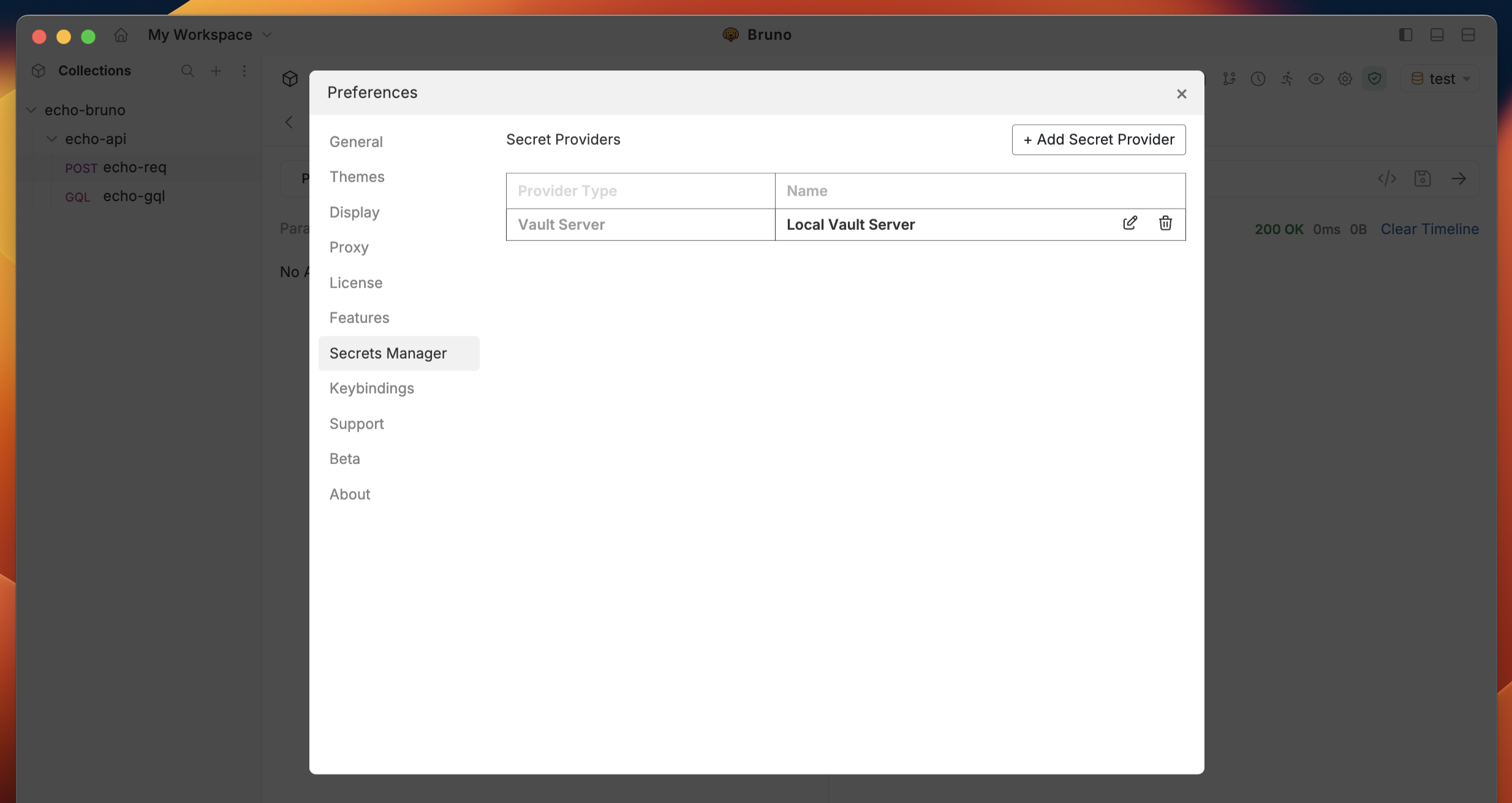
- Click on Add to save the secret provider.
Setting up Vault Cloud
To set up a Vault Cloud secret provider, follow these steps:- Go to the application settings located at the bottom of the left sidebar and navigate to the Secrets Manager section.
-
Click on the
+ Add Secret Providerbutton. - Select Vault Cloud as the provider type.
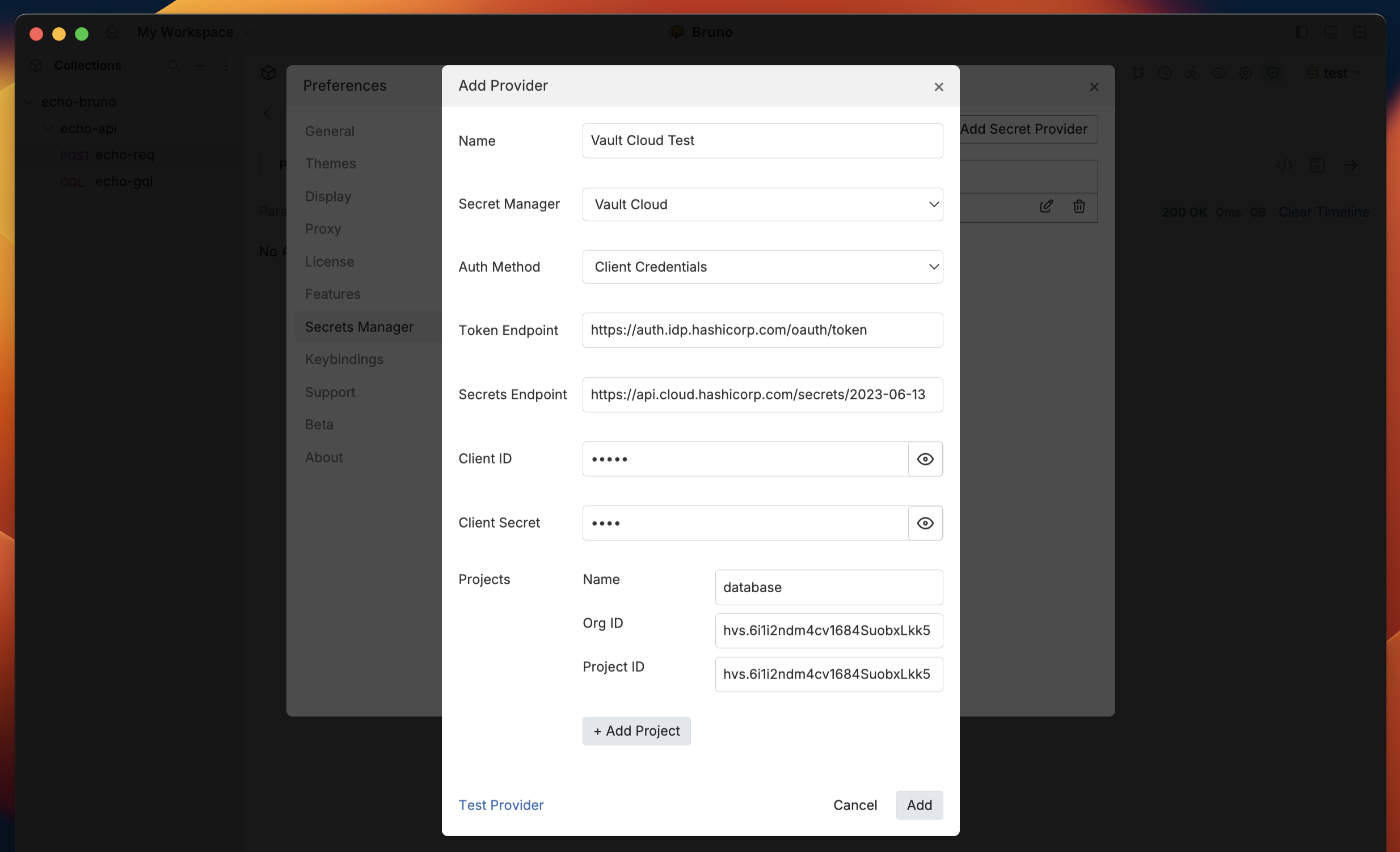
-
Maintain the default settings for
Token EndpointandSecrets Endpoint, or modify them if necessary. - Provide the required Client Credentials ↗.
- Add one or more Projects (Apps) to the secret provider.
- Click on Add to save the secret provider.