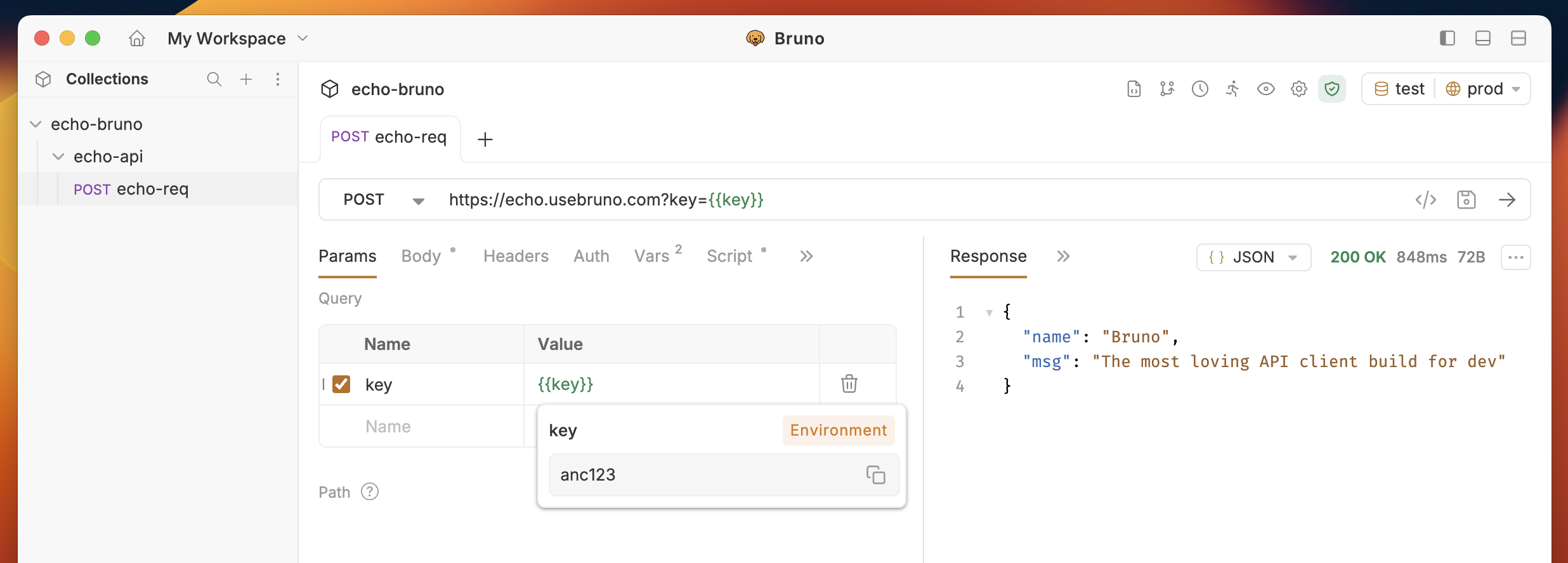
Overview
Process environment variables are used to store sensitive information, such as API keys, passwords, and other secret values. These values are typically stored in a .env file. For more details on secret management, refer to the secret management section.Creating a Process Environment Variables
To create process environment variables, you can add a .env file to the root of your Bruno collection. This file will store your secrets, which can then be accessed throughout the collection.Example
In your Bruno collection, the structure might look like this: In the.env file, you would store a key-value pair, like this:
showLineNumbers
Using the Process Environment Variables
To access the values stored in the.env file, you can use the process.env global object. For example, if you want to retrieve the key value from your .env file, you would use:
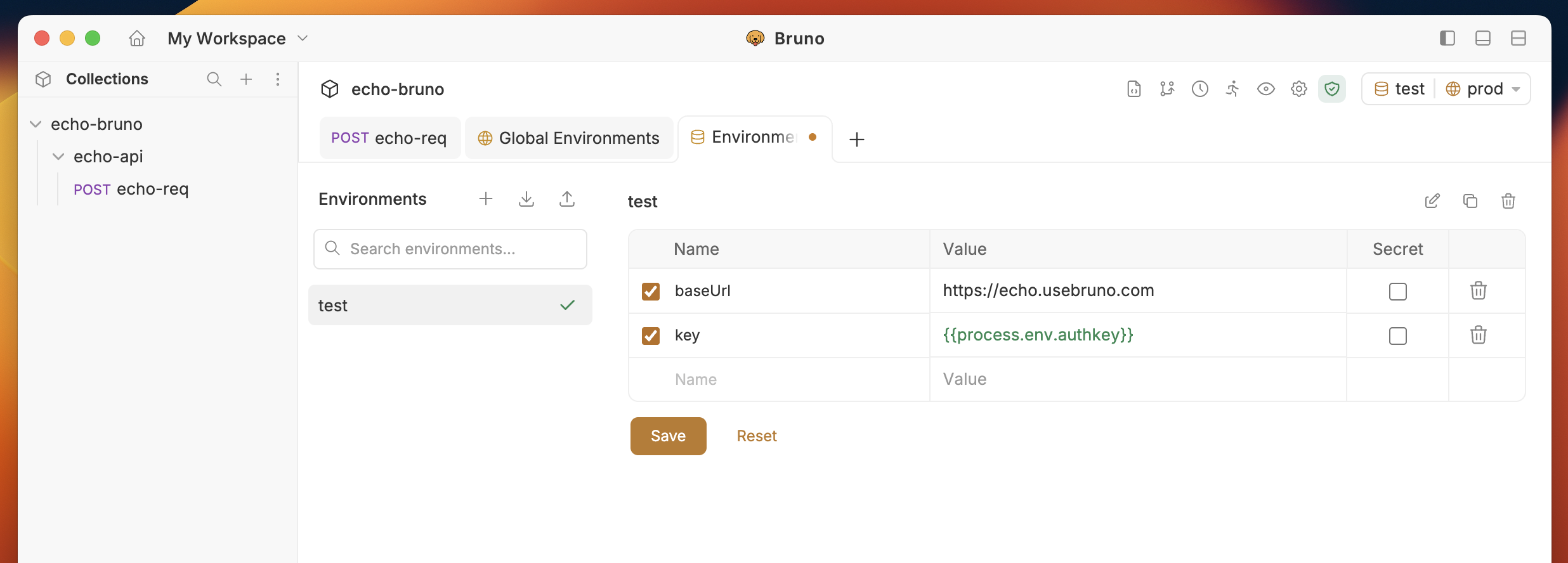
process.env.<secret-name> throughout your Bruno collection to securely manage and access your environment variables.