

If you have an existing collection inside of another tool that you would like to import, please see Importing Collections ↗.
How to Create a Collection
- Open Bruno and navigate to the home screen
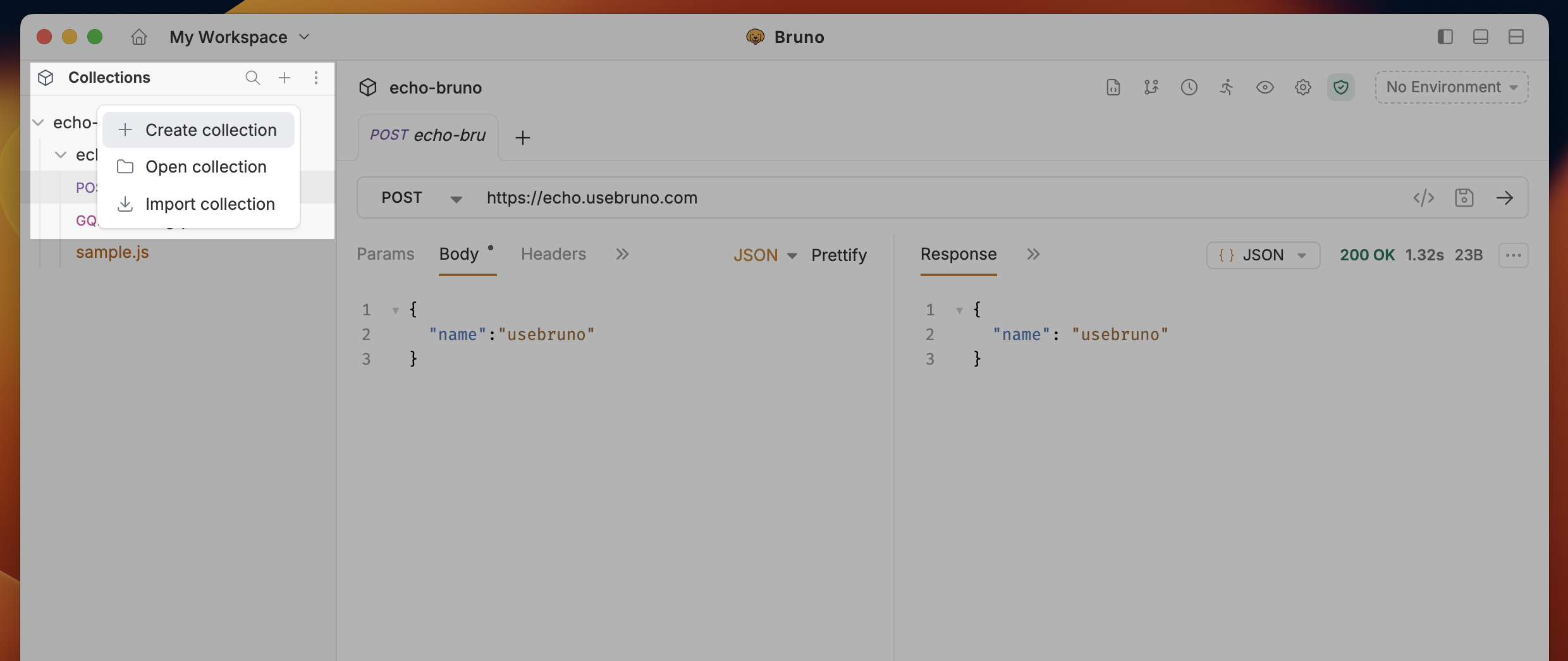
- Click on the
···button and selectCreate Collectionfrom dropdown.
- Enter a name for your collection
- Choose a location on your filesystem to store the collection
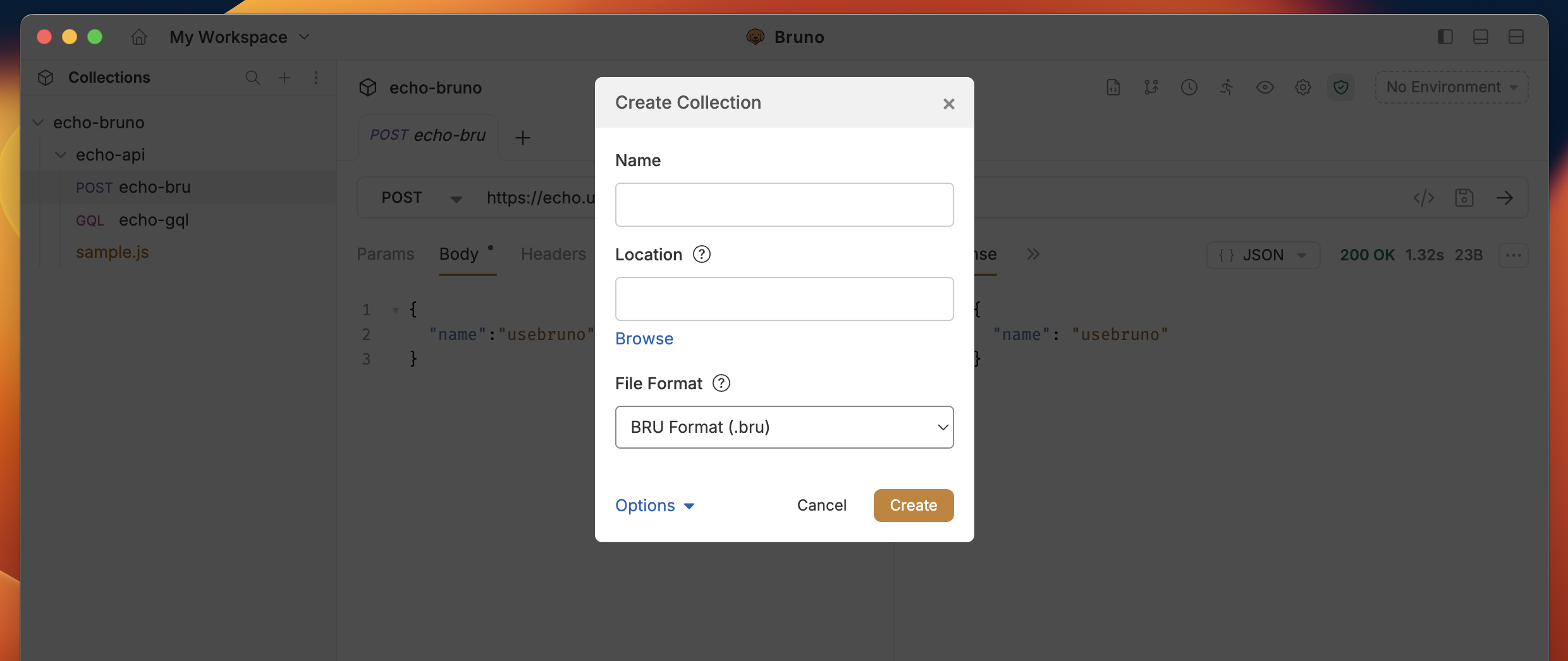
- Click Create
Custom Collection Names
Starting with Bruno v1.40.0 ↗, you can
now use special characters in collection names and customize how they appear in
the filesystem.
/, [, ], *, etc. Bruno automatically handles filesystem compatibility by replacing unsupported characters with - in the filenames while preserving your original collection name.
Add a request ↗ to your collection as a next step!