

Make sure you have Bruno version 2.14 or later installed to use this feature.
Accessing Import/Export Options
- Go to the Environments section (top right corner).
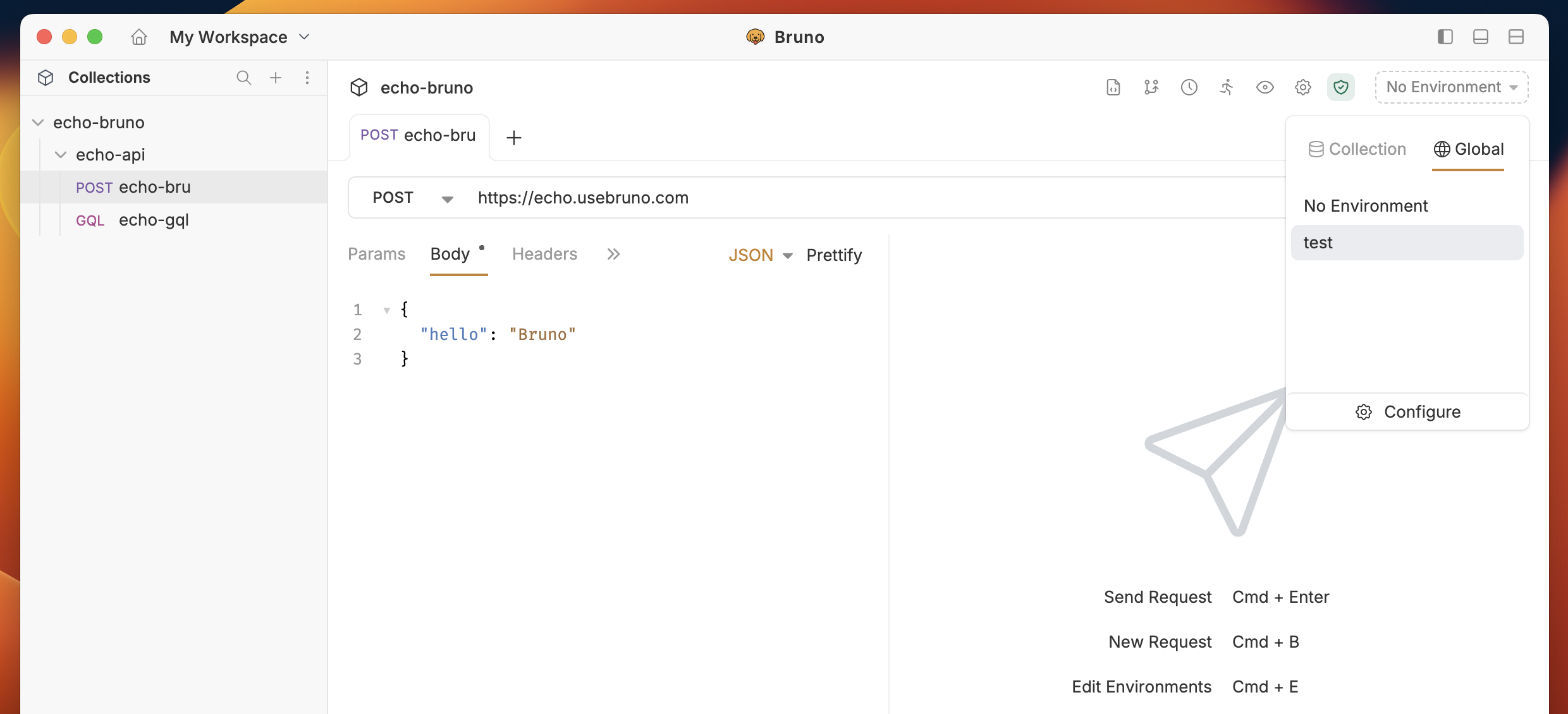
- Click on Configure to access the environment settings.
- You will see the Import and Export options in the left sidebar.
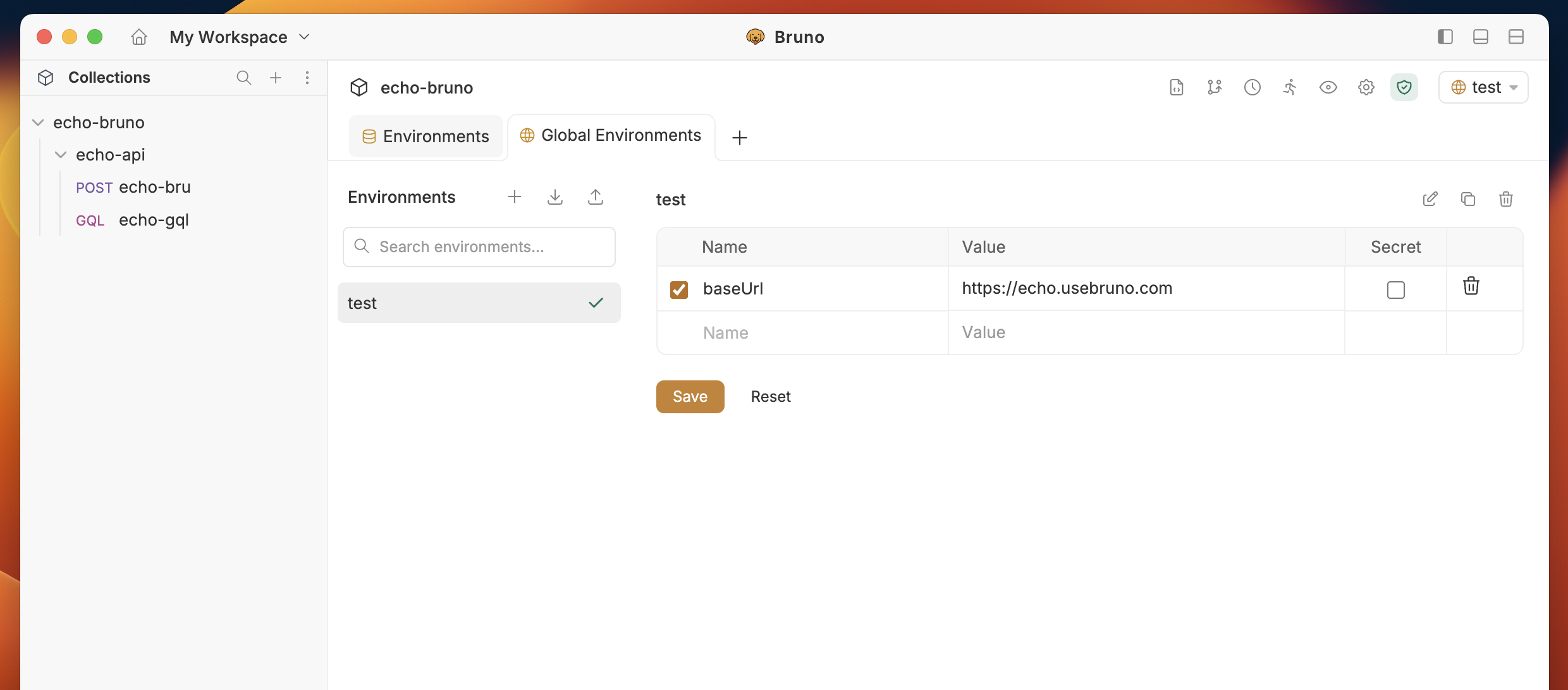
Importing Environment Variables
The import feature accepts environment files in both Bruno and Postman formats.Steps to Import
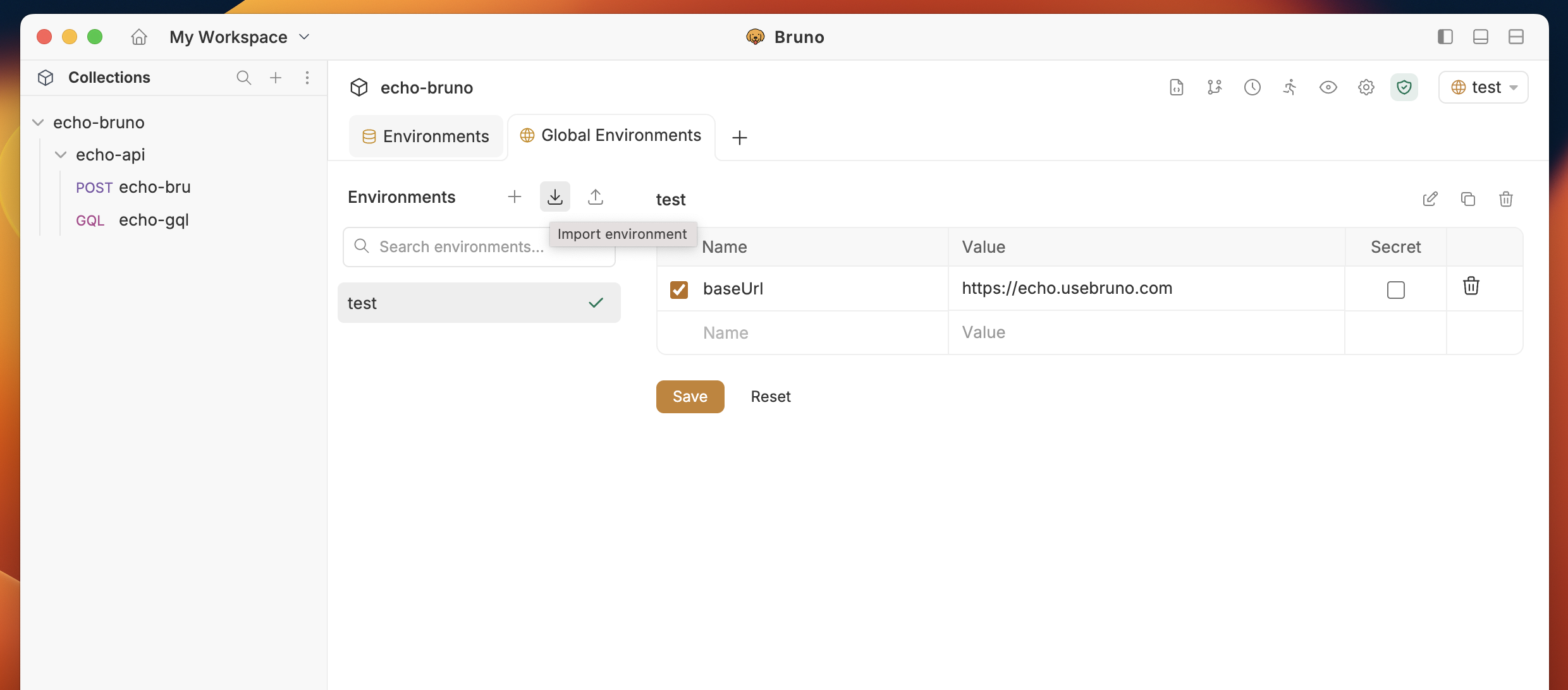
- Click on the Import button in the environment configuration screen.
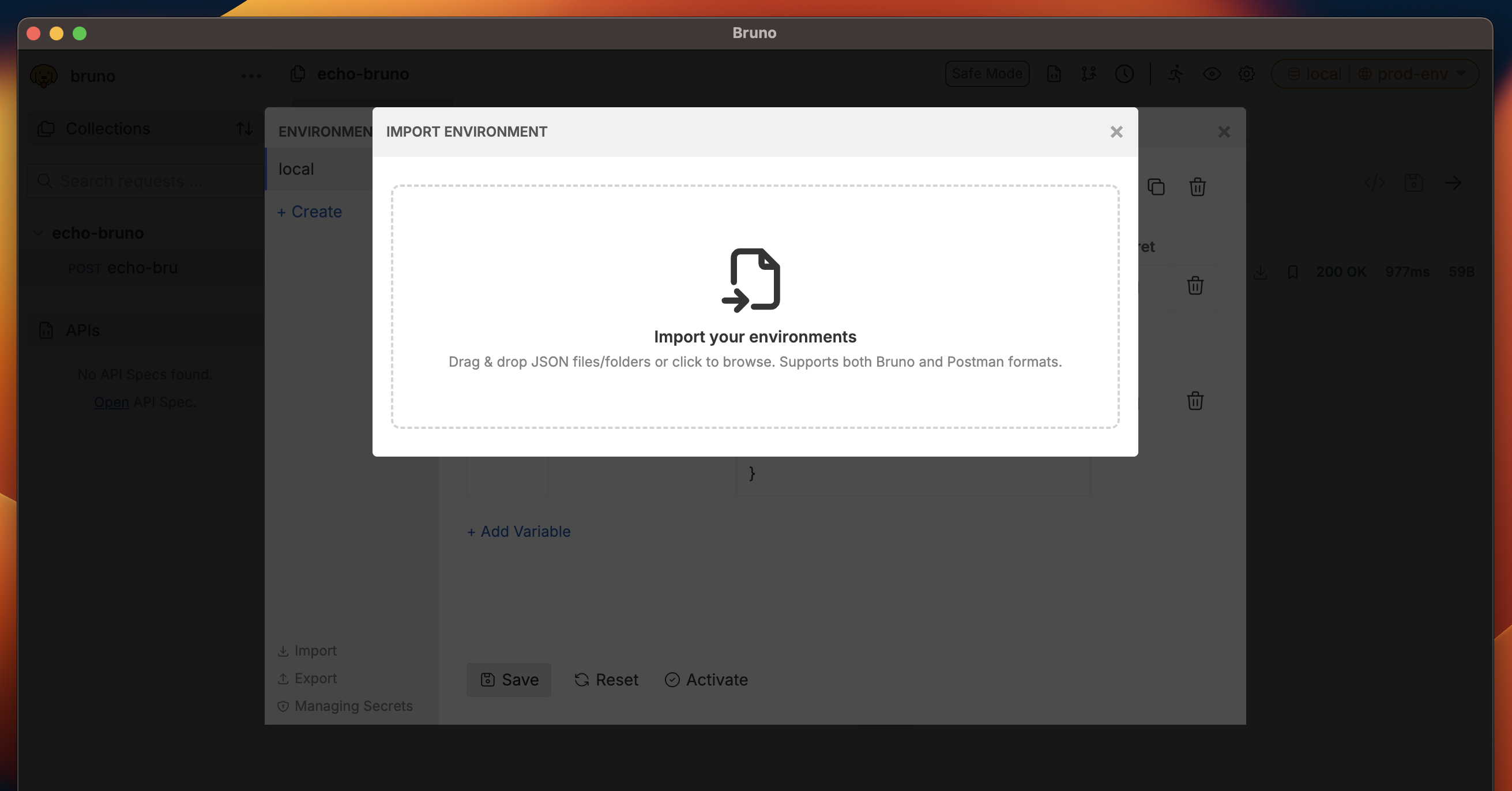
- Select the environment file you want to import.
- The variables will be added to your environment (global or collection, depending on which you’re configuring).
Exporting Environment Variables
Steps to Export
- Go to the Environments section.
- Click on Configure.
- Click the Export button.
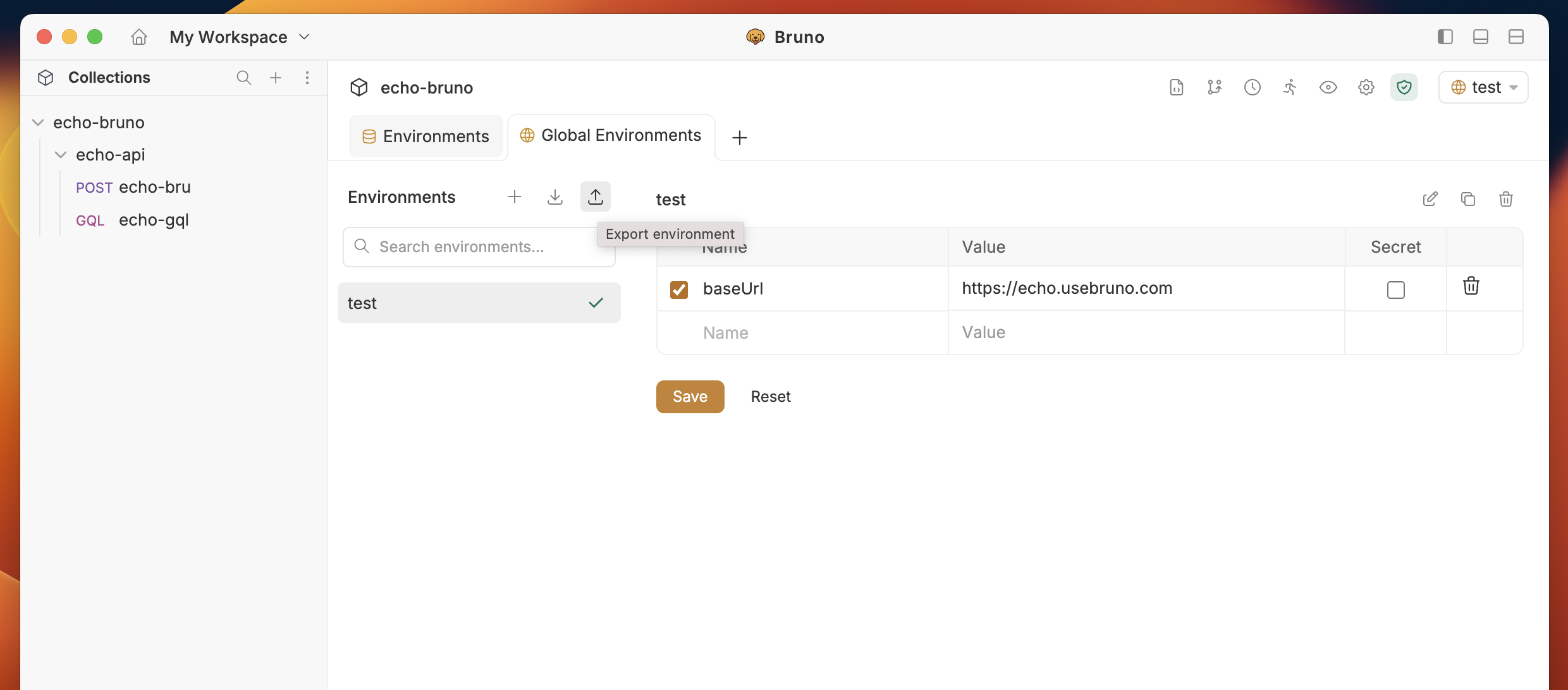
- If you have multiple environments, select which environments you want to export.
- Choose the location where you want to save the exported JSON file.
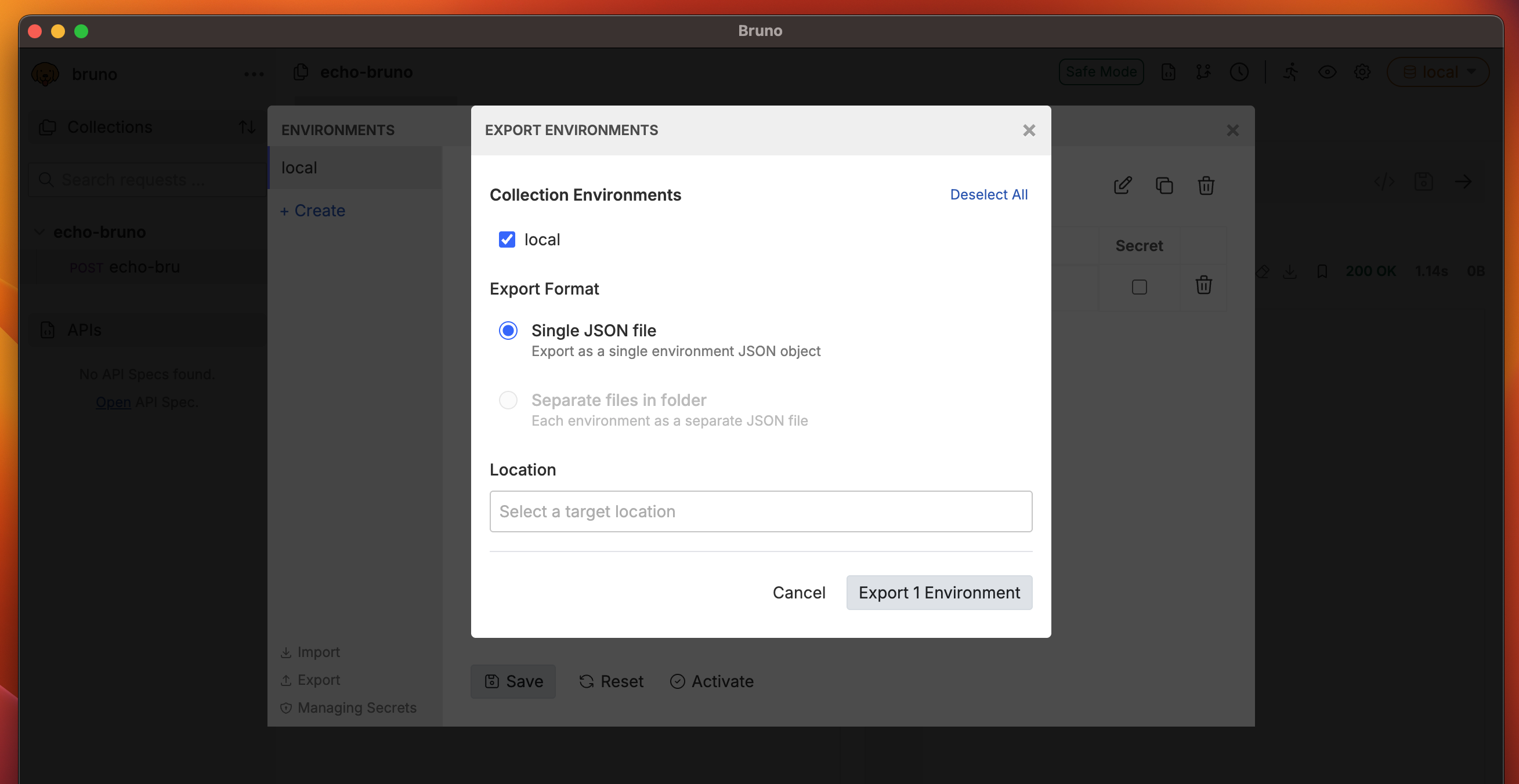
- The environment variables will be saved as a JSON file that can be shared or backed up.