

Import collections from Git
This feature helps you to share your collections in an easy and flexible way - meeting the user wherever they are. Once imported, the user now has a Git-synced collection and can seamlessly pull down new changes as updates are made.Make sure you have Bruno version 1.40.0 ↗ or above installed on your system
to use this feature.
Things You Need
- Bruno installed on your system.
- A collection that has been initialized as a Git repository either through the UI or from the CLI.
How to Share Your Collection
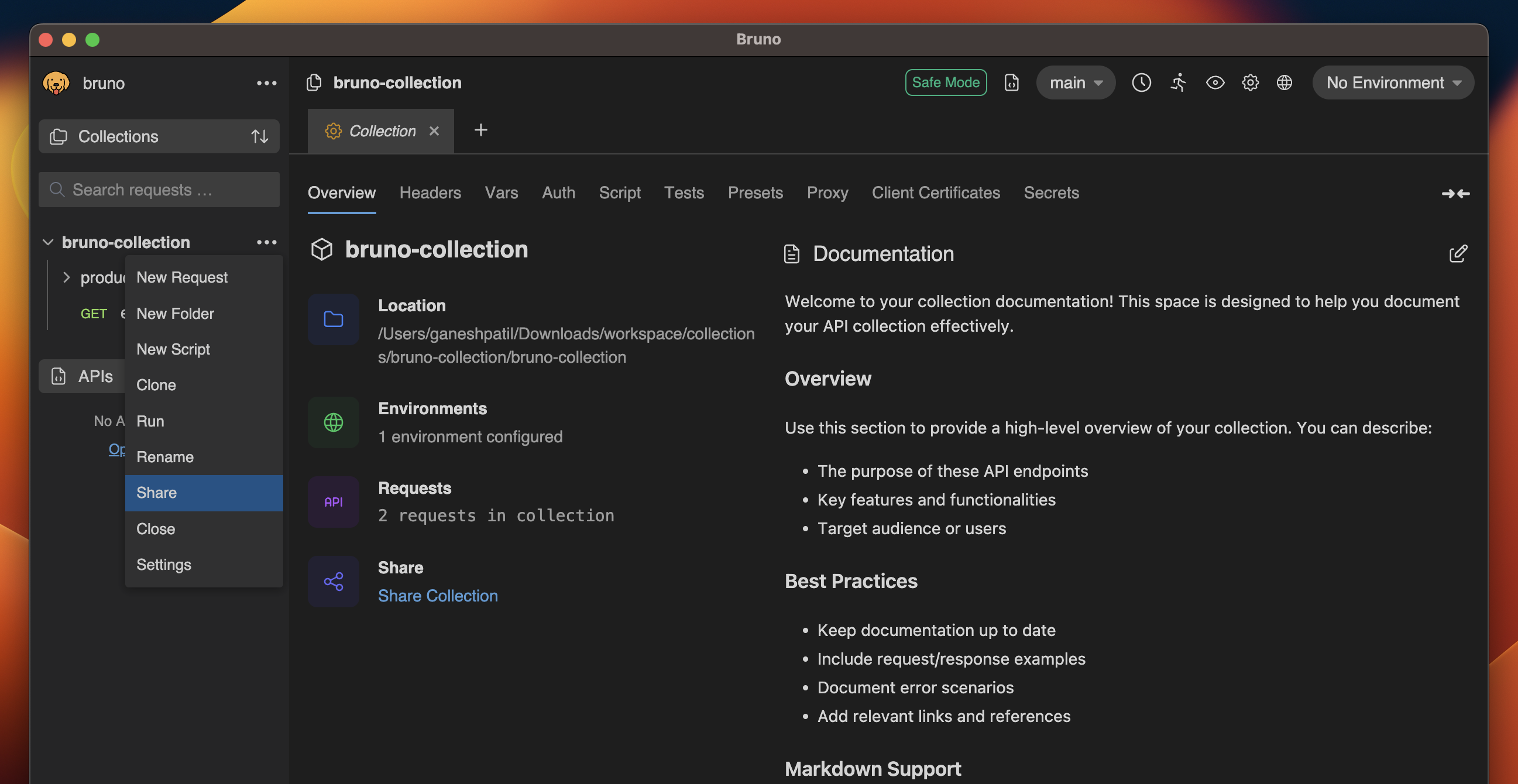
- Open Bruno.
- Either go to the collection Overview tab or click on the
...and selectShare.
- Copy the generated link (HTML or Markdown).
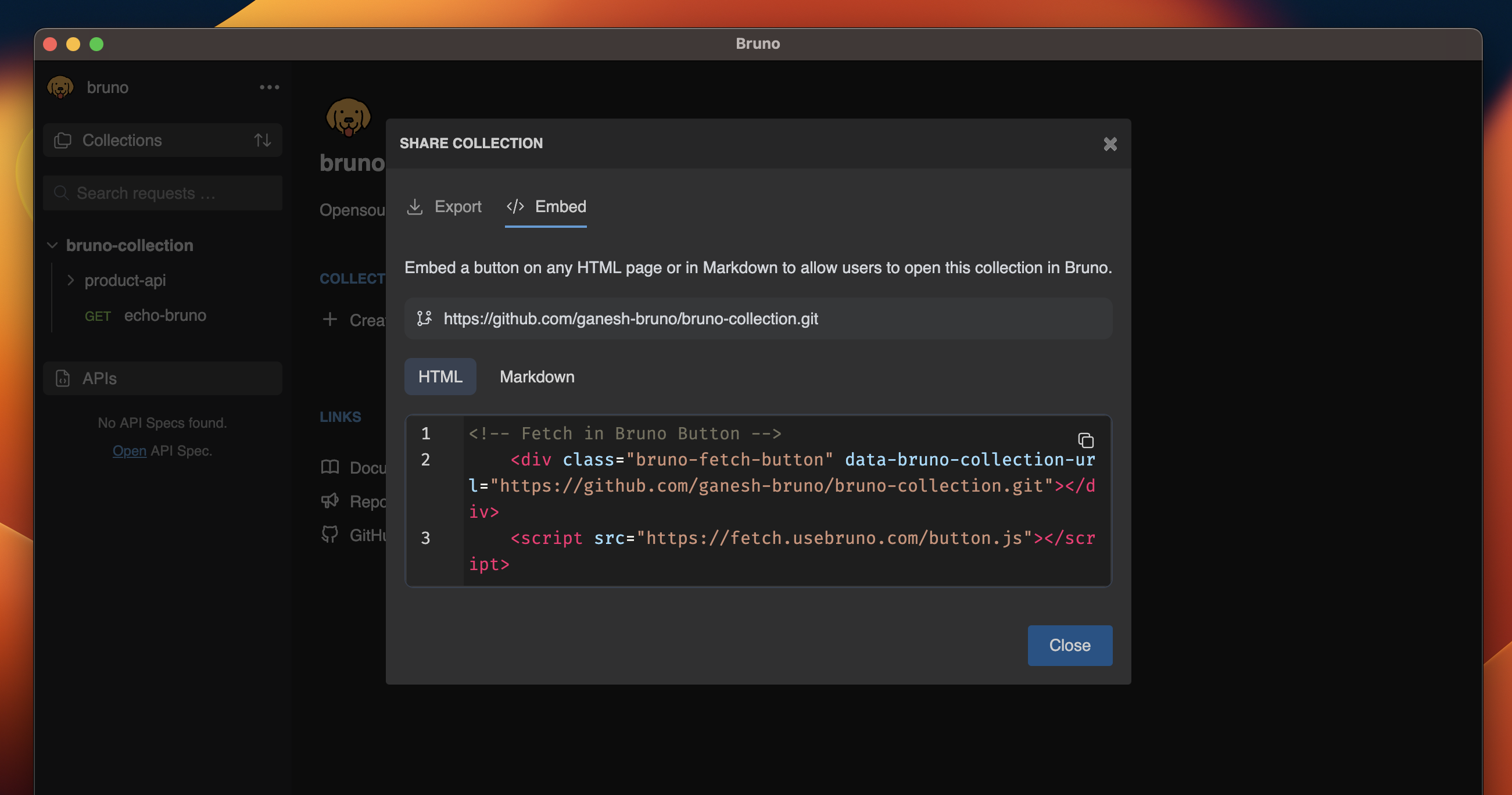
- Embed the link into your website, article, or documentation(e.g. GitHub Readme).
Manual Embedding Options
HTML Format
Markdown Format
How to Open Your Shared Collection
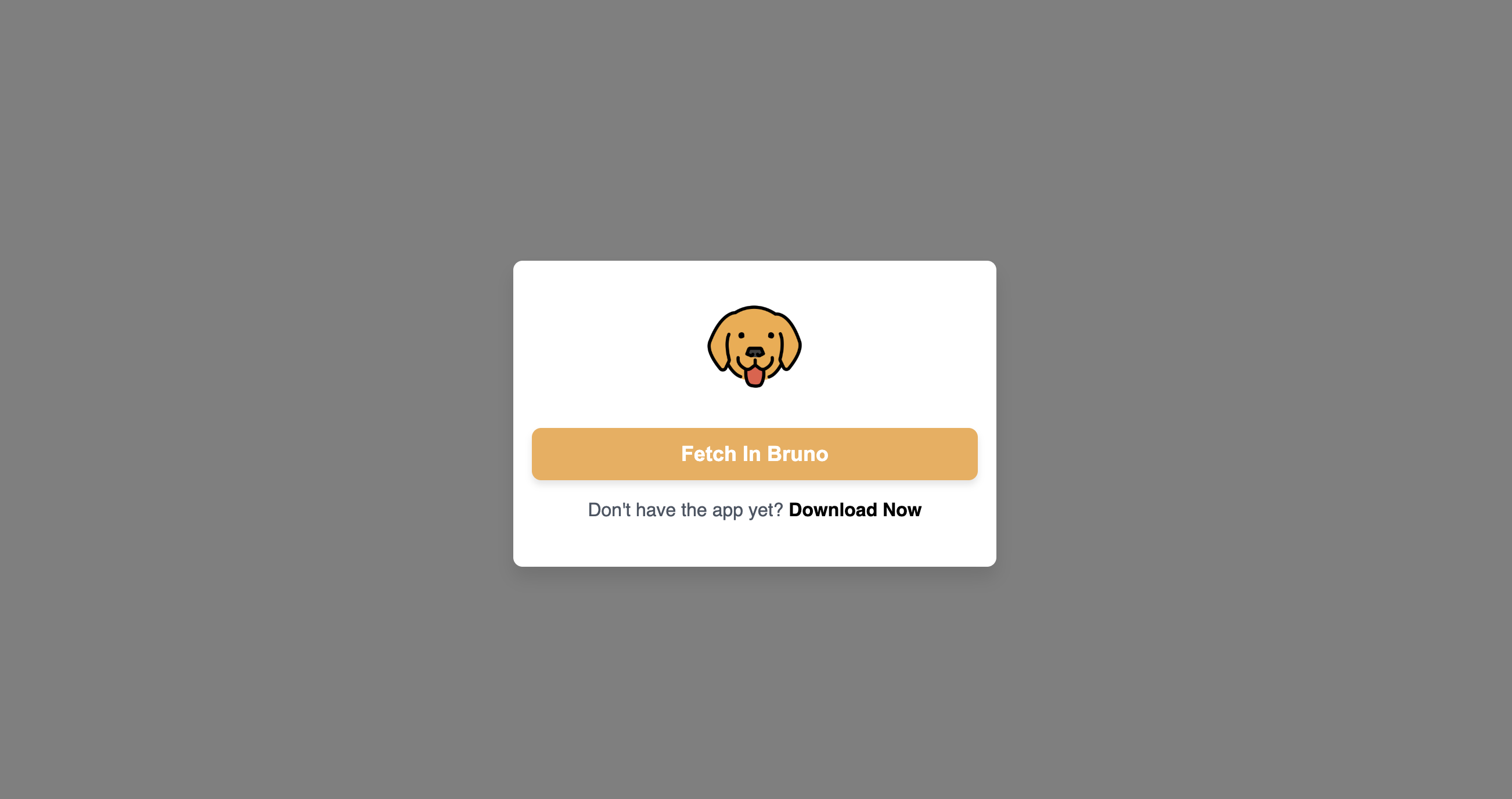
- Click on any Fetch in Bruno button.
- A popup will appear. Click on Open In Bruno.
- Choose the location where you’d like to store your collection.
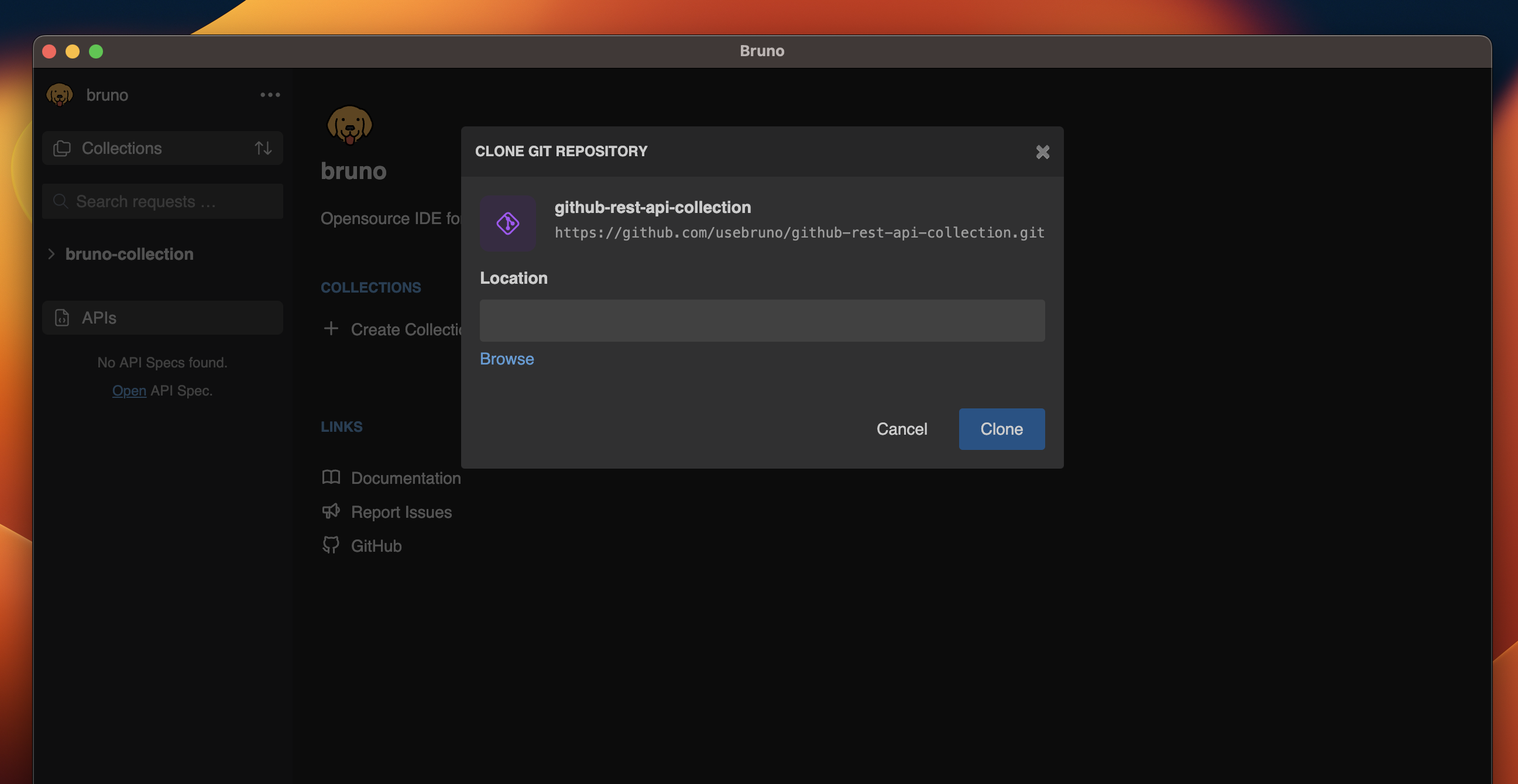
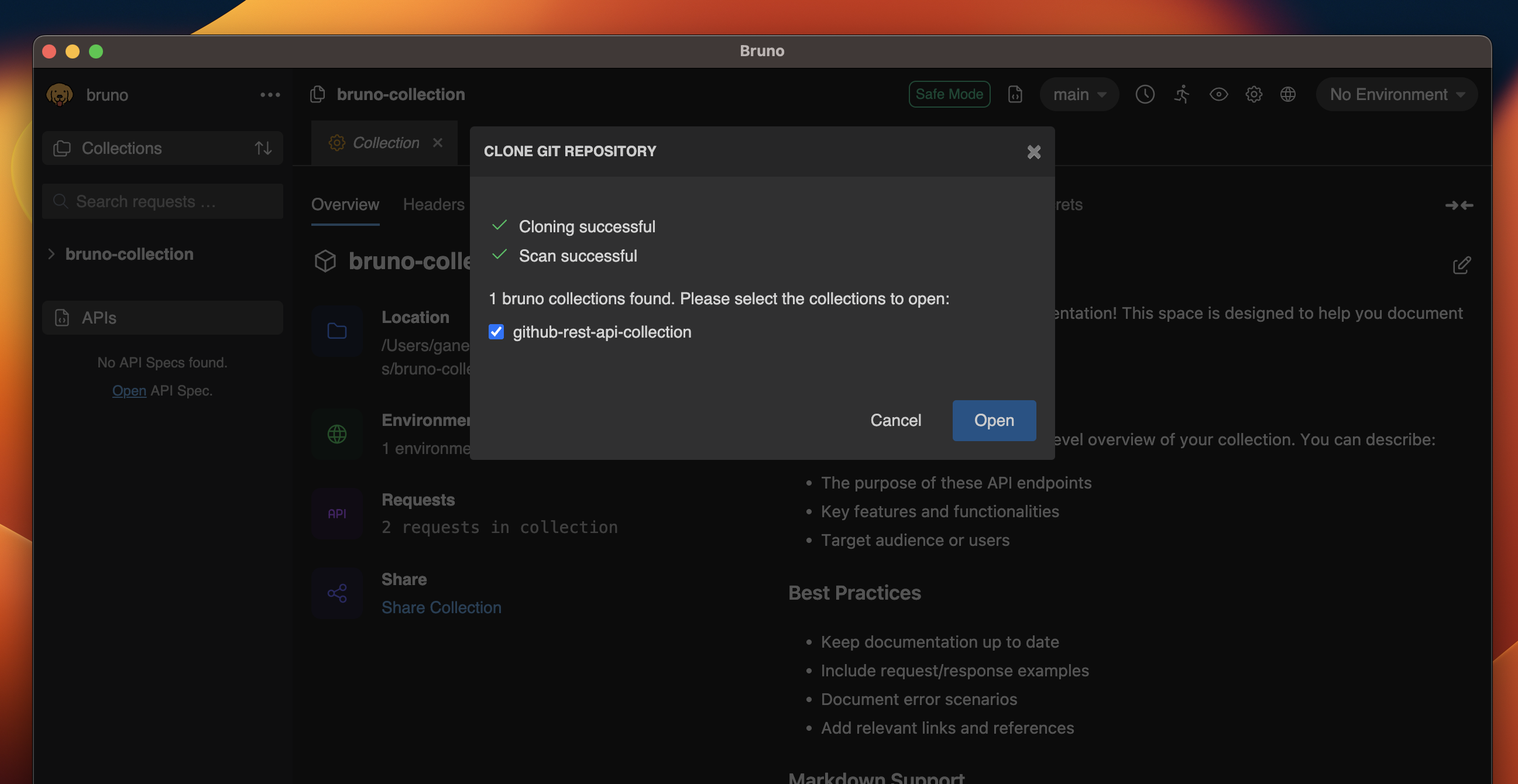
- You will see a list of available Bruno collections in the repository.
Customizations
You can replace the Fetch in Bruno title and logo with your preferred logo and name. Simply follow the changes below in the markdown link:Import collections from OpenAPI Specifications
In addition to importing Git repositories, the Fetch in Bruno button now supports importing OpenAPI specifications directly. This allows you to easily convert any OpenAPI specification into a Bruno collection with a single click.Make sure you have Bruno version 2.3.0 ↗ or above installed on your system
to use these features.
How to Use
- Choose your preferred embedding format:
HTML Format
Markdown Format
- Replace
https://linktoOpenAPIspec.jsonwith your OpenAPI specification URL. - Embed this code in your website, documentation, or any HTML page.
- Fetch the OpenAPI specification from the provided URL
- Convert it into a Bruno collection
- Open it in the Bruno app and prompt the user to choose a location to save the collection