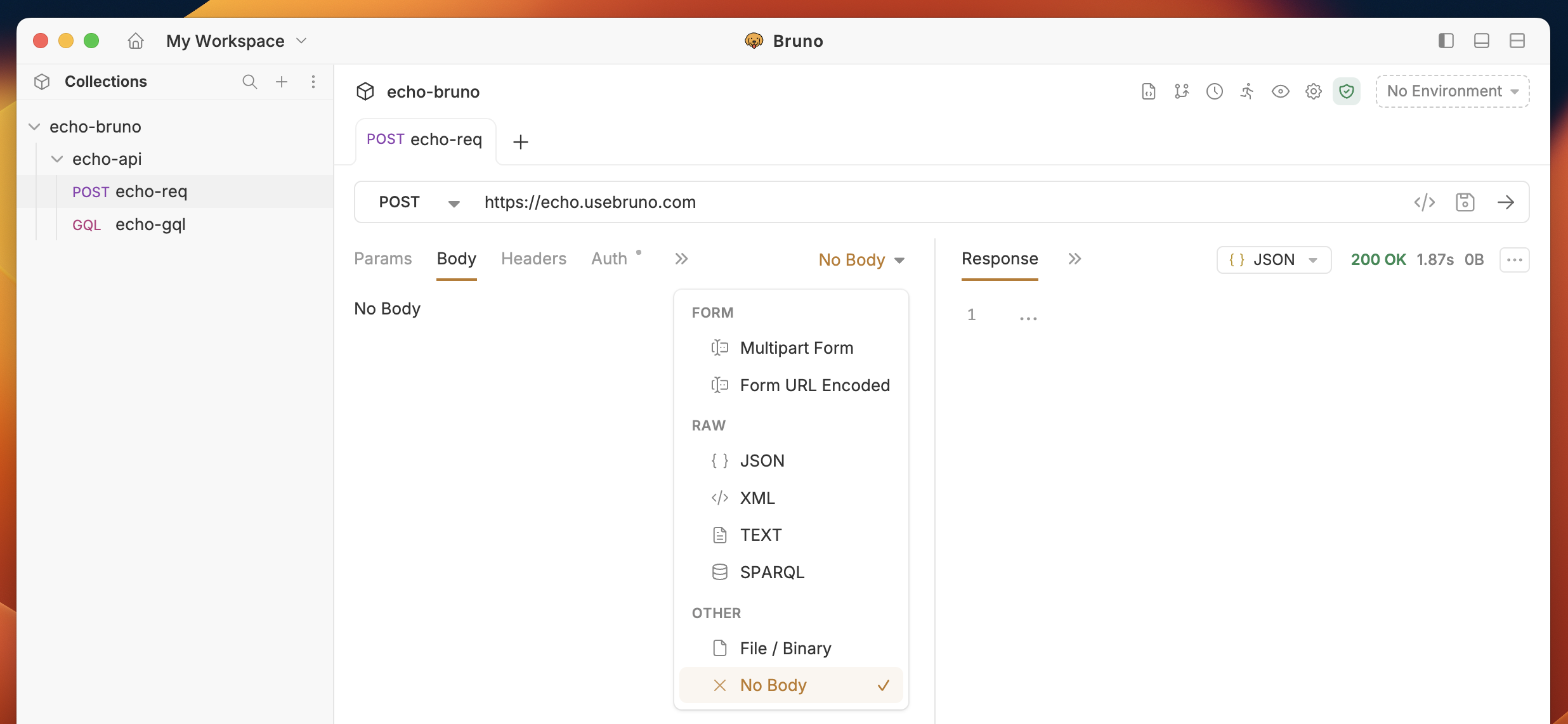
Send Body Data with API Requests
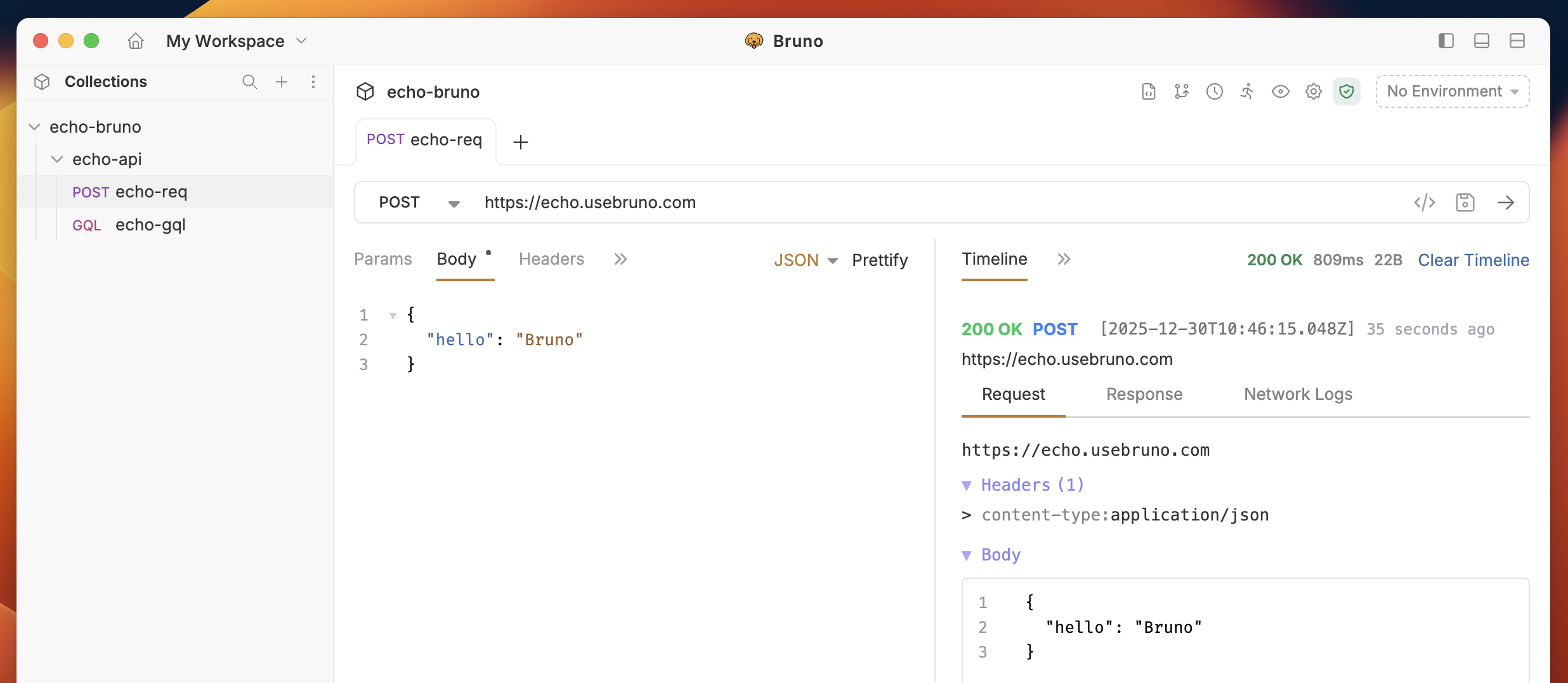
You can select the data type based on your API request requirements. For example, if you’re working with a request where you need to send specific details about a particular item, you’ll likely choose JSON as the data type and include the data in the body of the request.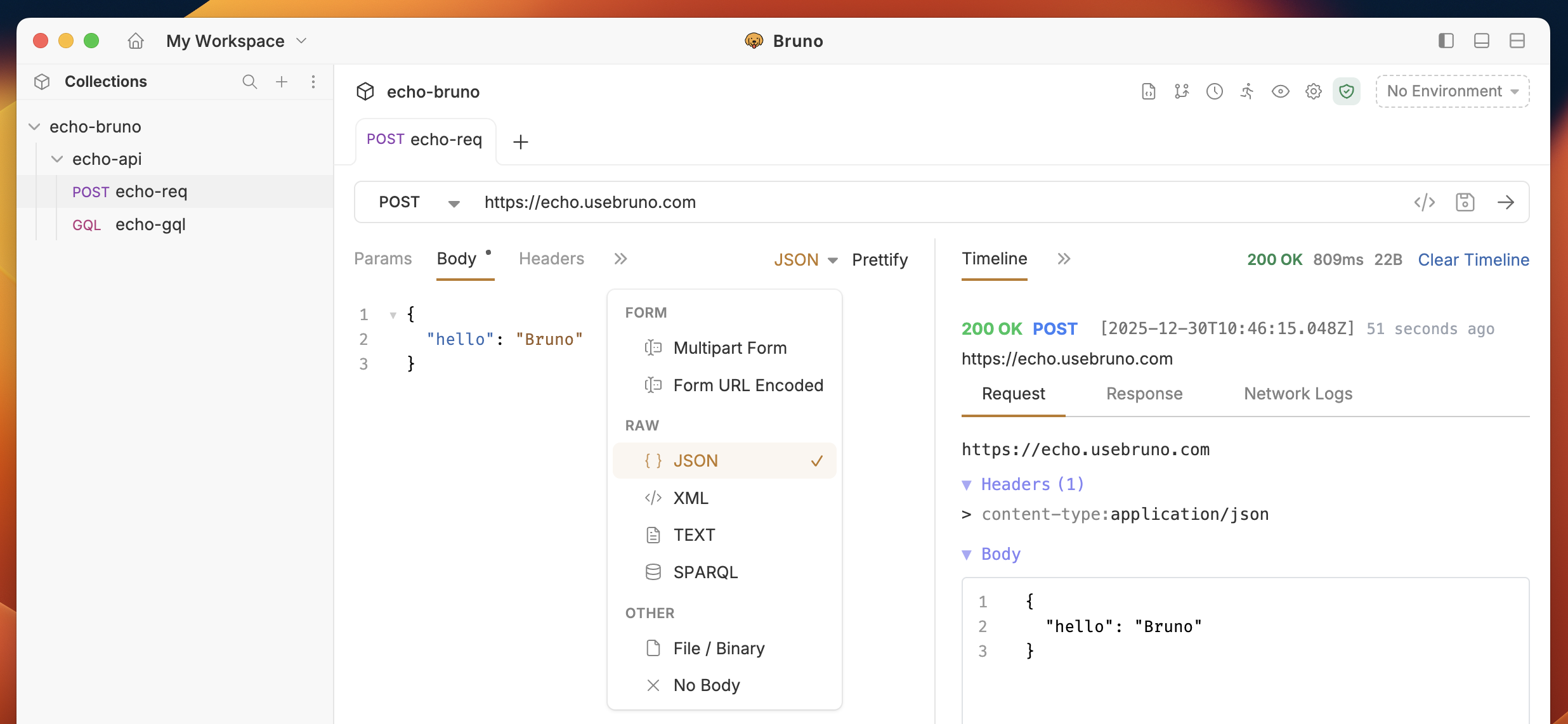
Form-Data
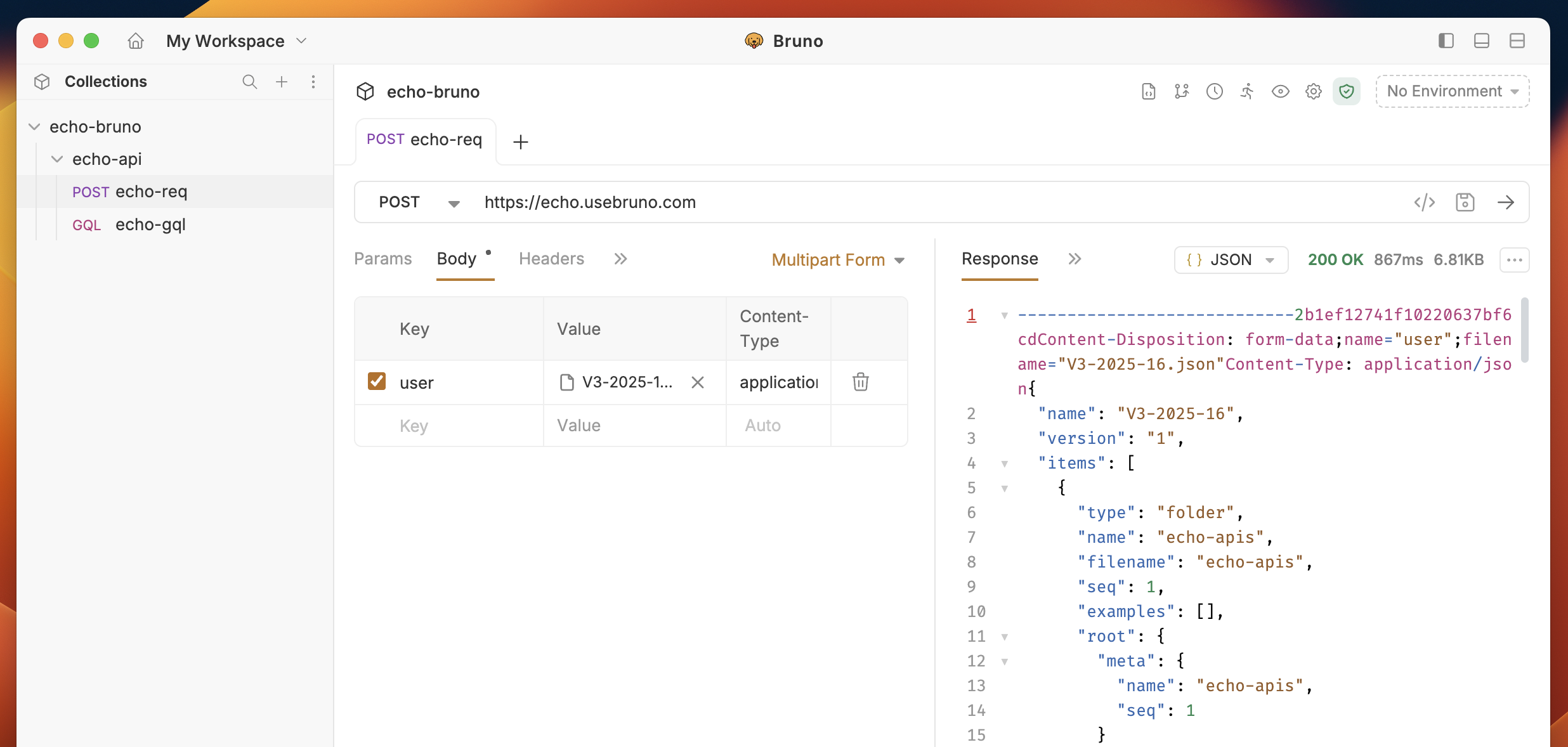
1. Multipart Form
Used for sending files along with form data, allowing multiple parts with different content types in a single request. In multipart form data, each part of the request is separated by a boundary.- Navigate to the Body tab.
- Select Multipart Form from dropdown.
- Click on Add File and upload your file.
- (optional) You can also select Add Param for sending key-value pair data.
- Save and execute the request.
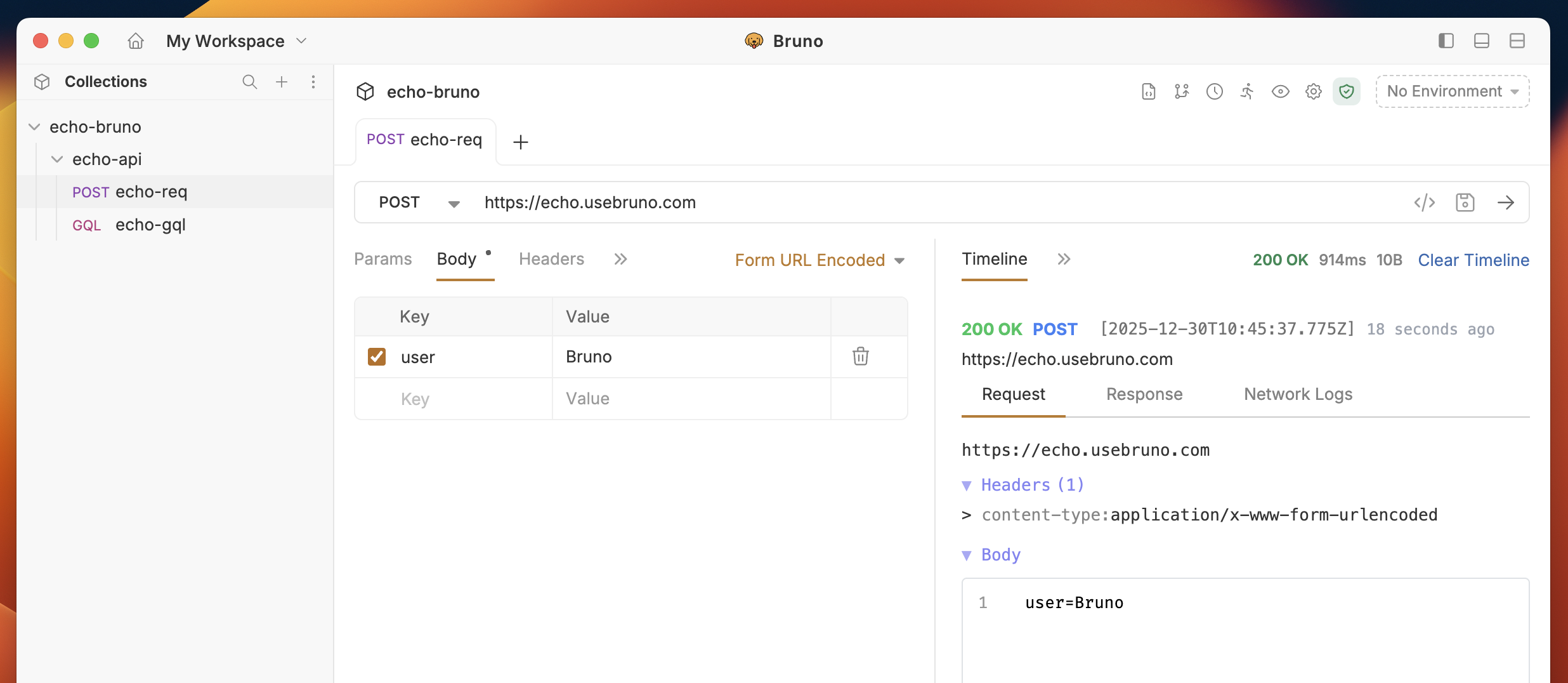
2. URL Encoded
It is commonly used for simple form submissions where data is sent as key-value pairs. Each key and value are separated by an equal sign (=), and multiple pairs are separated by an ampersand (&).- Navigate to the Body tab.
- Select Form URL Encoded from dropdown.
- Click on Add Param and add key-value pair.
- Save and execute the request.
Raw Data
Raw Data allows you to send data in its raw, unprocessed form in the body of an API request. It doesn’t require a predefined structure like key-value pairs or multi-part boundaries. Instead, you can send data exactly as it is, which is useful when dealing with structured data formats such as JSON, XML, Sparql or plain text.- Navigate to the Body tab.
- In the RAW section, select your preferred data format.
- Add appropriate data for your API request.
- Save and execute the request.
Other (File / Binary / No Body)
The Other option on the Body tab provides quick choices to send a file or to send no body.- Navigate to the Body tab.
- From the dropdown, choose Other.
- Two controls are available:
- File / Binary: Send a file directly as the request body. Click Select File (or drag-and-drop) to pick the file. Bruno sends the file as-is (Content-Type will be inferred or set it in Headers).
- No Body: Send the request with an empty body (useful for requests that require no payload).
- (optional) Verify the Content-Type header if your server expects a specific media type for the uploaded file.
- Save and execute the request.