GET and POST while working with HTTP protocol.
Create new request
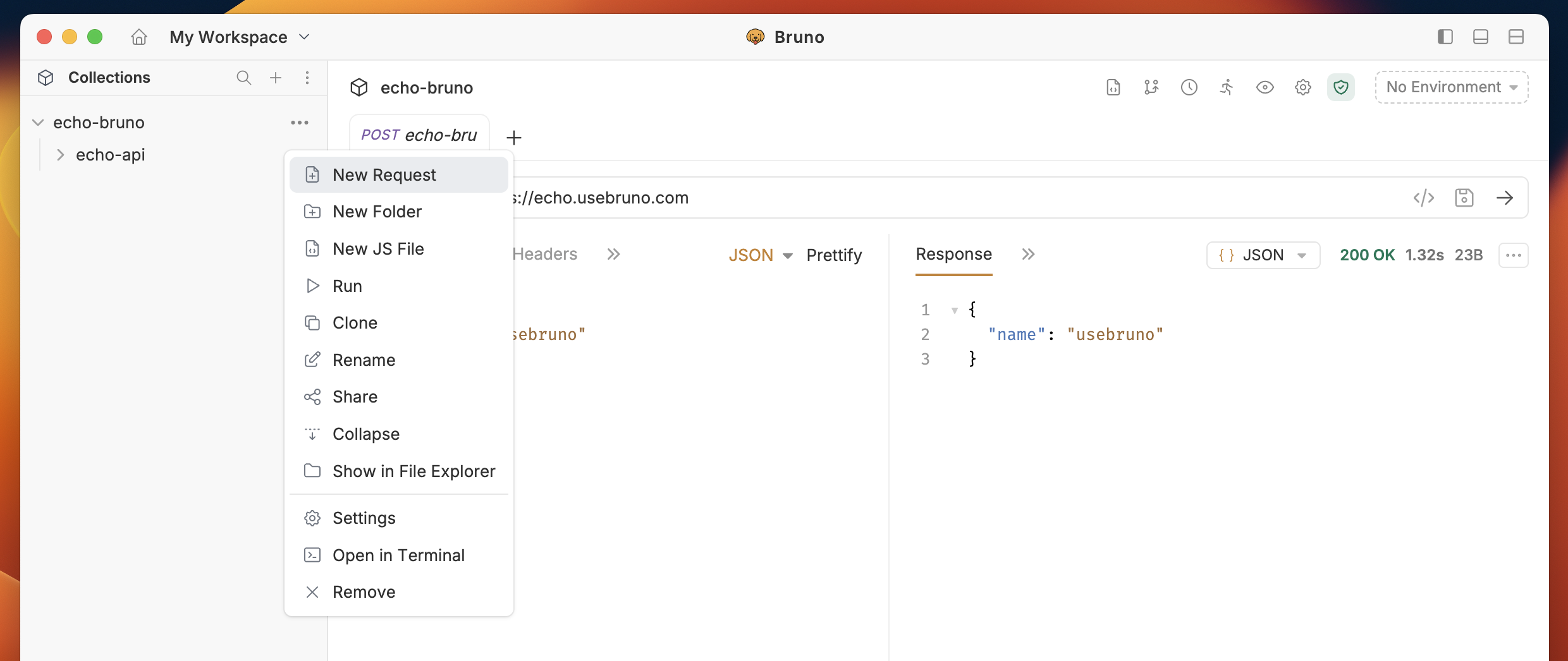
- Create new request inside collection.
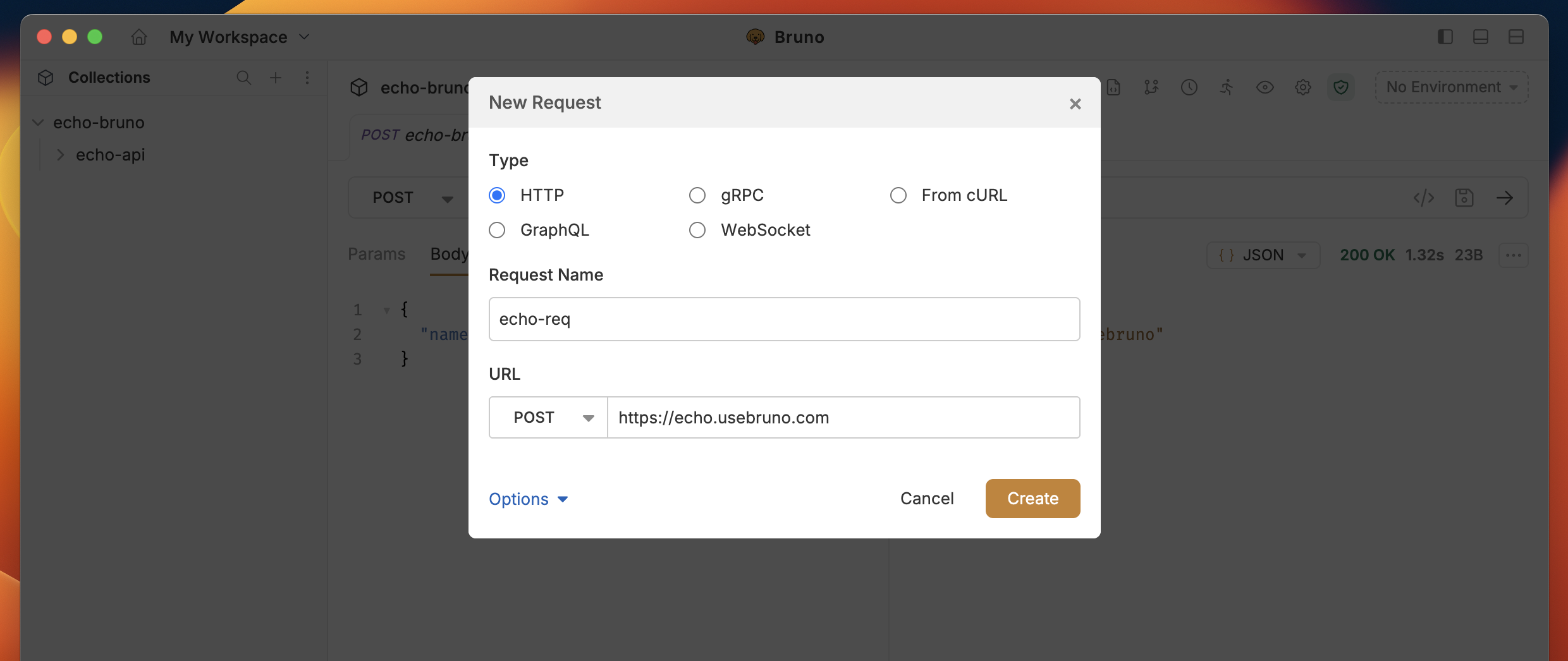
- Select HTTP as request type.
- Provide URL and Name in the input box.
- Click on Create button.
Select multiple request methods
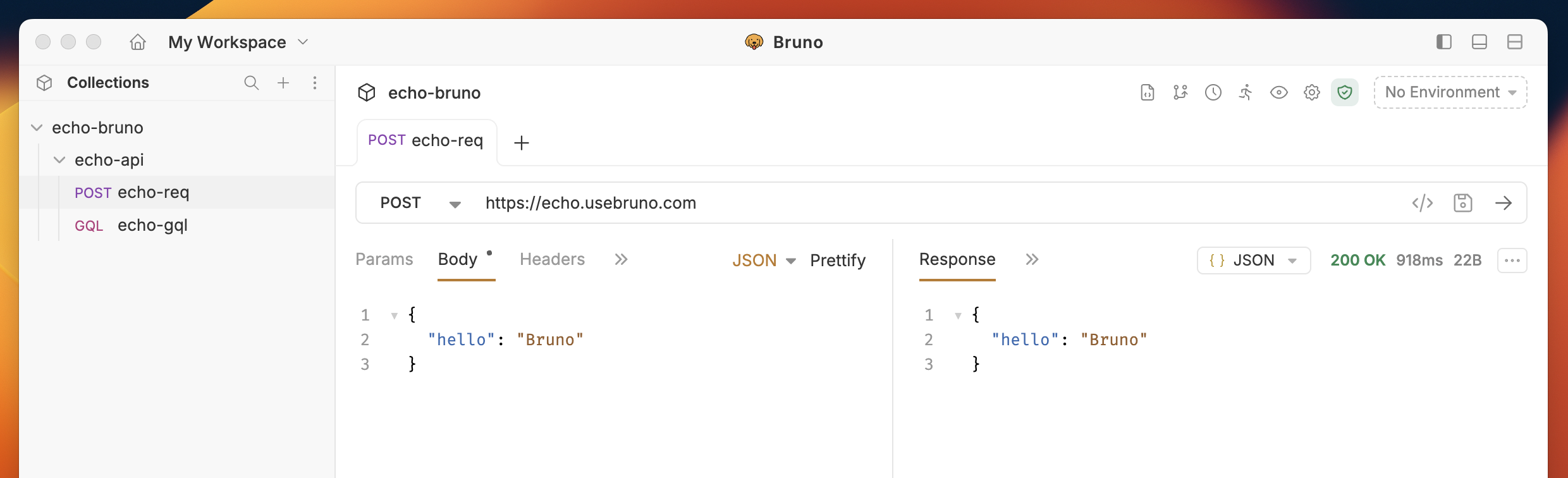
In Bruno, the GET method is set as the default HTTP method for new requests. However, you can select other HTTP methods (such as POST, PUT, DELETE, etc.) based on your API requirements to send data.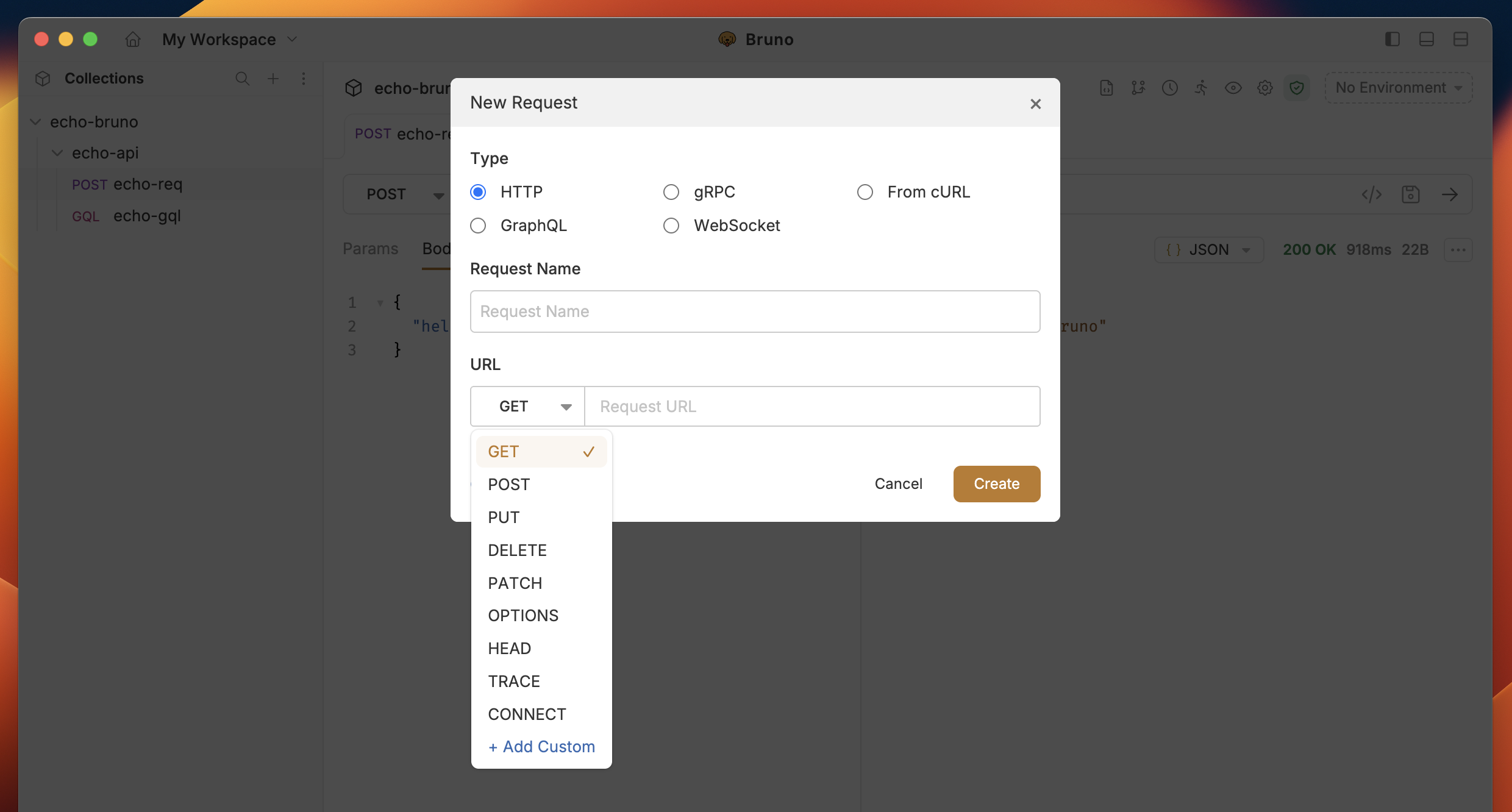
Custom HTTP Methods
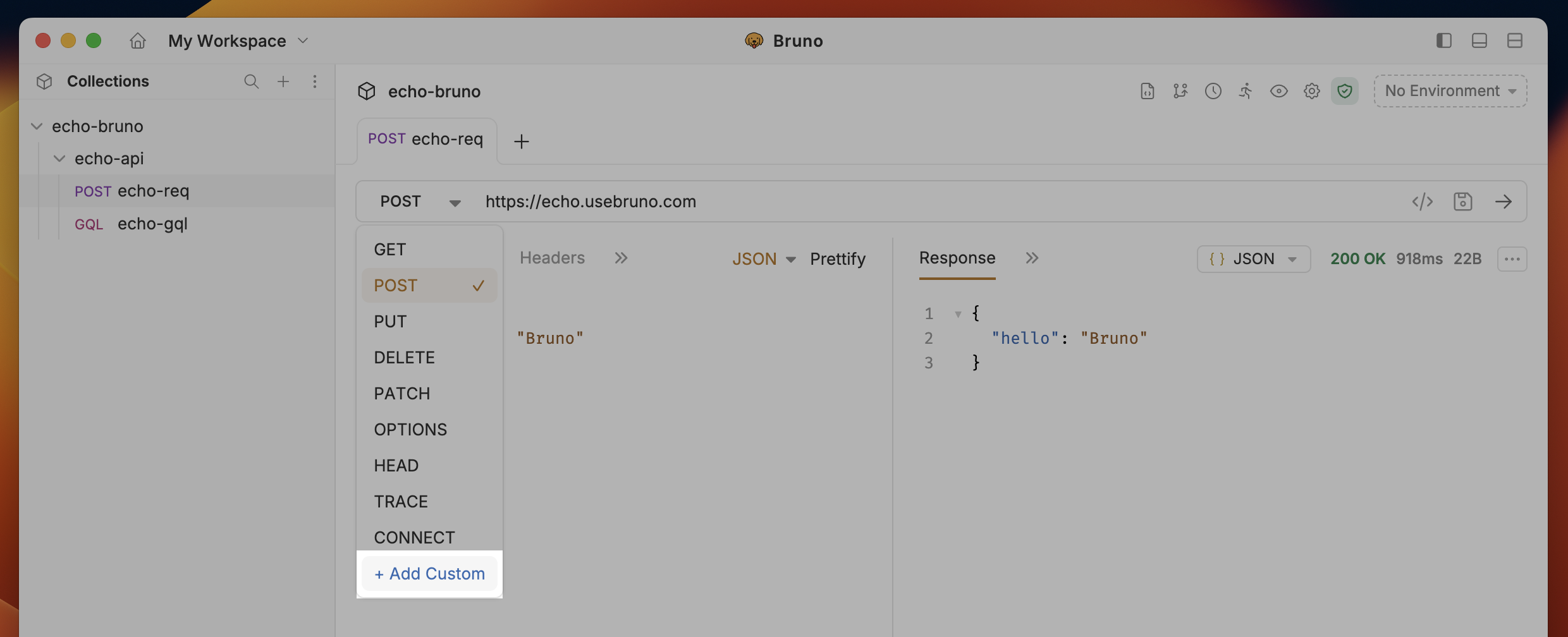
Bruno supports custom HTTP methods beyond the standard ones (GET, POST, PUT, DELETE, etc.). This is useful for APIs that use non-standard methods like Vault’s LIST method or other custom protocols.Adding a Custom HTTP Method
- Expand the HTTP method dropdown in the request pane
- Click “Add Custom” from the dropdown options
- Type your custom method name in the input field (e.g.,
LIST,PATCH,SEARCH)
Request Settings
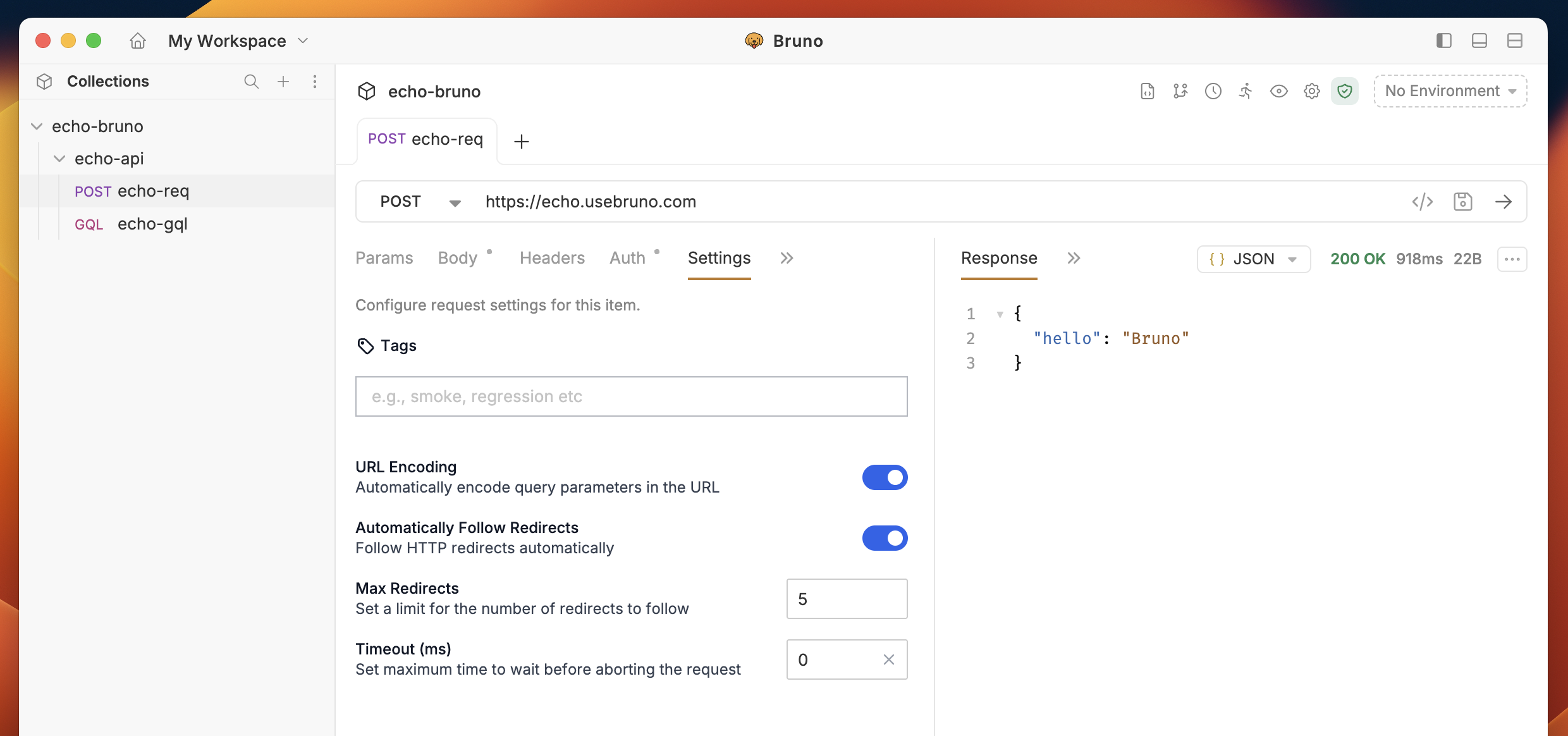
Bruno provides advanced request execution options through the Settings tab in the request pane. You can configure per-request settings for:- Automatically Follow Redirects: Control whether redirects should be followed automatically
- Max Redirects: Limit the number of redirects (e.g., max_redirects: 3)
- Request Timeout: Set request timeout in milliseconds (e.g., timeout: 10000)