

Creating a New Folder
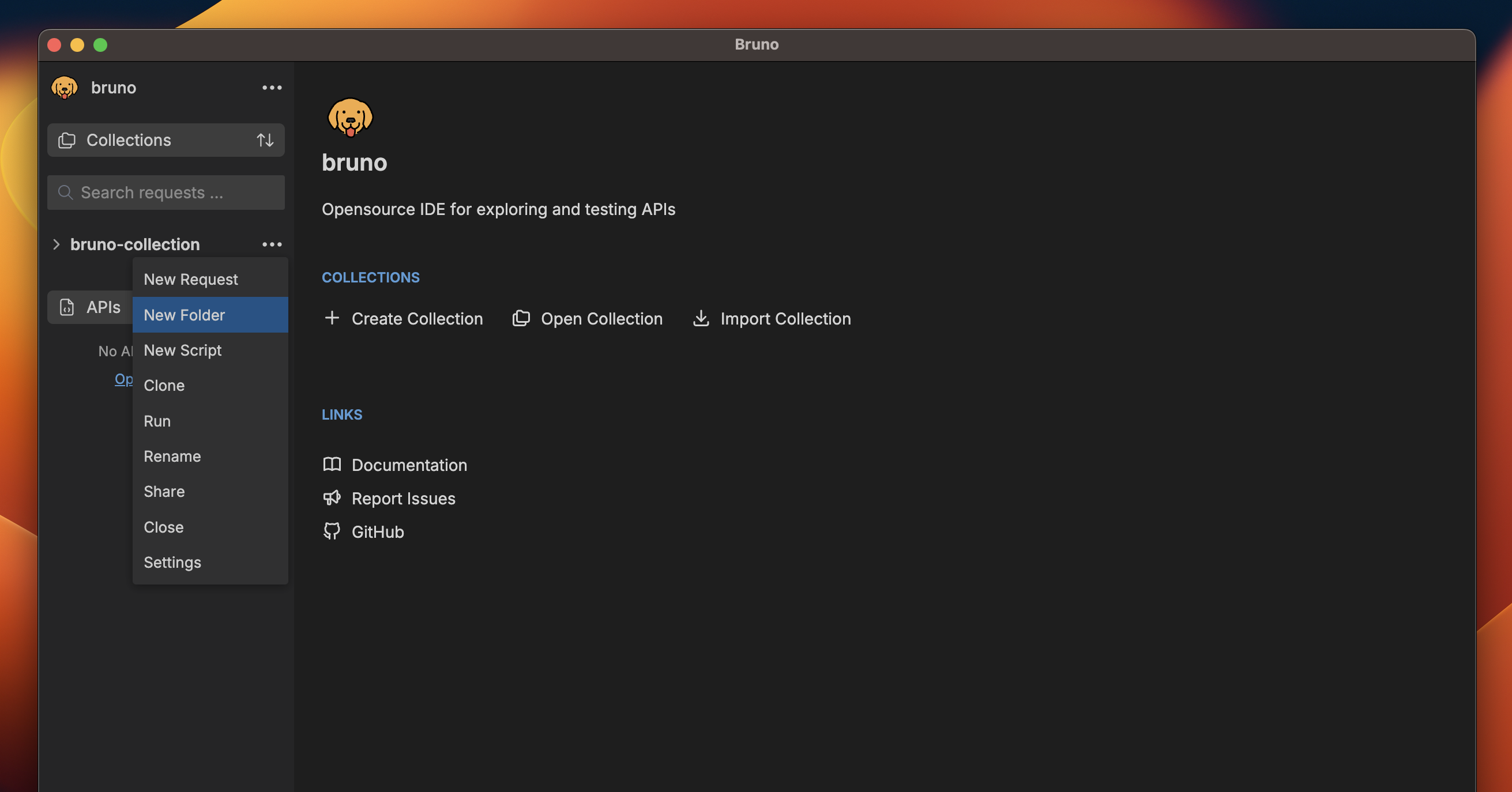
- Select your Collection from the sidebar.
- Click on the
···button. - Select
New Folderfrom the dropdown menu.
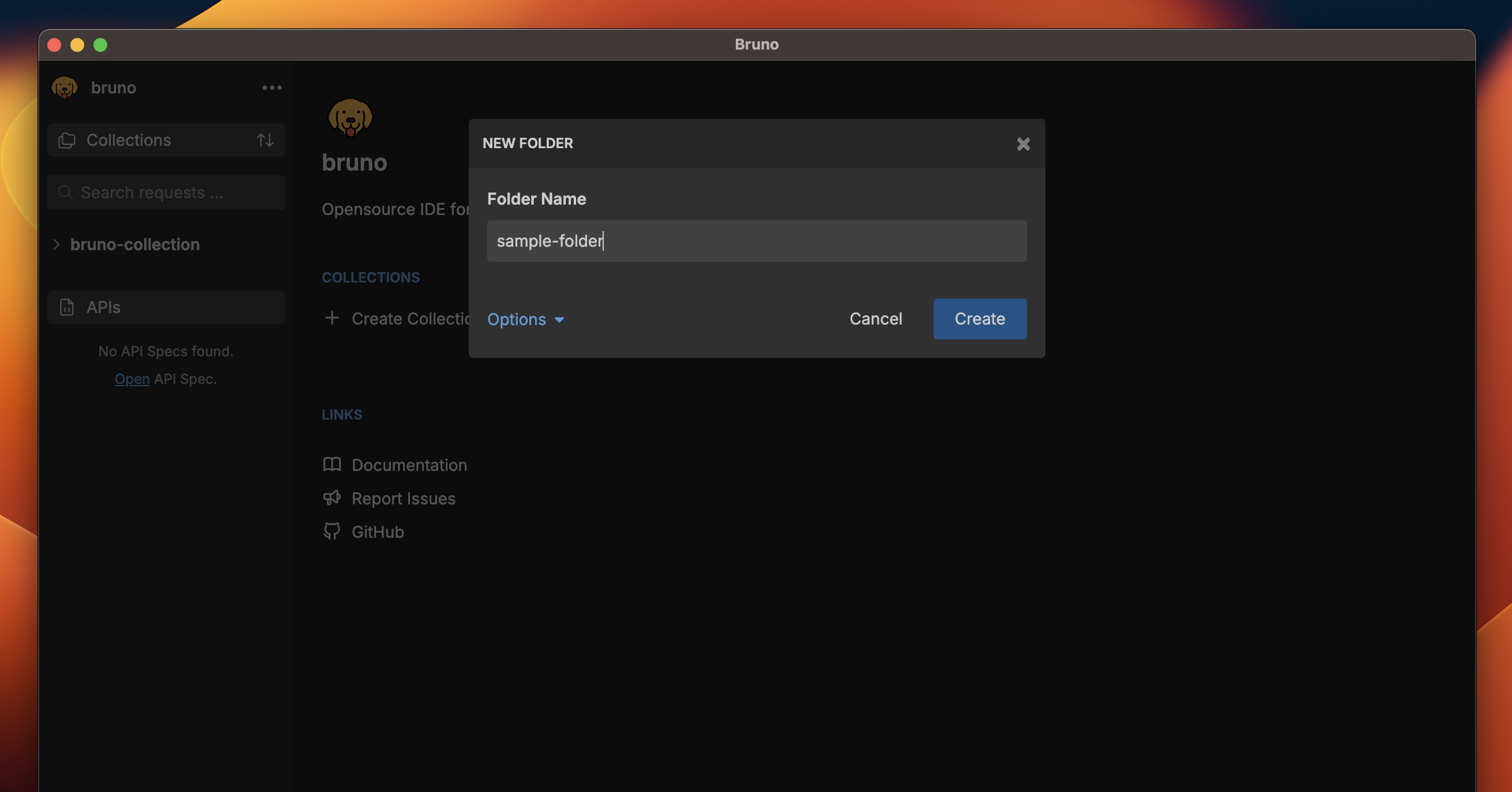
- Enter a name for your folder.
- Click
Createto finish.
Custom Folder Names
Starting with Bruno v1.40.0 ↗, you can
now use special characters in folder names and customize how they appear in
the filesystem.
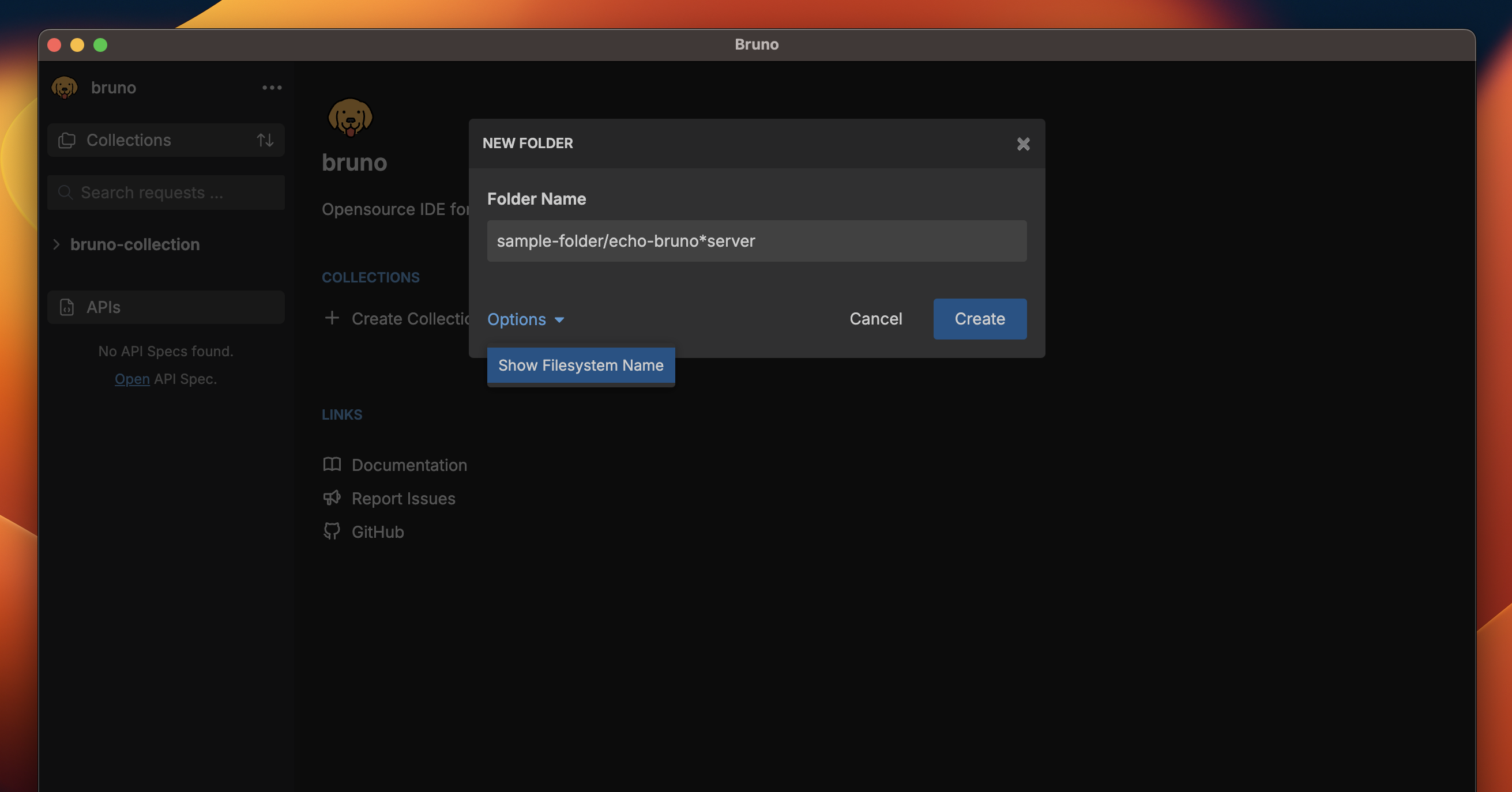
/, [, ], *, etc. Bruno automatically handles filesystem compatibility by replacing unsupported characters with - in the filenames while preserving your original folder name.
How to View or Customize Filesystem Names
- Select Show Filesystem Name.
- You can now see how your folder name is stored on the filesystem.
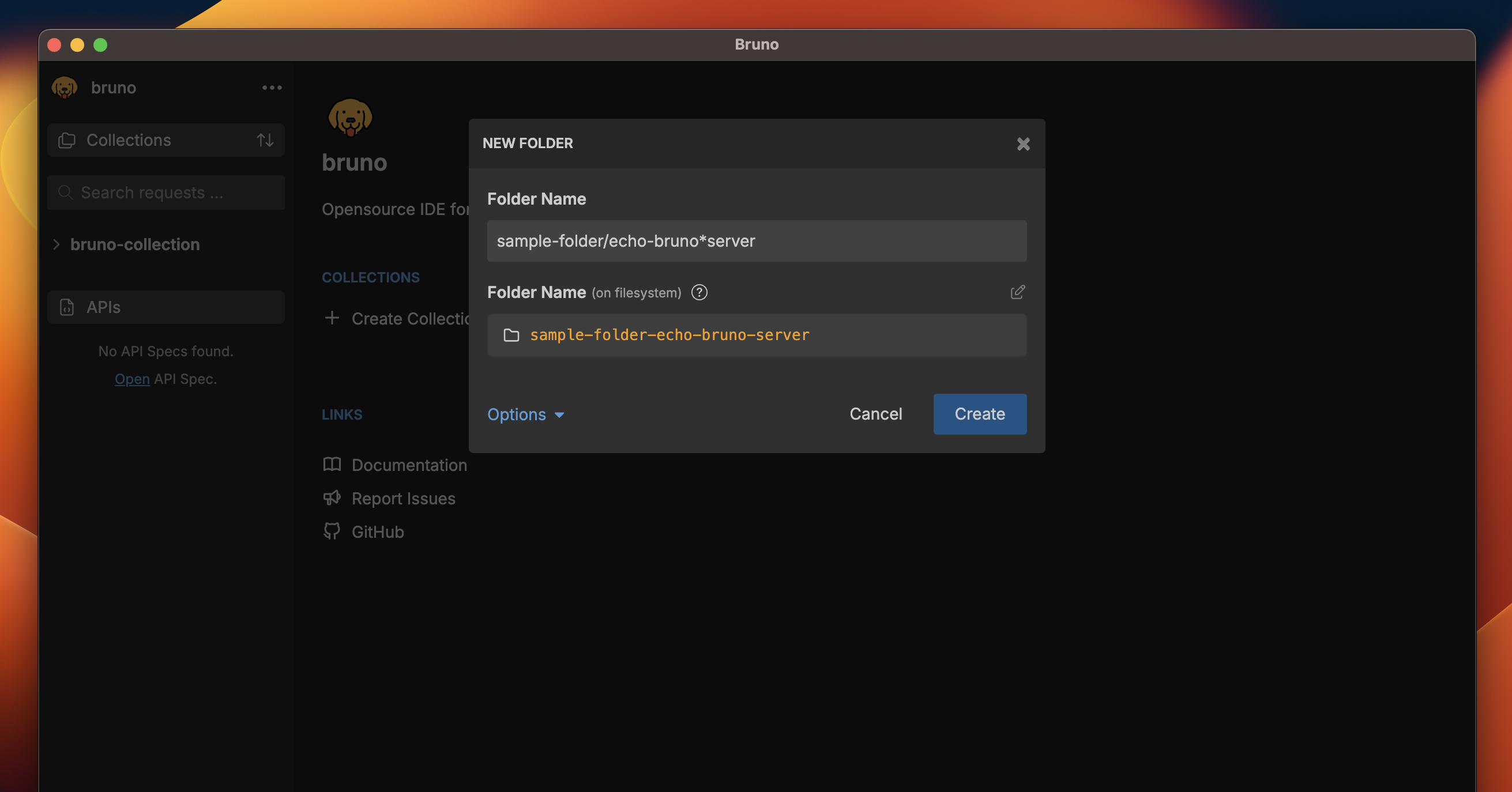
- (Optional) Click the edit icon to customize the filesystem name while keeping your display name intact.
- Create more descriptive folder organization.
- Use special characters freely.
- Maintain filesystem compatibility automatically.
- Keep your collection structure clean and organized.