

Step 1: Click on the Settings or Key icon in Bruno
Both icons are located at the bottom left corner of the Bruno window. The Key icon will take you directly to theLicense section. If you choose to use the Settings icon, simply select License from the settings menu.
Step 2: Enter License Details
Enter your license key and associated email address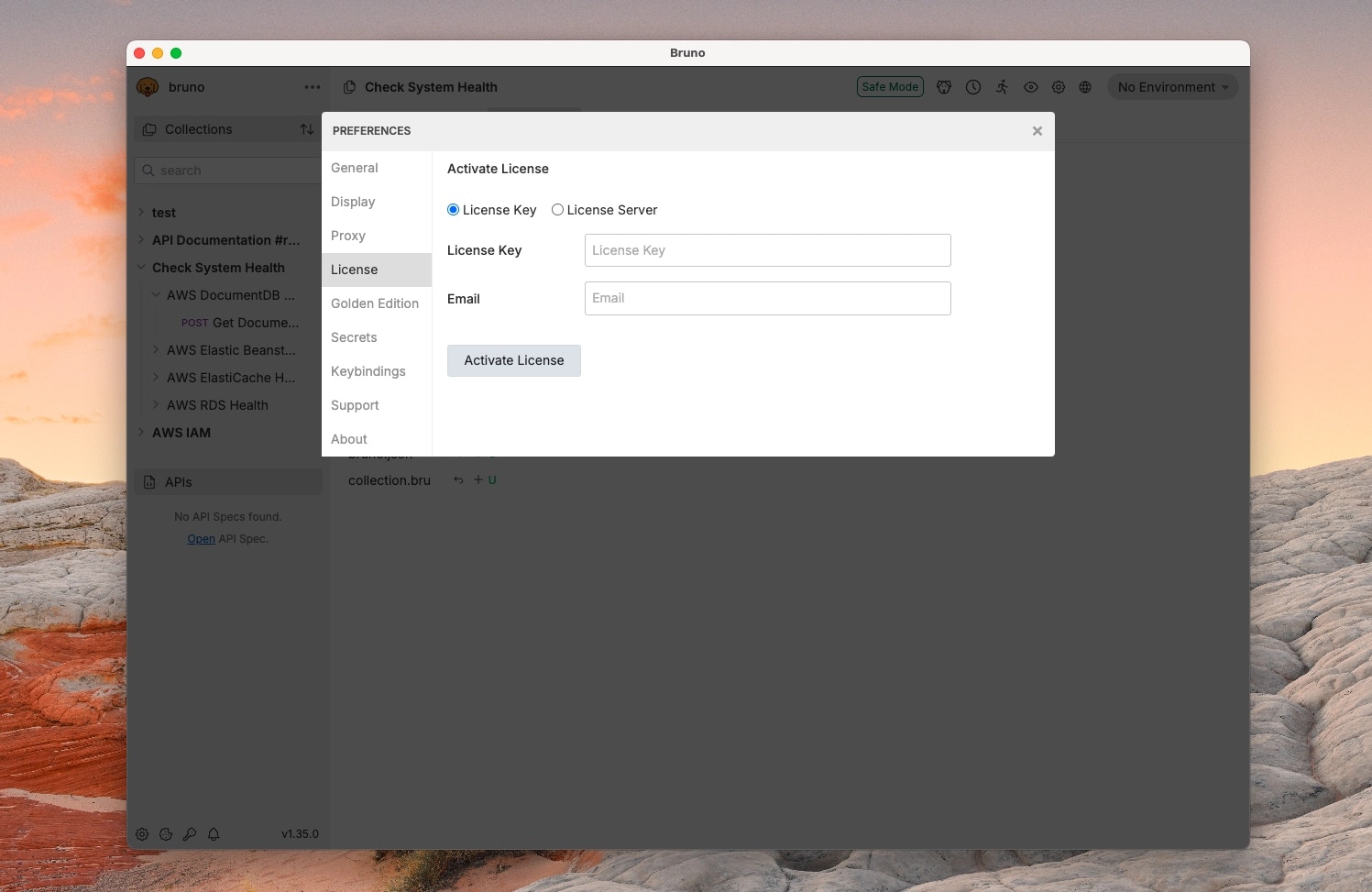
If your company uses a self-hosted licensing server, select
License Server and enter the details provided to you by your License Administrator.