

DotEnv File
Environment variables are used to store sensitive data such as API keys, tokens, and configuration settings outside the source code. This helps keep your code secure and makes it easier to manage different settings for various environments (e.g., local, staging, production). In Bruno, environment variables can be managed through.env files.
DotEnv File for Secret Management
In Bruno, you can store your secrets (e.g., API keys, JWT tokens) in a.env file located at the root of your collection folder. This approach is inspired by how developers typically manage secrets in their codebase.
You cannot create the .env file directly inside Bruno. You need to manually create the .env file at the root of your Bruno collection folder to store your secrets. Once created, you can access those variables within your Bruno collection.
Folder Structure Example
Below is an example folder structure for your collection:Creating and Using the .env File
-
Create a
.envfile manually in the root of your collection folder. This file will store your sensitive environment variables. -
Define your secrets in the
.envfile. For example:
.env
process.env object.
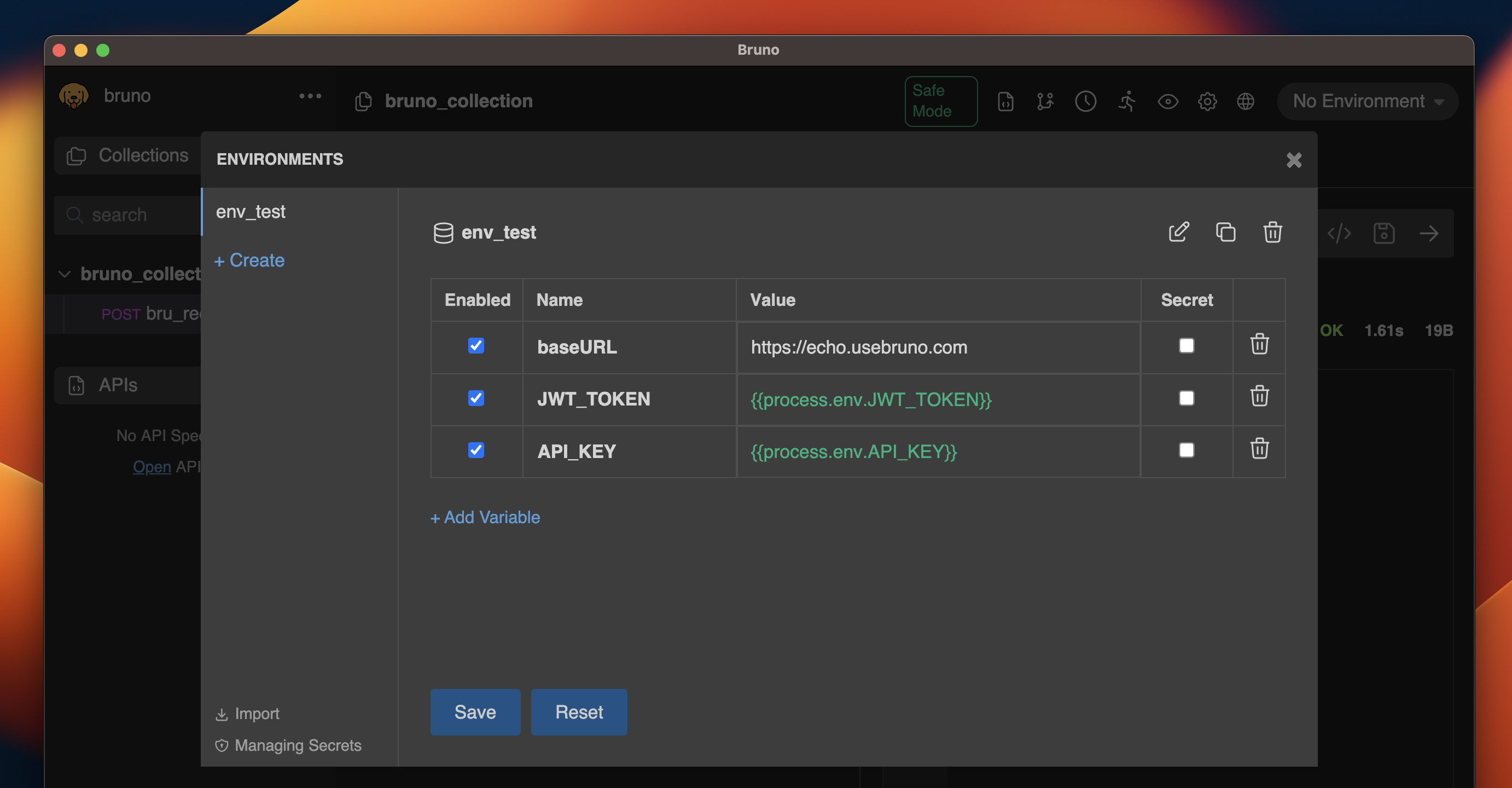
process.env.<secret-name>.
Your environment file at environments/local.bru would look like
local.bru
JWT_TOKEN secret from the .env file is referenced using process.env.JWT_TOKEN. This will be replaced with the actual value of JWT_TOKEN when the collection is executed.
Managing Secrets
-
Always add the
.envfile to your.gitignorefile to ensure secrets are not accidentally pushed to version control. -
If you need to share the structure of your environment variables with other developers, create a
.env.samplefile without actual secret values.