.proto) are the foundation of gRPC services, defining the contract between clients and servers. Bruno supports adding proto files to enhance your gRPC development experience with better IntelliSense, method discovery, and type safety.
Proto File Options
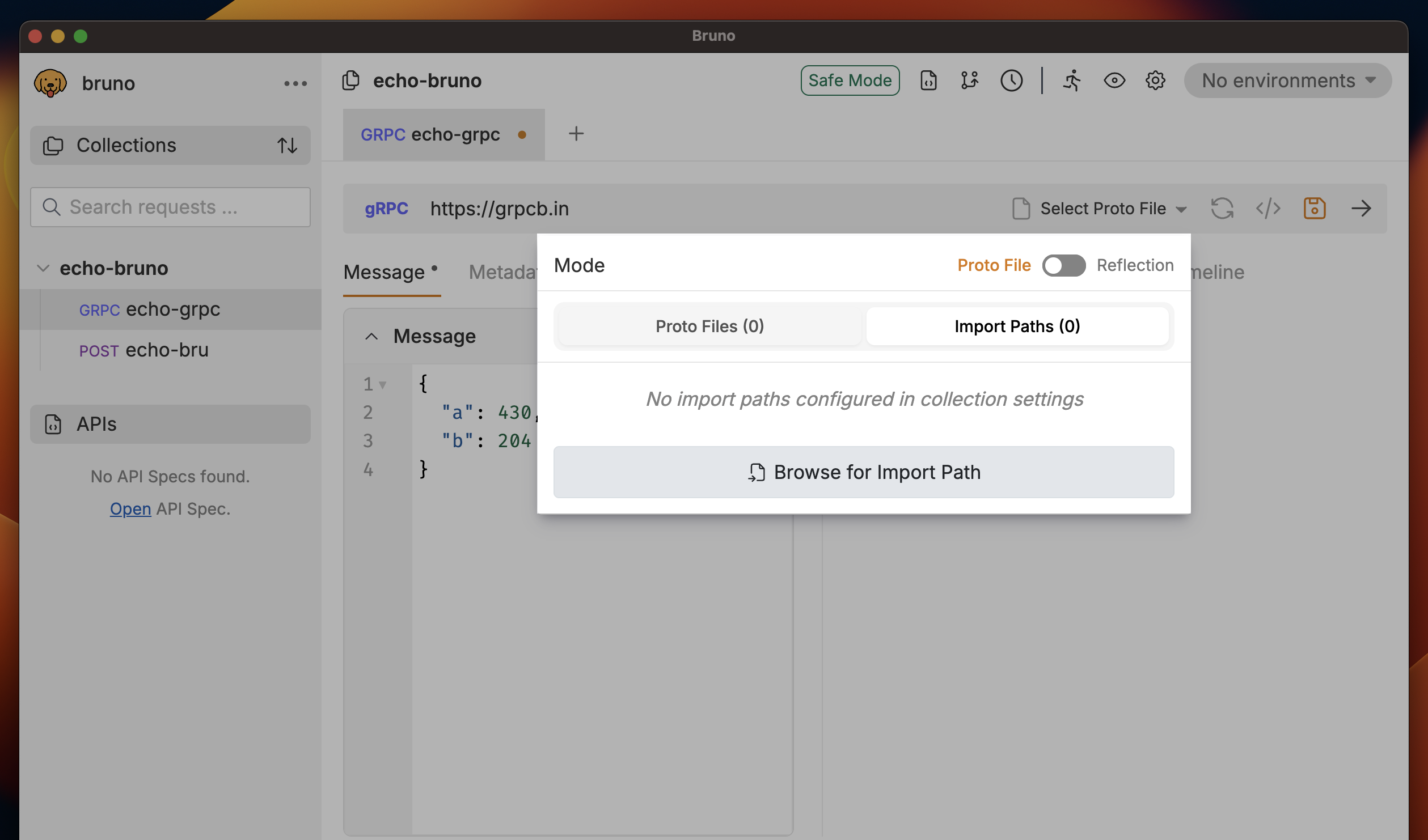
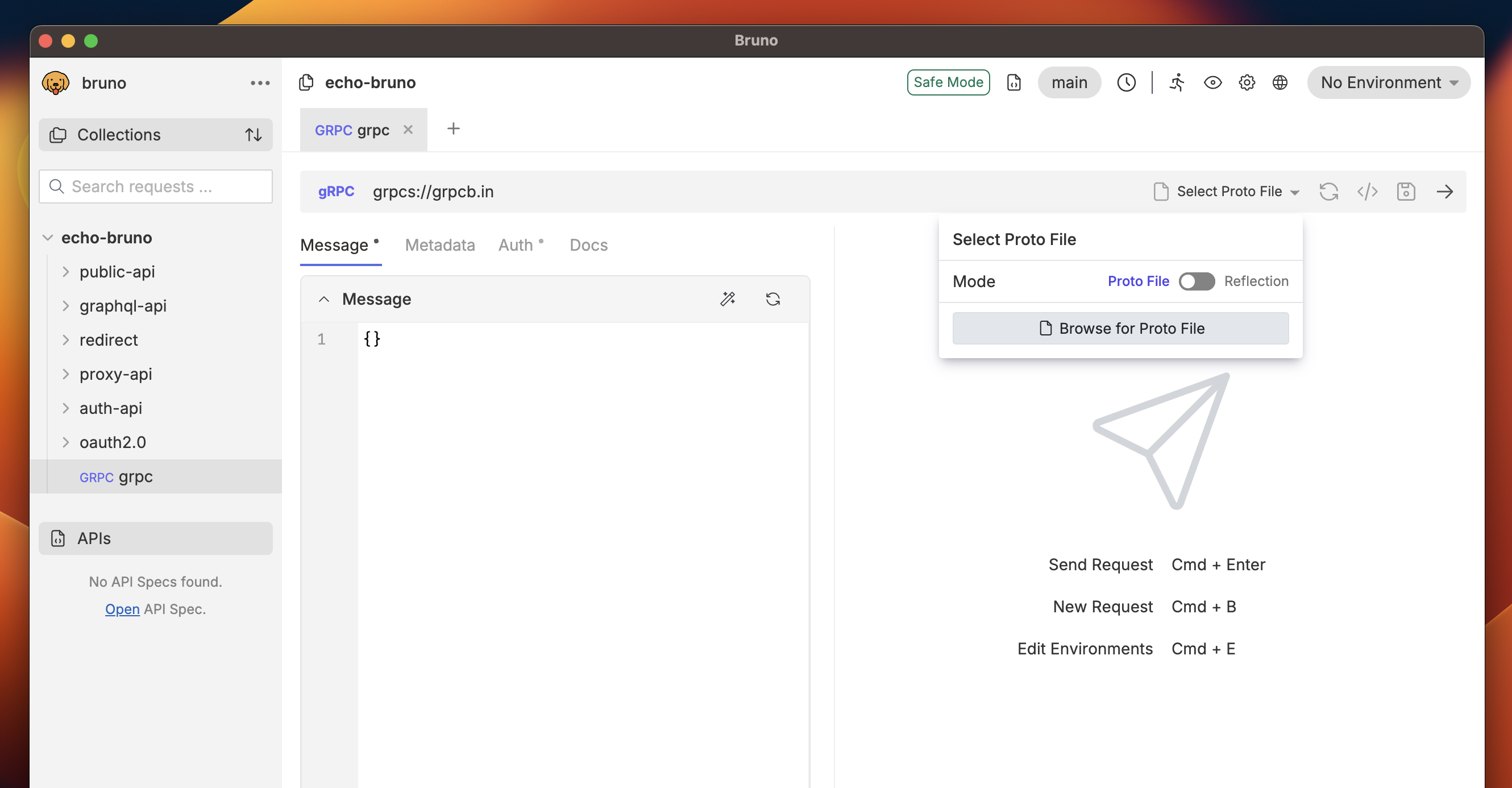
You have two ways to add Proto files for enhanced IntelliSense and method discovery: Option 1: Request Level- Open your gRPC request in Bruno
- In the gRPC interface, locate the Using Reflection section
- Click on the Browse for proto file button or toggle the proto file option
- Click the file browser to select
.protofiles from your local system
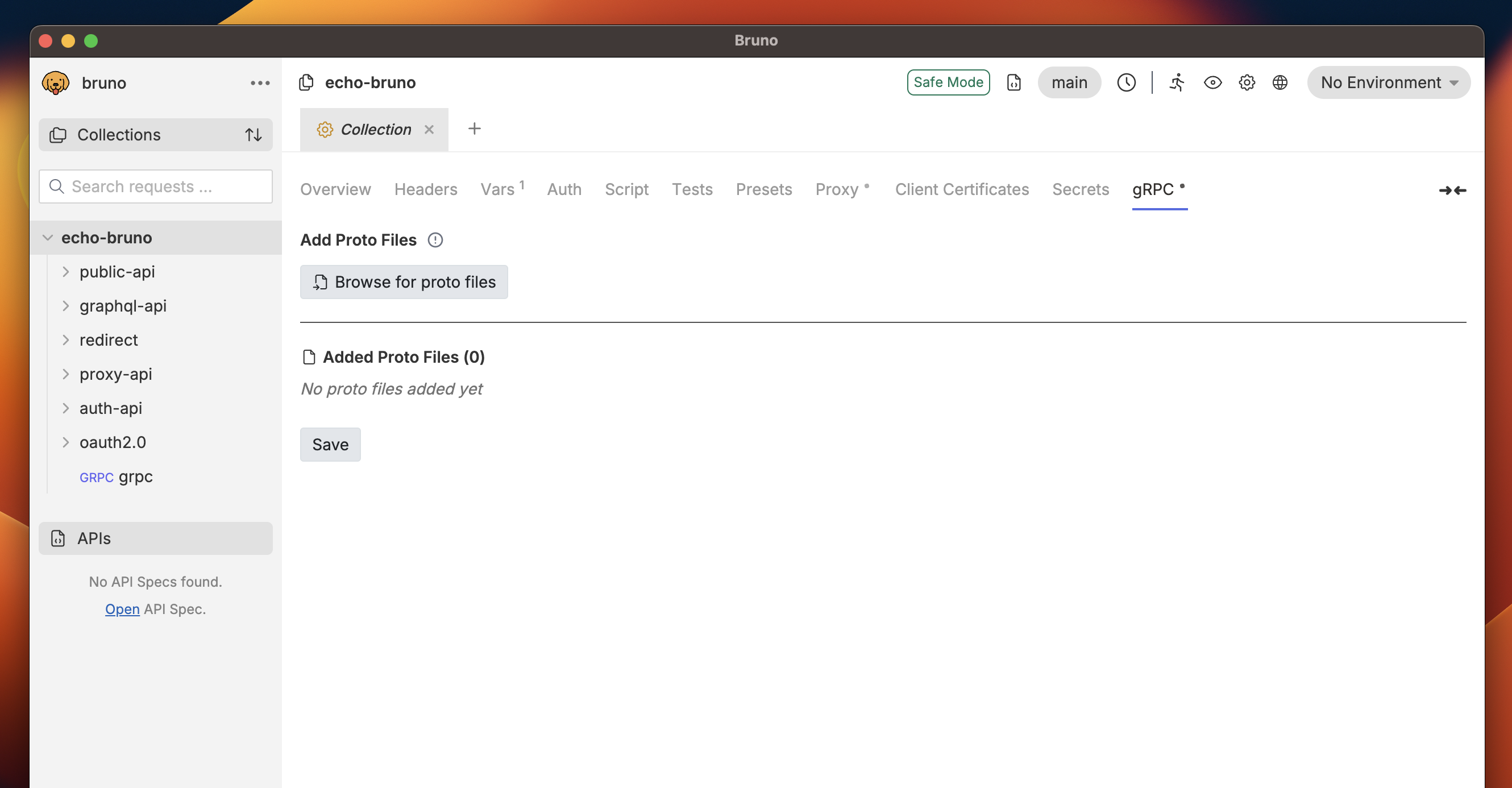
- Go to collection level settings
- Navigate to the gRPC tab
- Click the Browse for proto files to select
.protofiles from your local system
Import Paths
When working with proto files that import other proto files, Bruno will always try to resolve imports within the folder where the proto file resides. However, when working with multiple services, you may have common types (likegoogle/protobuf types or shared definitions) that are used across different services. Instead of duplicating these common proto definitions in each service folder, you can use import paths to define these common types in a single location and reference them from all dependent services.
Adding Import Paths
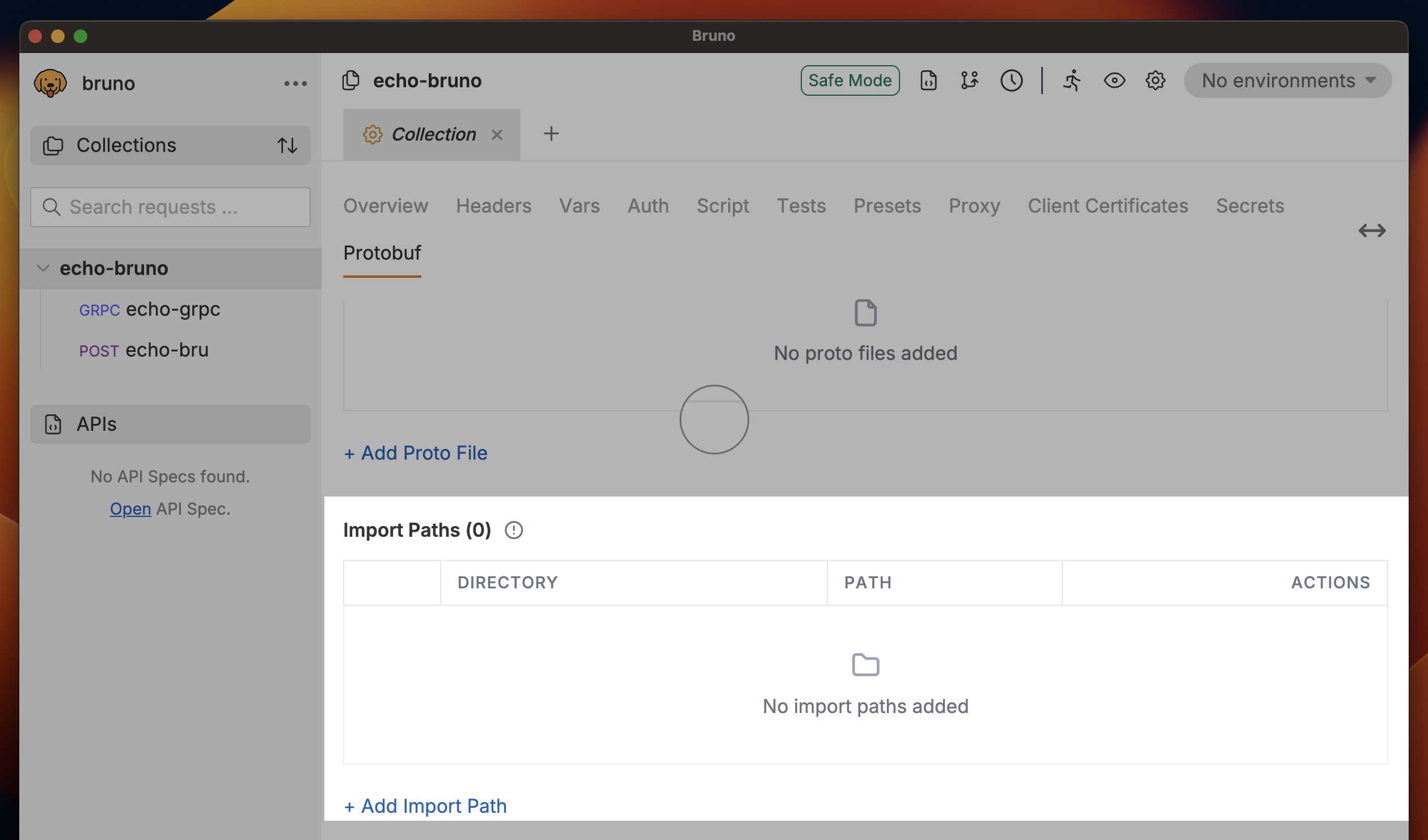
To configure import paths for your proto files:- Go to Collection Settings
- Navigate to the Protobuf tab
- In the Import Paths section, click Add Import Path
- Specify the directory path where Bruno should look for imported proto files
How Import Paths Work
When Bruno encounters an import statement in a proto file:- The same directory as the importing proto file
- All specified import paths (in the order they were added)
- Standard protobuf library paths
Example Setup
Consider this directory structure:../shared(for common/user.proto and types/timestamp.proto)../external(for google/protobuf/timestamp.proto)
Automatic Import Path Management
Bruno automatically manages import paths when you add proto files at the request level:- When you add a proto file to a request, Bruno automatically adds its directory to the collection’s import paths
- This ensures that any imports within that proto file are properly resolved
- The import paths are shared across all requests in the collection