Cookie Attributes
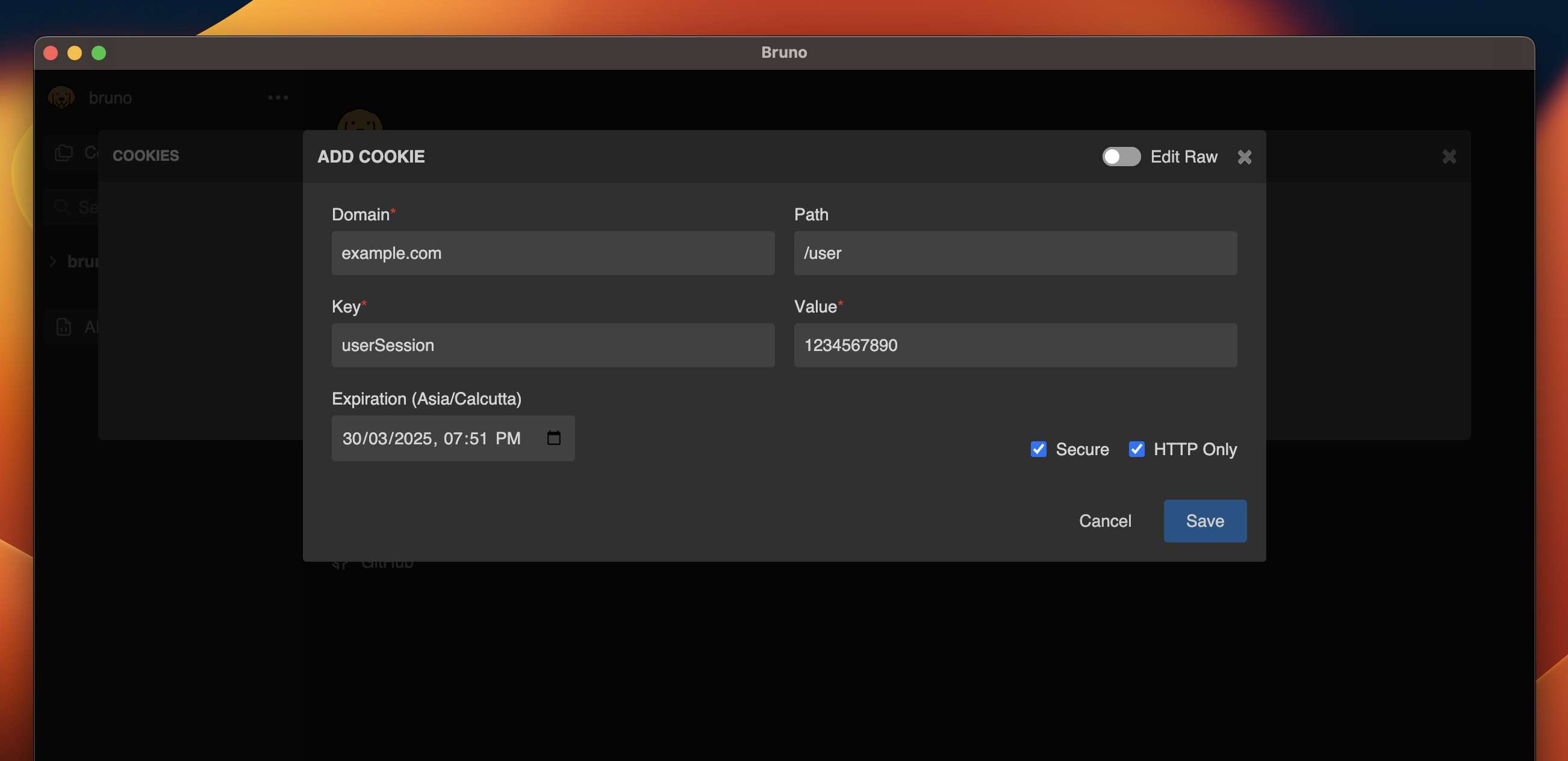
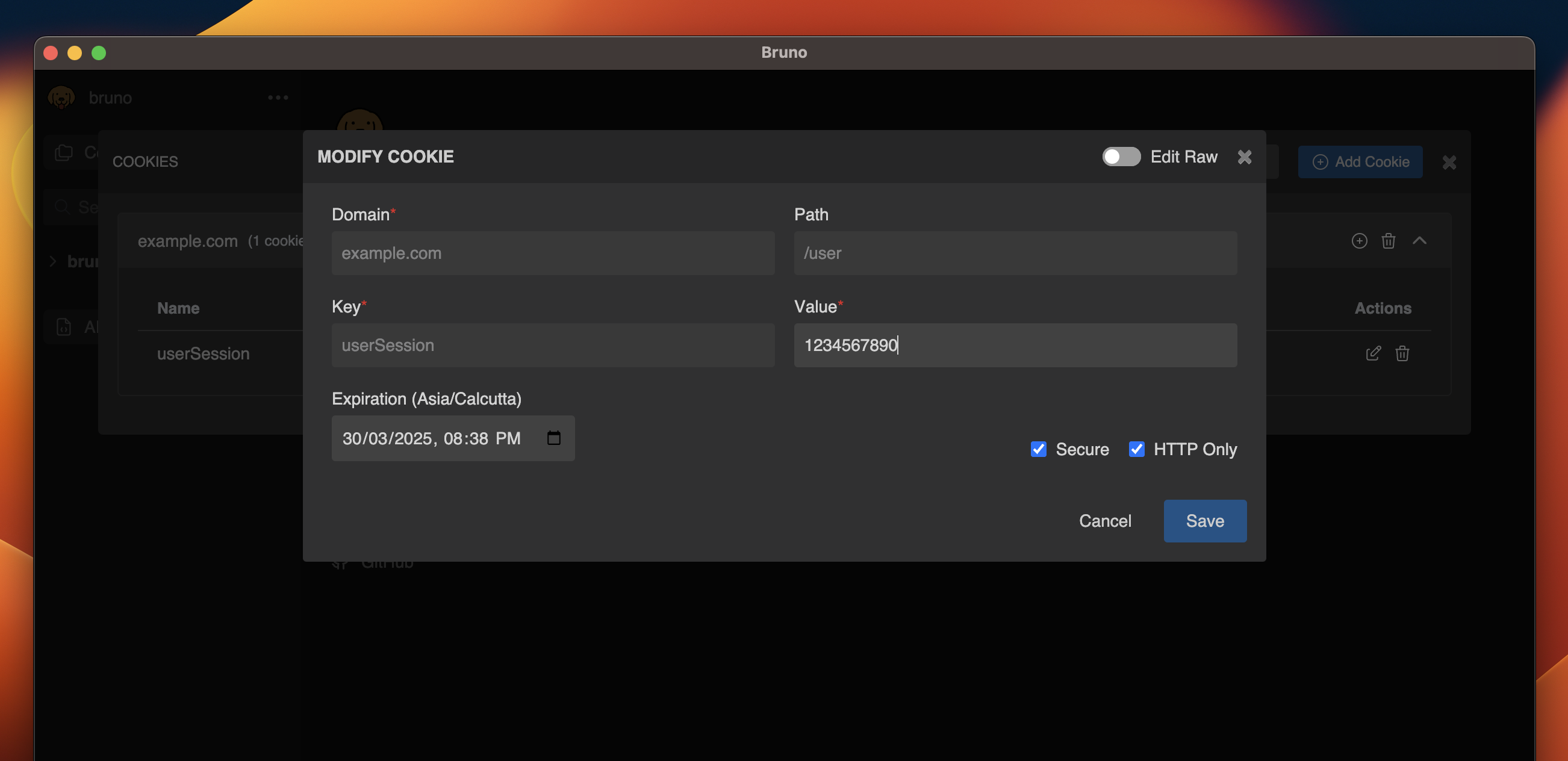
- Domain: Specifies the domain where the cookie is valid.
- Path (optional): Specifies the URL path where the cookie will be sent.
- Key: The name/identifier of the cookie.
- Value: The data that the cookie will store.
- Expiration: The expiration date and time for the cookie.
- Secure: Ensures the cookie is only sent over HTTPS.
- HTTP Only: Restricts access to the cookie from JavaScript.
Configuring Cookies in Bruno
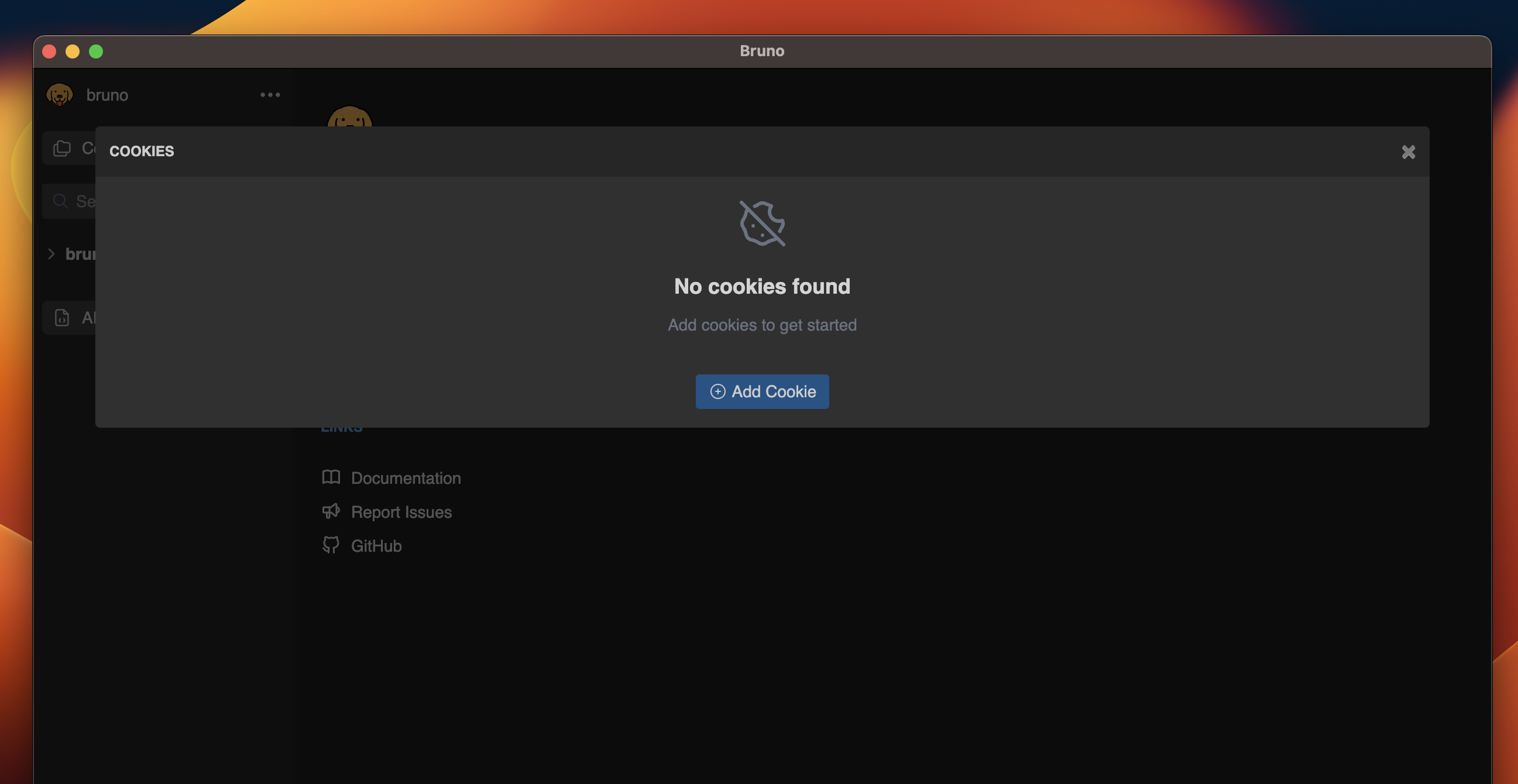
Add Cookie
- Go to cookies section (bottom-left).
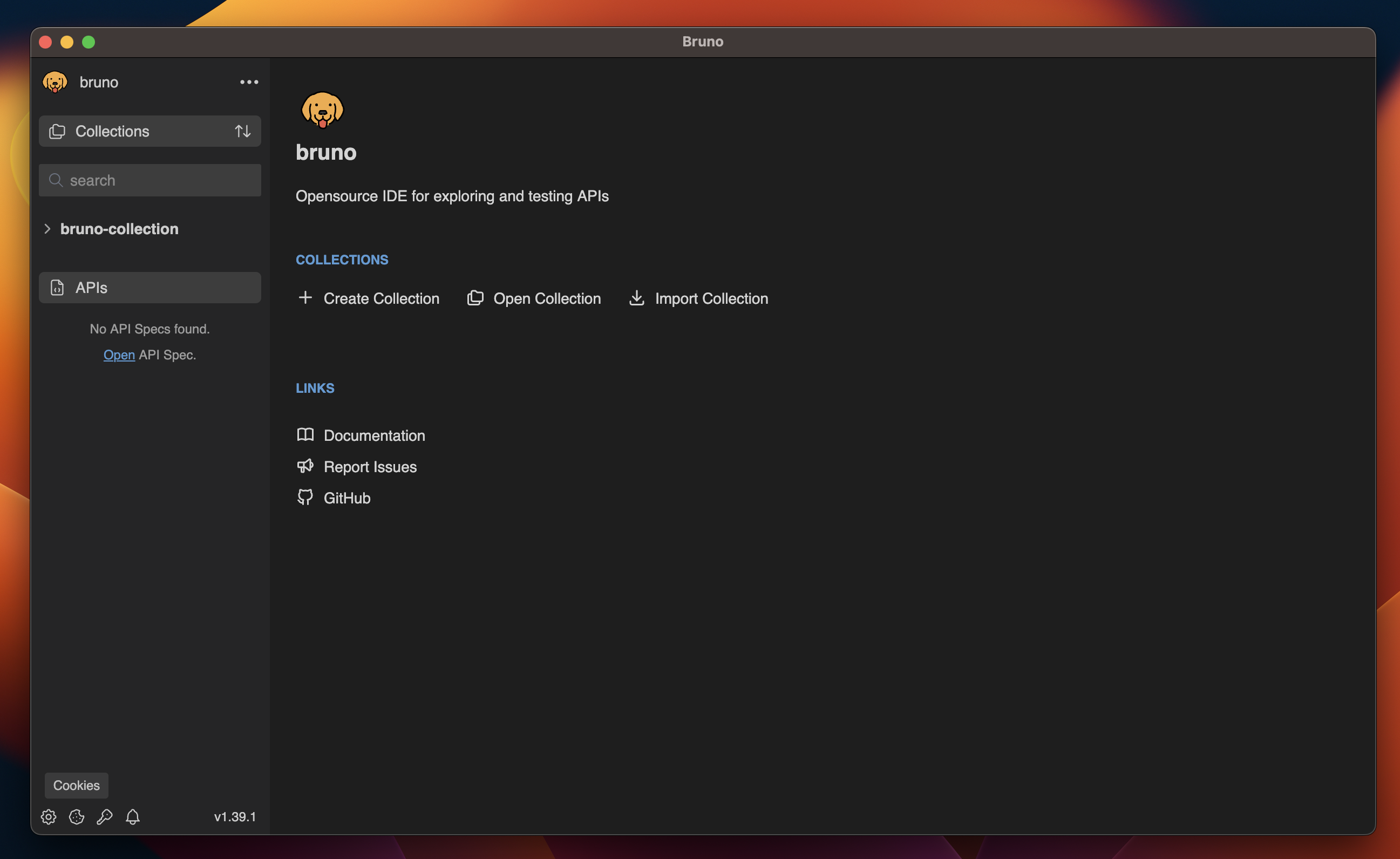
- Click on Add Cookie button.
- Add the cookie attributes and select Secure or HTTP Only according to your preference.
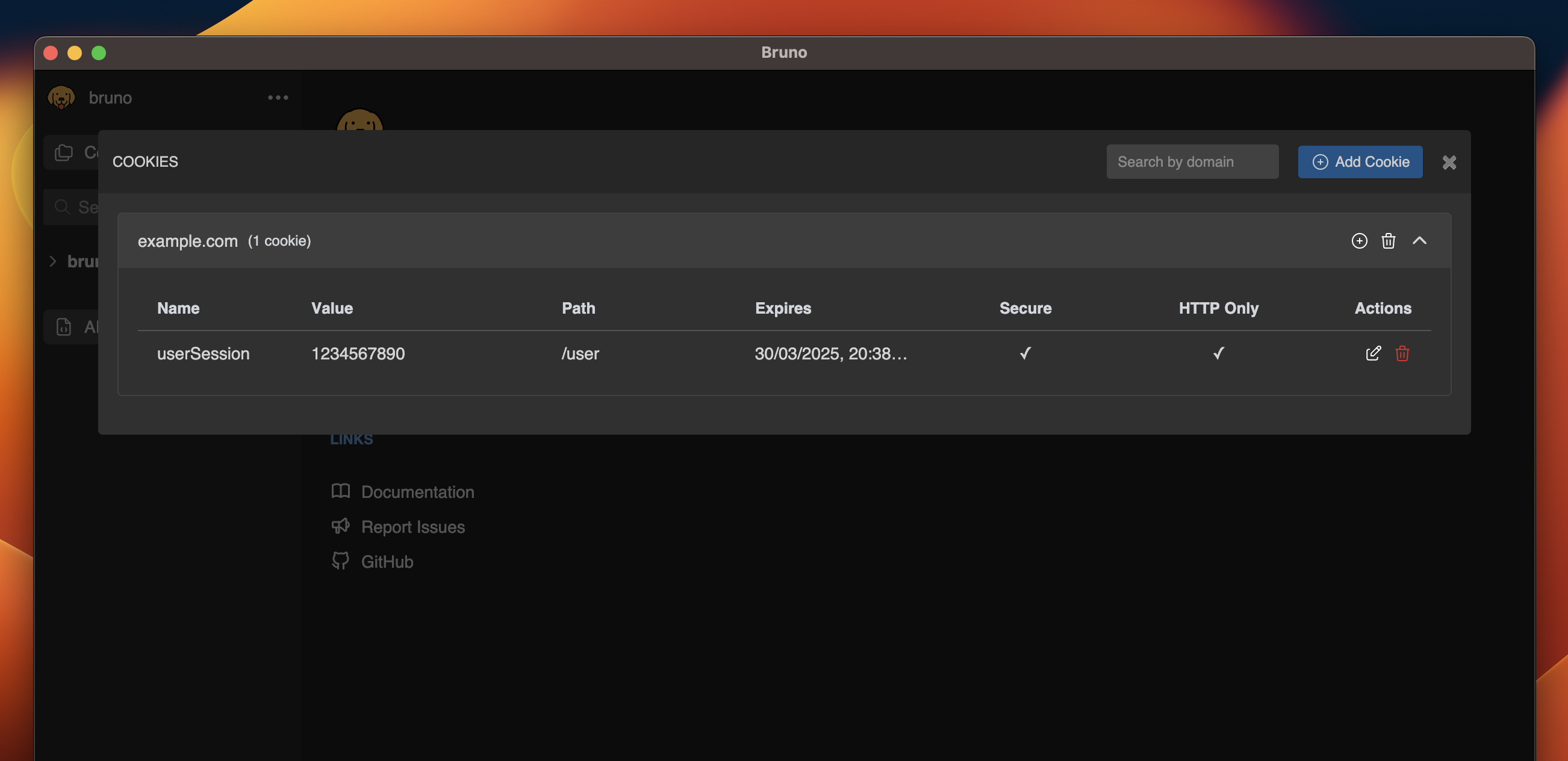
- Click on Save button.
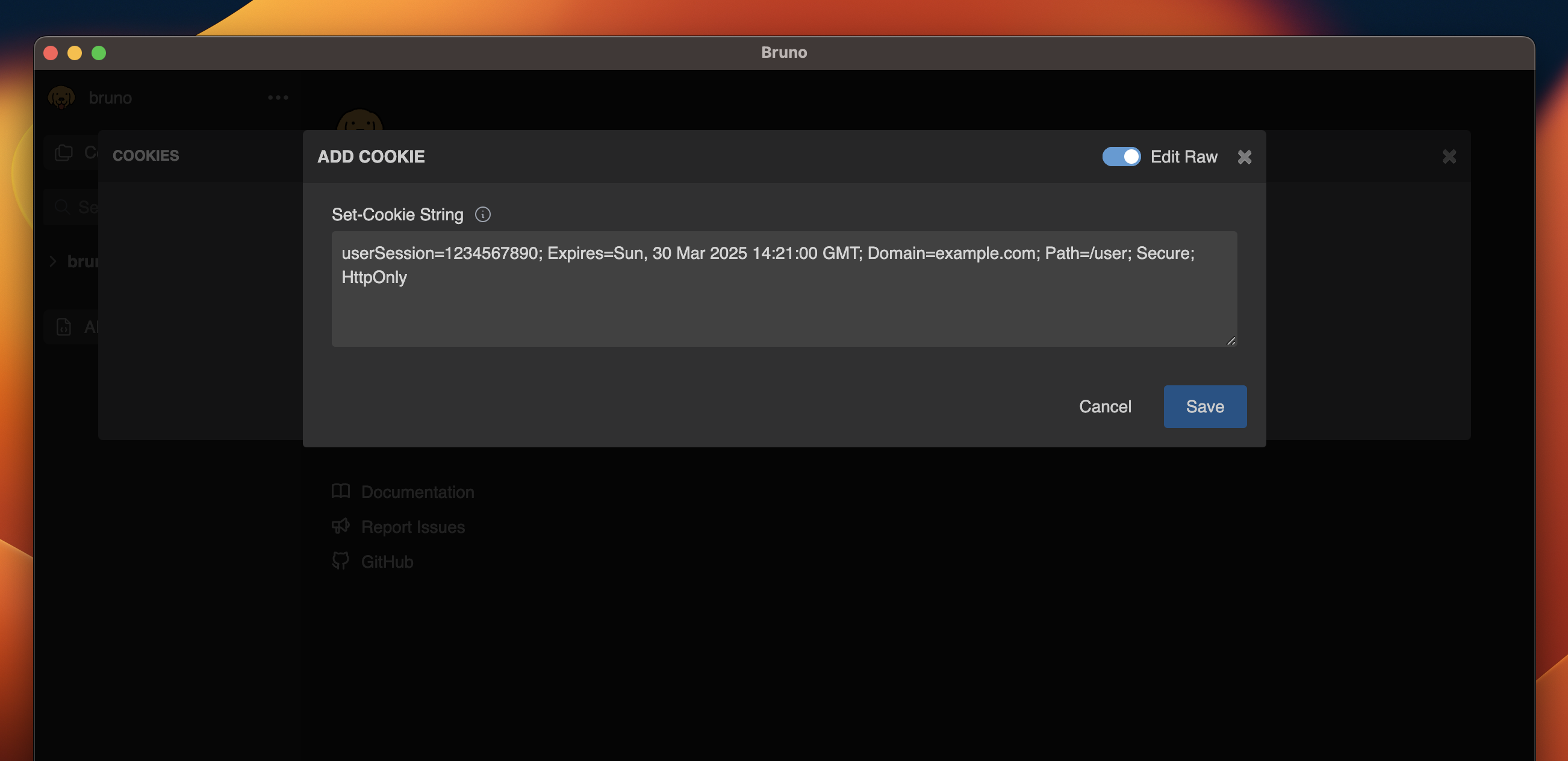
- You can enable Raw Edit mode to quickly customize and make direct changes to your cookies.
Update Cookie
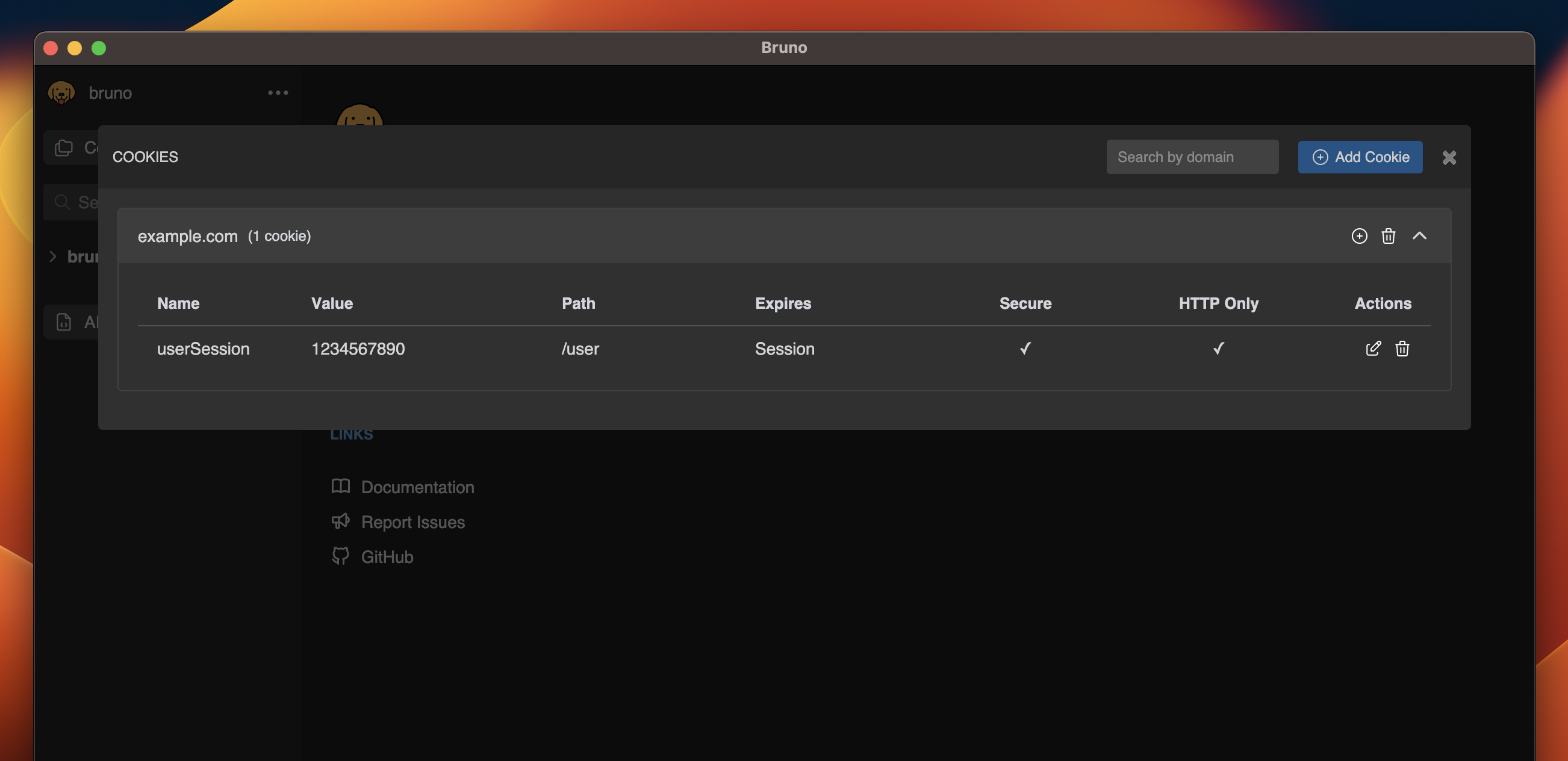
You can update and delete cookie(s) by clicking the icons next to it.- Click on (pencil icon) to update cookie.
- Edit values in the cookie panel.
Delete Cookie
- Click on delete icon (red colour) to delete cookie.