Working with WSDL files? Bruno can automatically import WSDL files and generate SOAP request collections. Learn more in the WSDL to Bruno Converter guide.
Key Components of a SOAP Message
- Envelope: The outermost element that defines the start and end of the message.
- Header: (Optional) Contains meta-information or additional information about the message.
- Body: The main part of the message that contains the actual data or the request/response payload
Create SOAP request
You have two options for creating SOAP requests in Bruno:Option 1: Import from WSDL (Recommended)
If you have a WSDL file, Bruno can automatically generate SOAP requests with pre-configured envelopes:- Right-click on a collection and select Import Collection
- Choose WSDL and upload your
.wsdlfile - Bruno will generate all SOAP operations with proper XML structure
Option 2: Create Manually
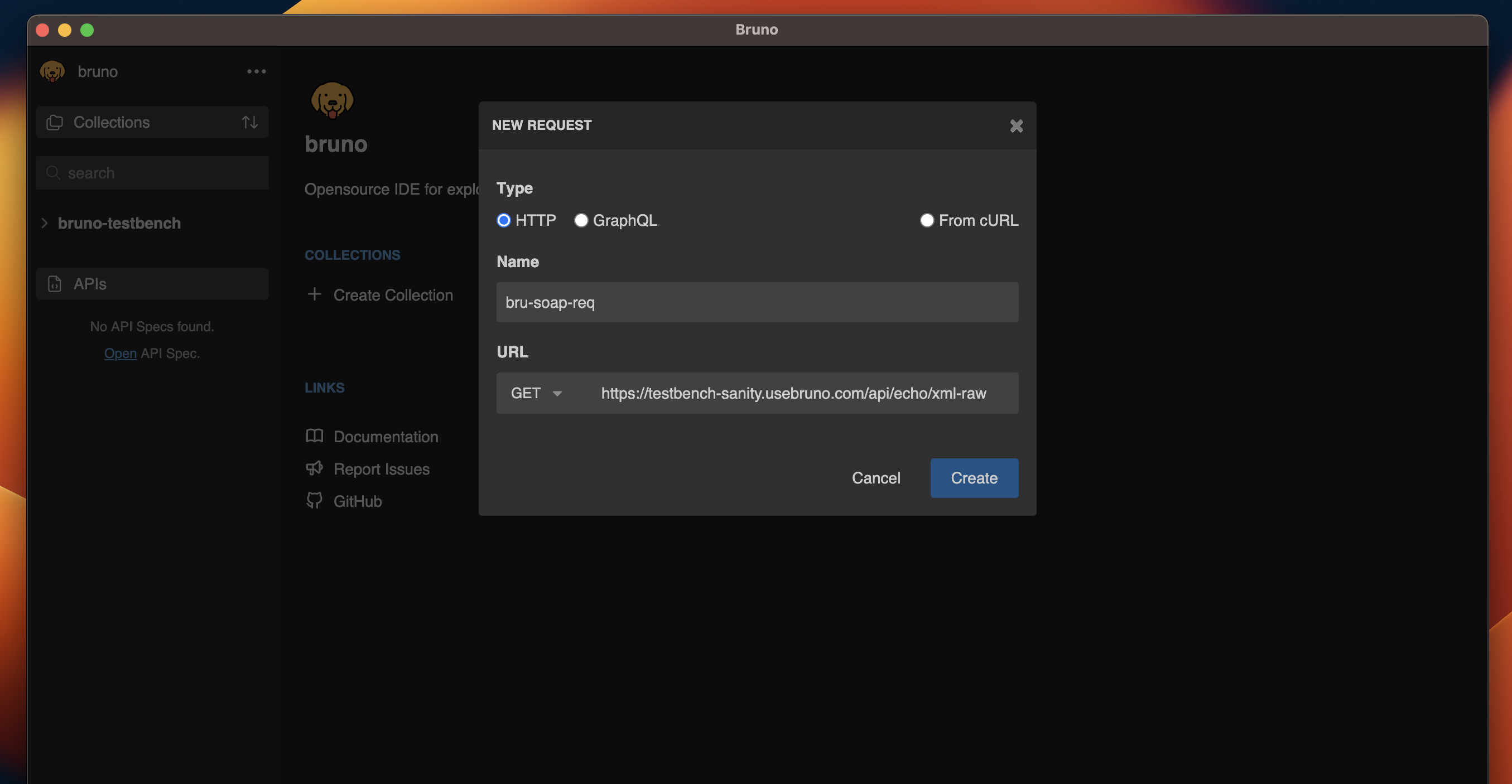
- Create new request inside a collection in Bruno.
- Select HTTP and add URL and name.
- Click on Create button.
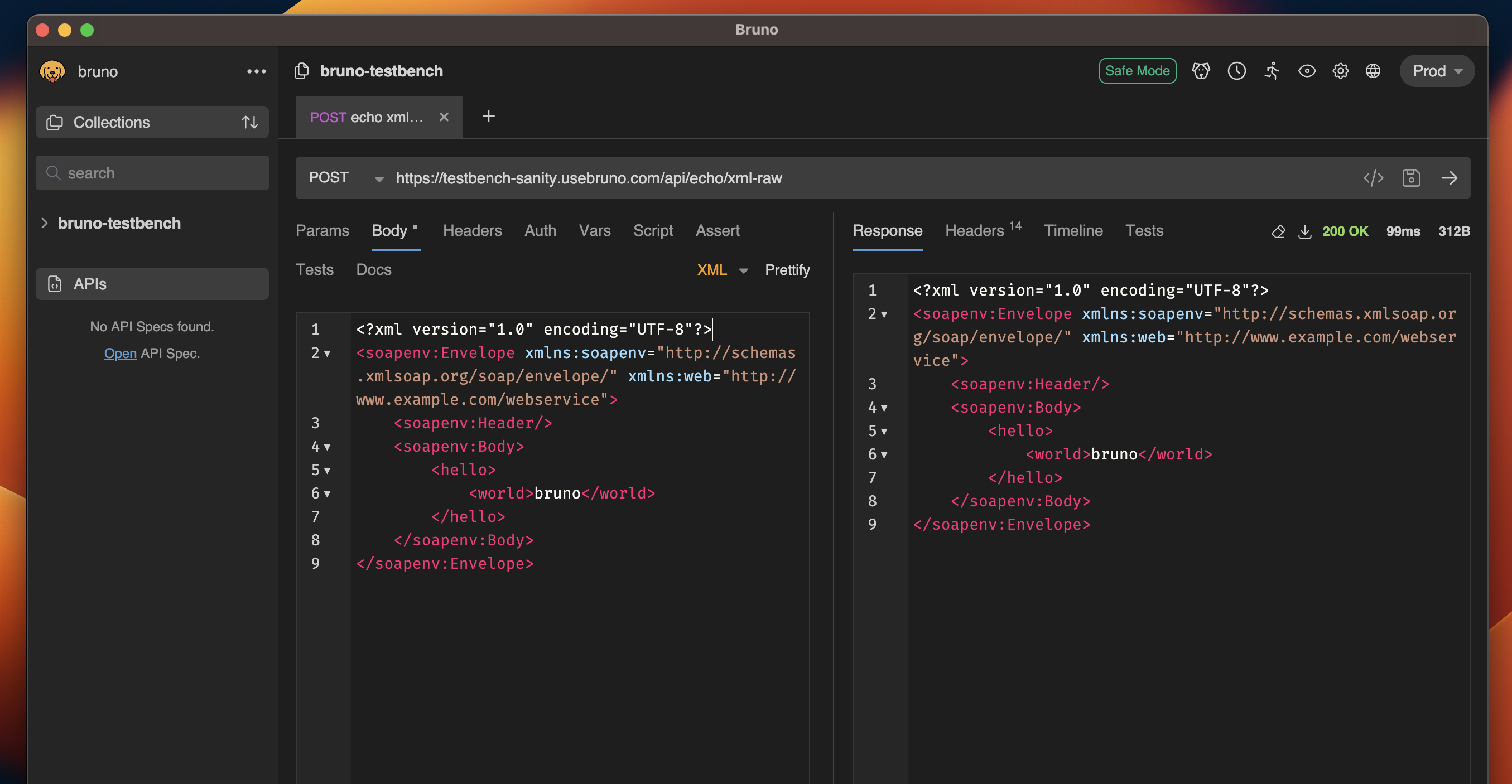
Adding body data
- After creating request, Go to Body.
- Select XML from the dropdown list.
- Add your XML data in the textarea section.
- Save and Execute the request.