

Global variables are stored in the application’s memory. You can access them by visiting the About section from Preferences and navigating to the AppData path location.
Create a Global Environment Variable
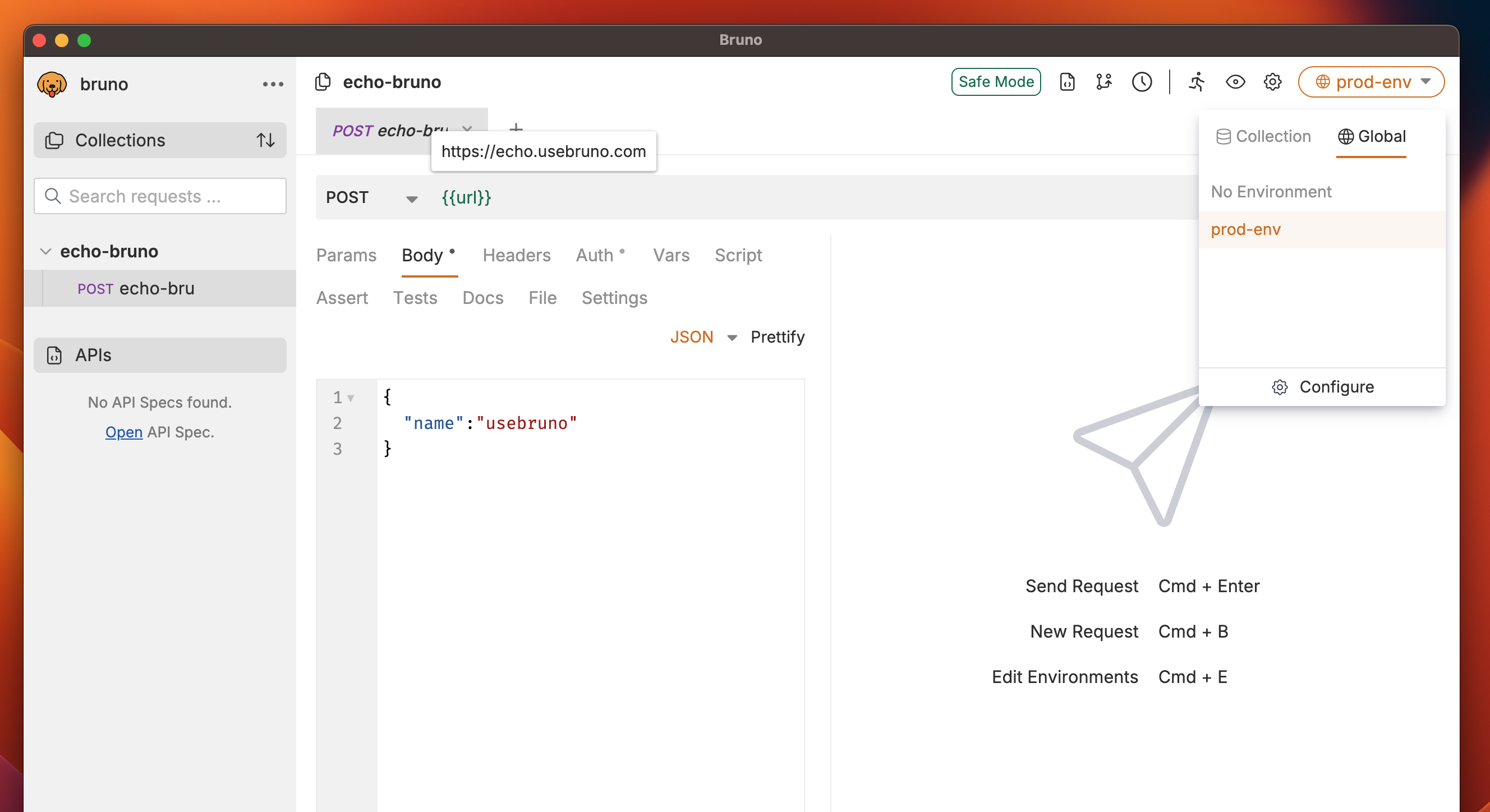
- Go to the Environments section (top right corner).
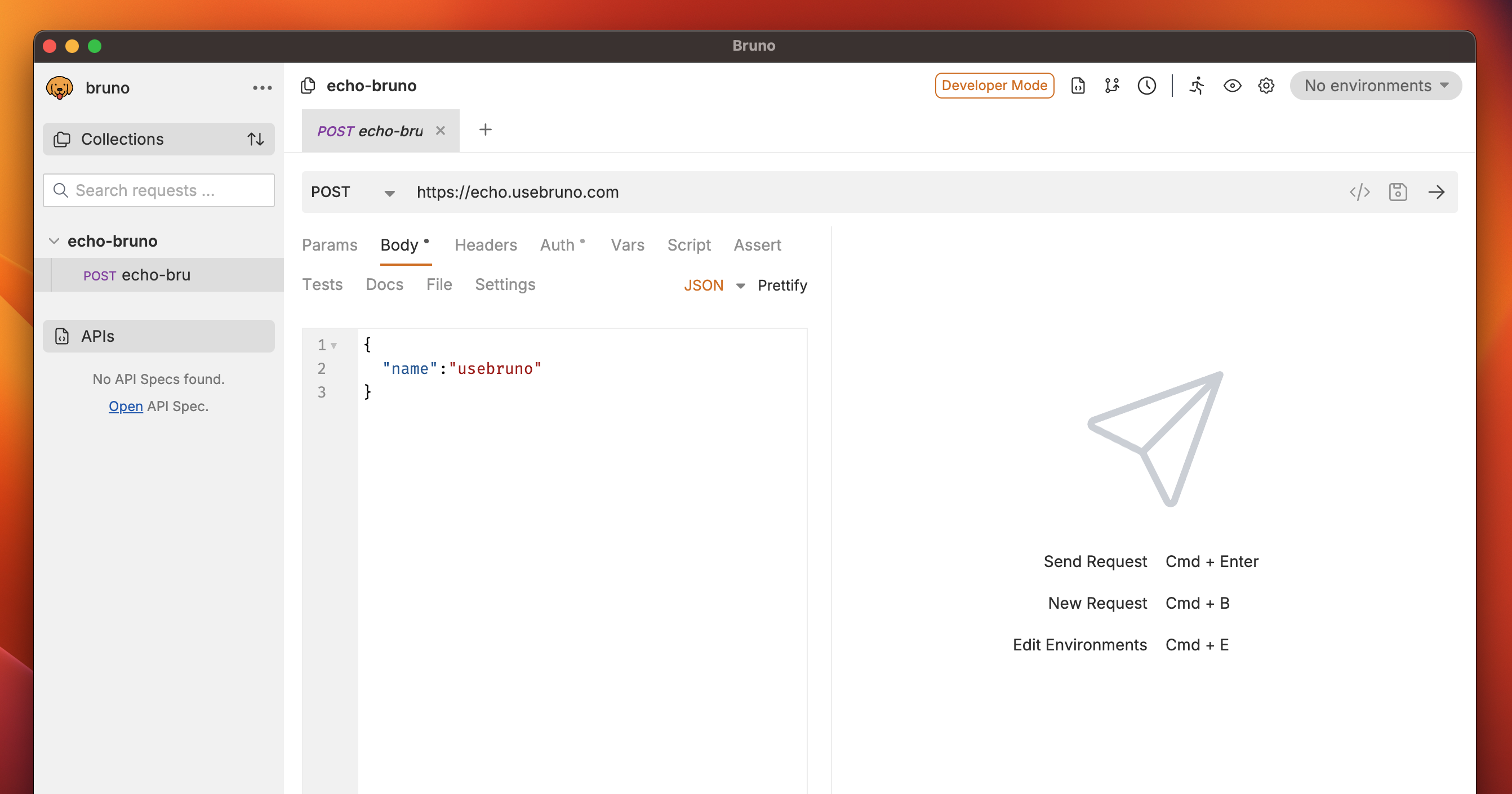
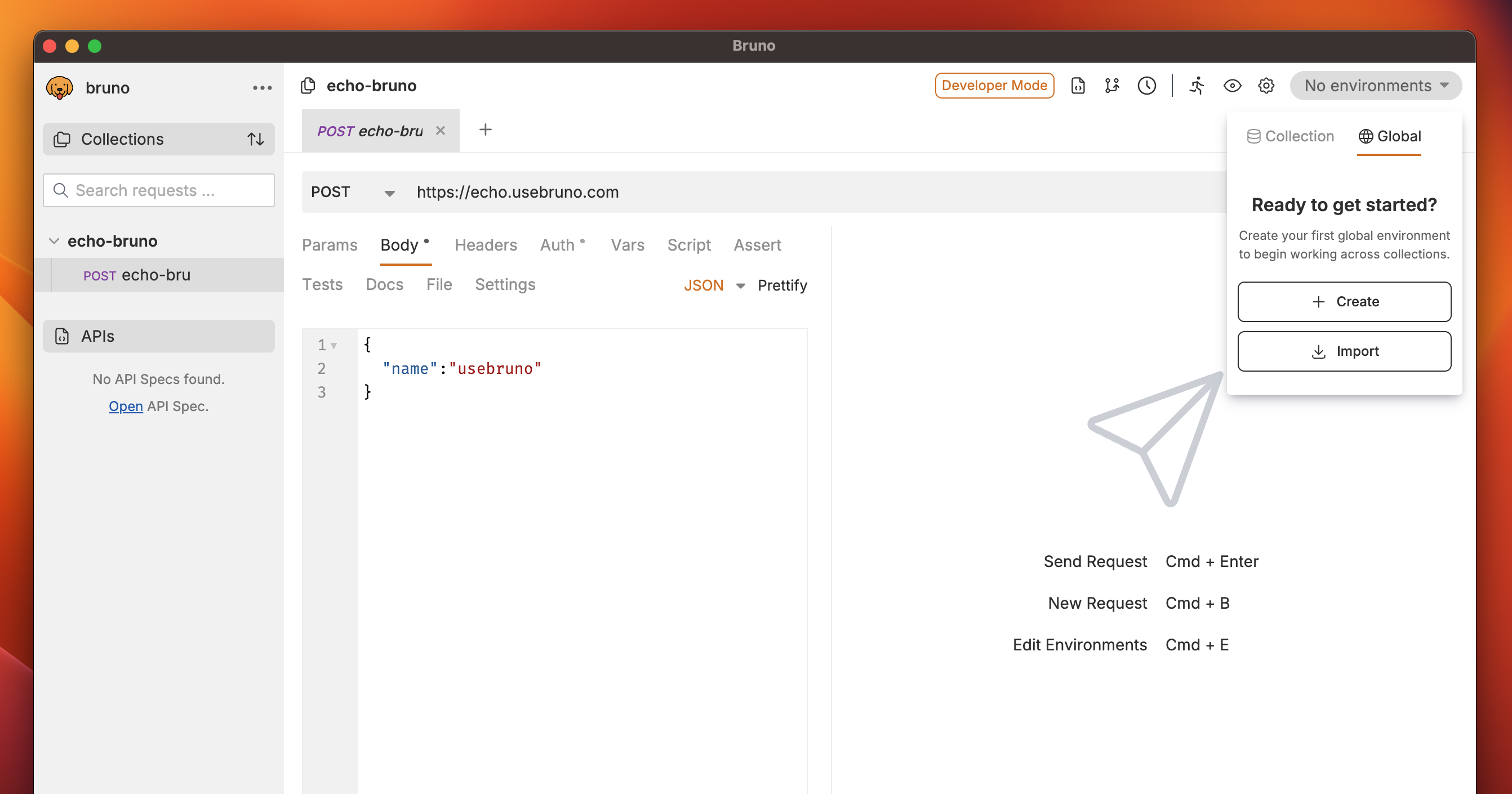
- Navigate to the Global tab and click on Create.
- (Optional) If you need to import an existing environment, you can use the Import Environment option.
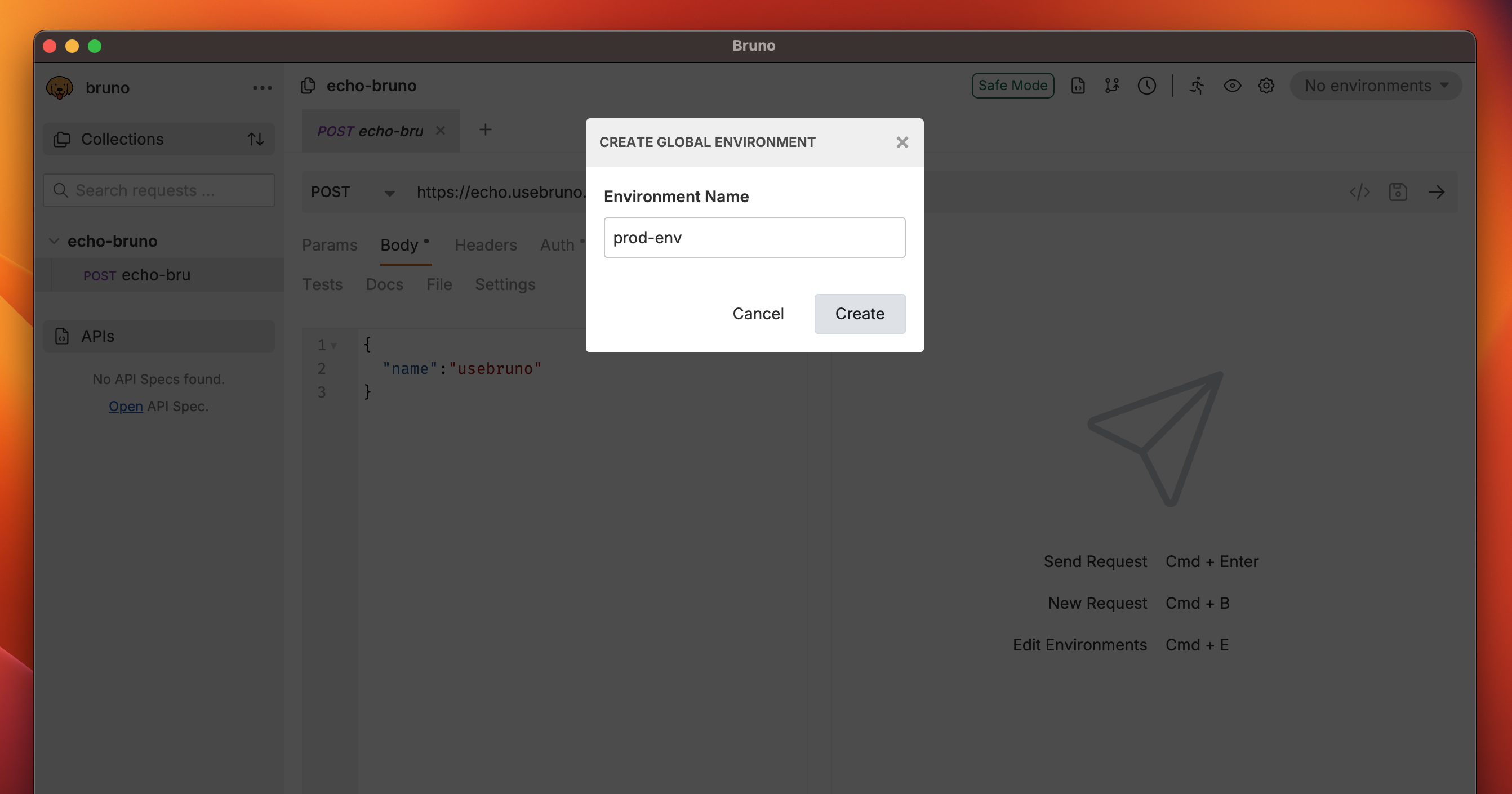
- Enter a name for your environment and click Create.
- Add a variable by specifying the Name and Value.
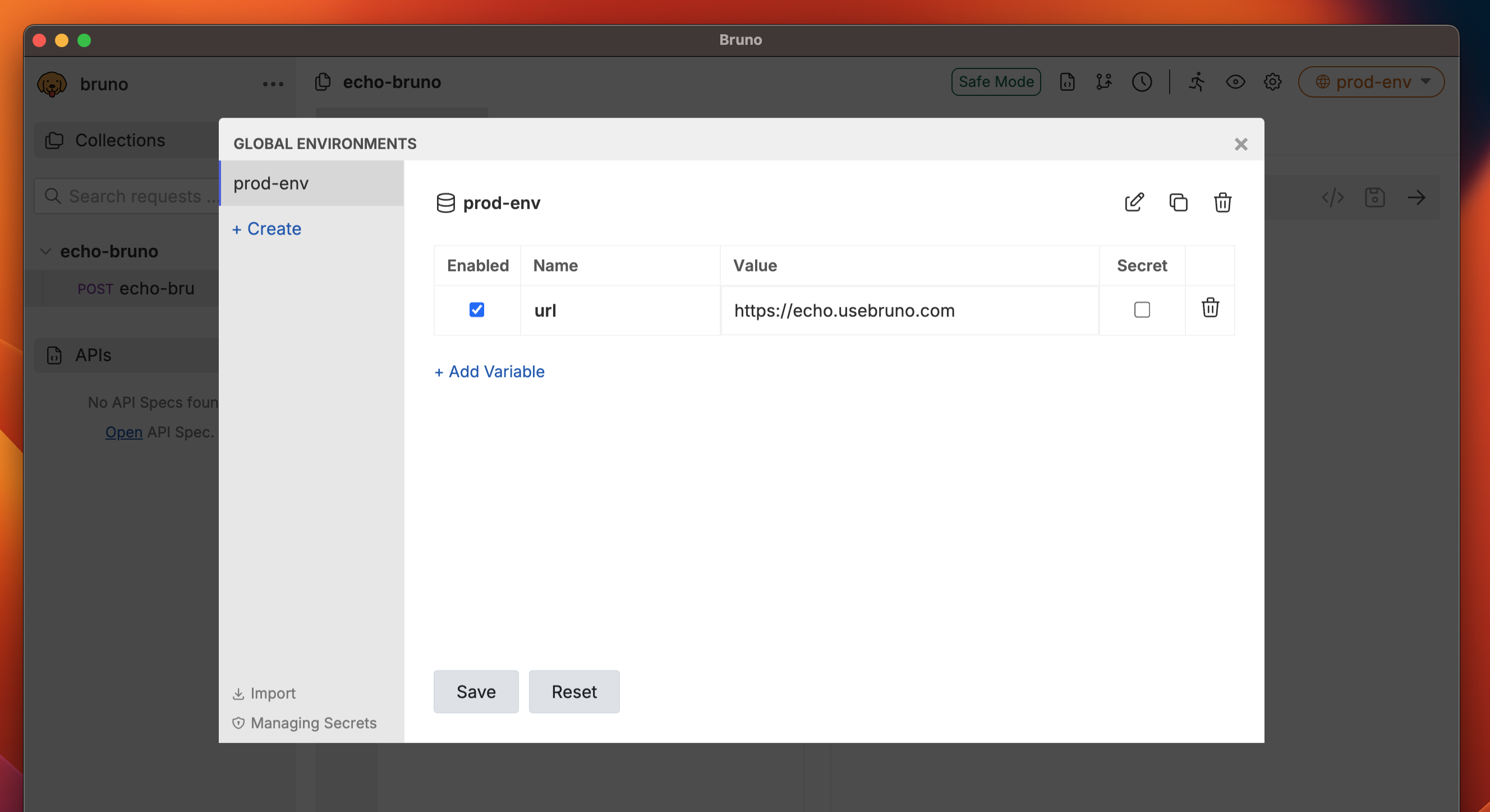
- Click Save.
Using Global Environment Variables
To use a global environment variable, reference it using the format{{var_name}} in any request or collection. These variables can be combined with other variables and used throughout your workspace, making them ideal for consistent value sharing.
Import/Export Global Environment Variables
For detailed instructions on importing and exporting global environment variables, see the Import/Export Environments guide.